1
CTR & impressions
Your packaging test: whether your title and thumbnail create enough curiosity. If impressions are high but CTR is low, your packaging needs work.

Long-form YouTube doesn’t reward guessing—it rewards patterns. If you’re publishing long videos but your retention dips, your CTR stalls, or your next topic feels like a coin toss, YouTube Analytics can stop the confusion.
The goal isn’t to get more data. It’s to use your own performance signals to find what’s actually driving views, clicks, and repeatable growth.
Click signals
CTR, impressions, title and thumbnail patterns.
Retention signals
Drop-off points, hooks, pacing, and repeatable structure.
Growth signals
Traffic sources, returning viewers, and repeat performance.
Long-form focus
Short-form often rewards immediate clicks. Long-form rewards stickiness after the click.
That means your analytics review should prioritize whether people clicked, whether they stayed, whether viewers continued after key moments, whether the video generated sustainable momentum, and which formats and topics repeatedly perform.
Did people click?
Did people stay?
Did momentum continue?

Core metrics
Use these metrics together—not in isolation.
Your packaging test: whether your title and thumbnail create enough curiosity. If impressions are high but CTR is low, your packaging needs work.
Your retention outcome: whether viewers find your video valuable enough to keep watching. A higher AVD than your channel average is often a strong growth signal.
The exact moments viewers drop off and the moments that hold attention. If viewers drop early, focus on the hook; if they drop mid-video, focus on structure, pacing, and payoff.
What YouTube is doing with your video distribution: Browse features, Search, Suggested videos, and External sources.
Your long-term growth engine: whether people come back for more and which topics or series formats correlate with repeated viewers.

Repeatable workflow
Compare each video to your channel baseline. Check CTR, AVD/watch time, and retention curve shape against previous videos.
Diagnose in the right order. Review CTR and impressions, then retention, traffic sources, and returning viewers.
Tag performance by content factors. Note topic angle, title style, thumbnail style, structure, and video length range.
Convert insights into one clear next action. For example, use stronger benefit-led titles, improve a specific retention dip, or expand Search keyword coverage.
My Videos
Think of My Videos — Learn What Actually Works as your personal YouTube performance research tool.
Instead of manually hunting through charts, it helps you identify what’s actually driving clicks, retention, topic selection, and repeatable video performance.
Connect your channel
Analyze past videos
Find winning patterns
Plan next-video decisions
GapTube.ai also supports growth strategy by discovering content gaps and trending opportunities so your next ideas align with what your audience already responds to.
Talk to Our Team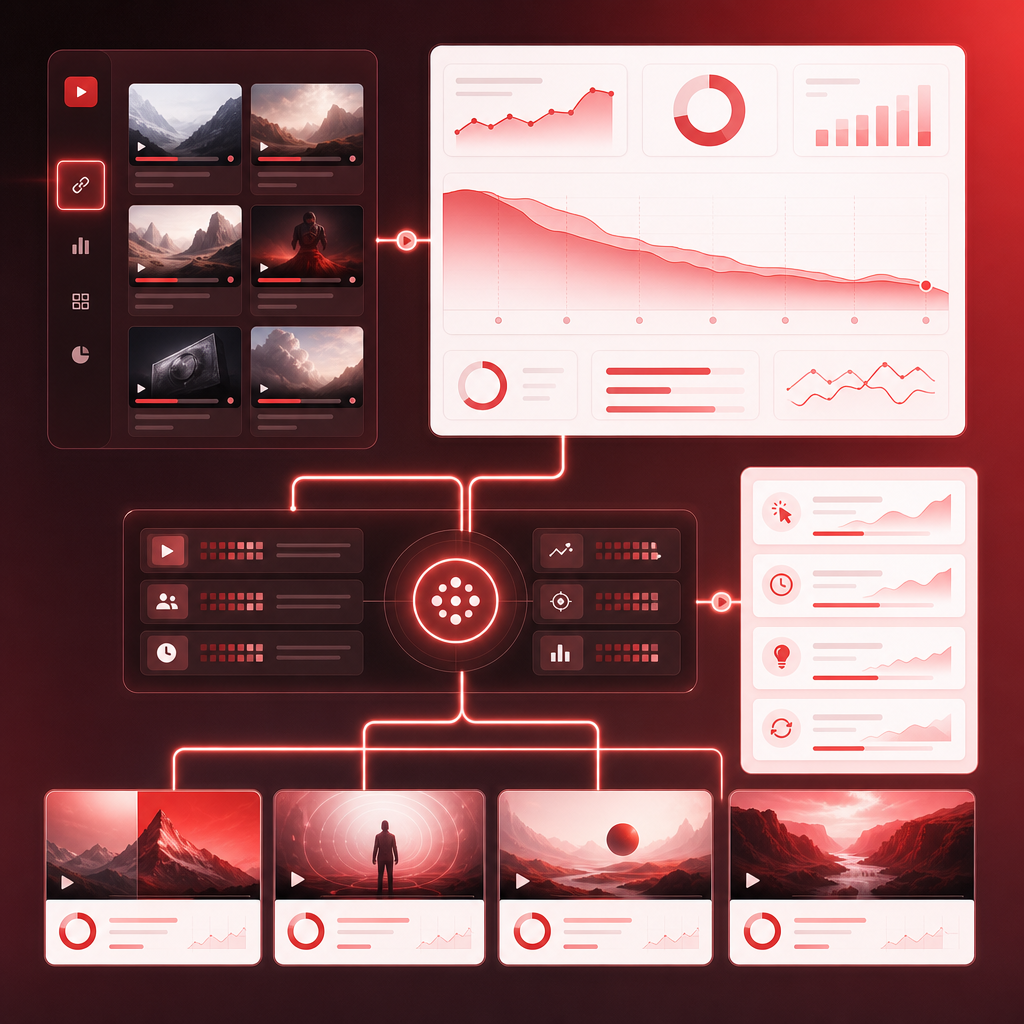
Creator tips
Pick the top 2–3 drop-off points and decide whether you need a stronger hook, clearer transition, better mid-video payoff, or tighter examples.
Long-form titles usually perform best when they clearly communicate the outcome or value, who it’s for, and what makes the video different.
Your thumbnail should reflect the video’s strongest “yes, that’s why I clicked” moment: the central subject, outcome, and key visual promise.
Ask which topics produce the best retention and distribution, which angles bring returning viewers, and which traffic sources matter most now.
You’ll learn faster if you only change one thing per next upload: same format with new packaging, same topic with a new hook, or same packaging with new intro pacing.
You can’t access another channel’s private YouTube Analytics unless you have permission, such as collaborator or linked access.
If your YouTube Studio analytics appear mixed or show another creator’s videos, it’s usually an access or account configuration issue.
The simple loop
That’s how analytics becomes a growth engine. With Gaptube, creators can master YouTube strategies, automate research, and find content gaps in their niche worldwide, in 70+ languages.
FAQs
Start with CTR plus impressions, then average view duration and watch time, and use the retention graph to diagnose hook and structure. Pair that with traffic sources and returning viewers for long-term growth.
For most creators: after launch, check weekly for the first 2–4 weeks, then do a deeper monthly review to find repeatable patterns.
Yes—when you combine your own signals, such as retention, distribution, and loyalty, with topic research that surfaces trends and gaps. That’s the winning combo for stronger next video ideas.
No—think of it as the layer that turns your YouTube Studio data into clear, actionable patterns so you stop guessing and start repeating what works.
Ready to stop guessing?
Use My Videos — Learn What Actually Works to analyze your channel’s performance and turn your past results into better future videos.
Start Your Project