
YouTube Niche Finder Tool, Content Calendar & Channel Insights
If you’re a content entrepreneur building an online business with YouTube as a growth channel, you don’t need more ideas—you need proof. Discover — See What’s Already Working helps you scan YouTube trends and top-performing videos in your niche so you can see what’s earning views, engagement, and momentum right now.
Get StartedFind winning topics
Find winning topics before you create.
Spot content gaps
Spot content gaps competitors haven’t filled.
Uncover trending keywords
Uncover trending keywords across languages and regions.
Build your Content Calendar
Turn research into a Content Calendar you can actually follow.
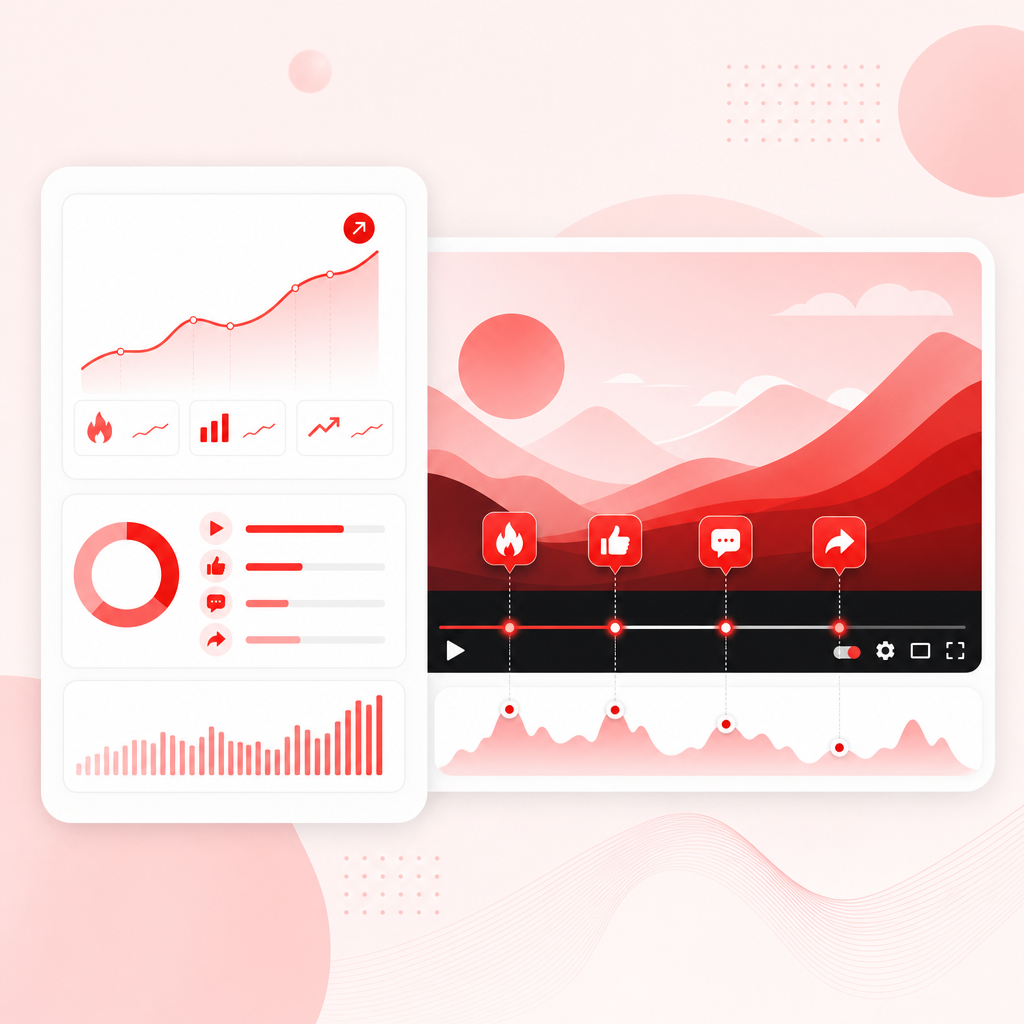
Discover — See What’s Already Working
Discover — See What’s Already Working helps you scan YouTube trends and top-performing videos in your niche so you can see what’s earning views, engagement, and momentum right now.
Stop guessing what to post next. Use GapTube.ai to:
- find winning topics before you create,
- spot content gaps competitors haven’t filled,
- uncover trending keywords across languages and regions,
- and turn research into a Content Calendar you can actually follow.
Why content entrepreneurs need a niche finder (not just “inspiration”)
Most creators plan content like this:
- pick a topic based on interest,
- write a video,
- hope people are searching.
That approach is risky—especially when you’re trying to grow consistently and win within a specific niche.
A YouTube niche finder tool changes the workflow from “guessing” to discovering. Instead of asking, “What should I post?” you ask:
- “What’s already working on YouTube in my niche?”
- “Which topics are gaining momentum?”
- “Where are the gaps in what viewers are getting today?”
That’s how you make video ideas with a higher chance of reaching the right audience.
What Is a YouTube Niche Finder Tool?
A YouTube niche finder tool helps you research your niche by identifying content opportunities that are already performing—so you can plan videos around proven audience demand.
Instead of only giving you keyword ideas, niche finders typically:
- scan YouTube trends and performance signals,
- surface top videos and repeating content patterns,
- reveal content gaps (topics covered indirectly, missing angles, underserved subtopics),
- and produce actionable suggestions you can map into your planning.
What you should expect from a niche finder tool
When you evaluate tools (for example, lists of “best” niche finder tools, free AI niche options, and niche-selection guides from popular creator platforms), look for capabilities that help you answer these questions clearly:
1) Are viewers already watching this topic?
You want evidence that interest exists—often shown through performance of competing videos and trend signals.
2) Is the niche big enough to scale?
A good tool helps you expand beyond one viral idea into clusters you can cover over time.
3) Where can you differentiate?
Not all “working topics” are worth copying. You need the tool to highlight angles or subtopics where you can outperform.
4) Can you plan quickly?
Research should translate into a workflow for ideation, outlining, and scheduling.
Channel Insights: the signals you should use before you create
Channel Insights isn’t just about one number—it’s about understanding why videos are performing and what viewers are responding to.
When you’re using research to plan content, focus on these insight categories:
1) Content momentum
Look for topics where interest appears to be rising (or consistently strong). This helps you avoid “flash-in-the-pan” ideas.
2) Engagement patterns
- High-performing videos often share common traits:
- strong hooks in the first seconds,
- clear value delivery,
- repeatable formats (tutorials, comparisons, breakdowns, case studies).
3) Competitive coverage & gaps
- Even in active niches, there are often missing pieces:
- a topic covered with the wrong depth,
- outdated versions of tutorials,
- unanswered questions,
- missing sub-audience (beginner vs advanced),
- lack of specific “use-case” videos.
4) Keyword and language expansion
If you create globally (or want to), you should be able to discover opportunities across multiple languages and regions—not only English.
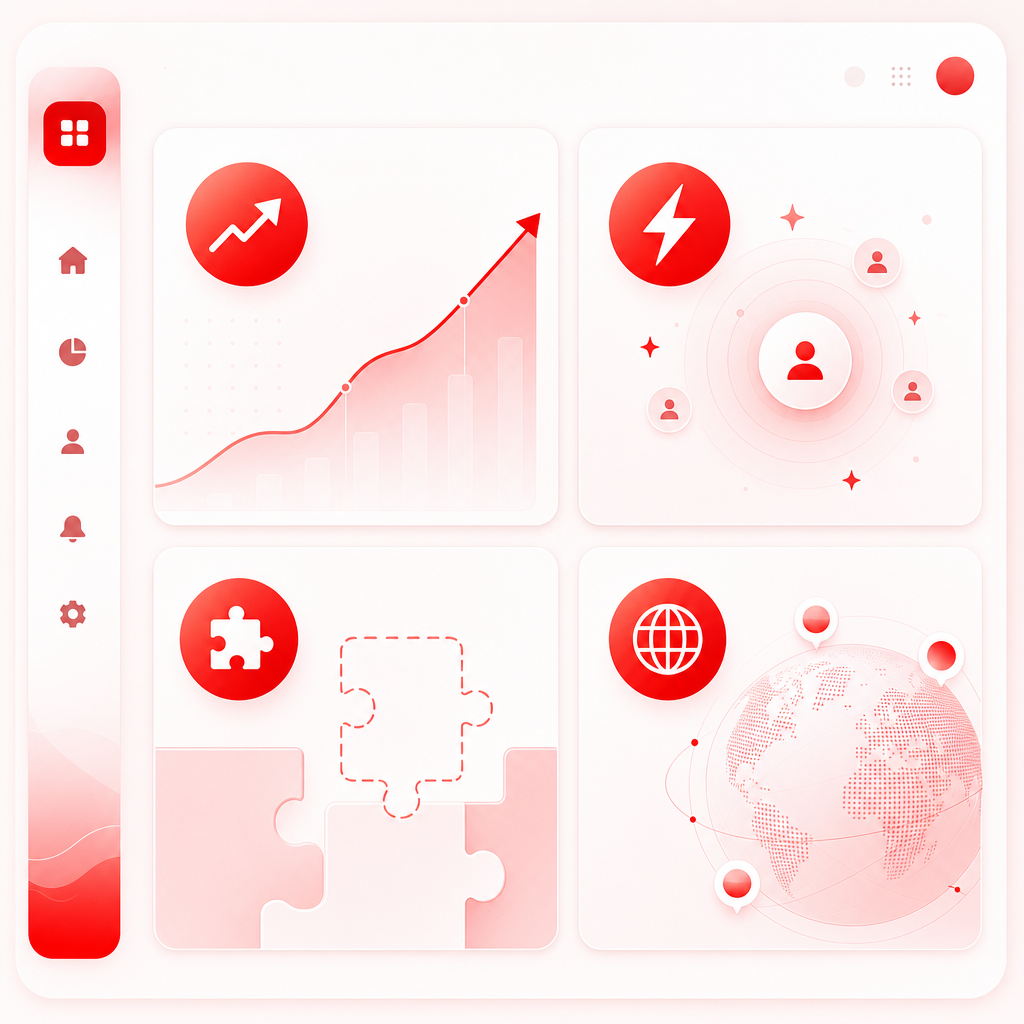
GapTube.ai advantage: it scans real-time trends worldwide, identifies content gaps, and delivers actionable video ideas in 70+ languages—so your research isn’t limited by your own language comfort.
Content Calendar: stop guessing—plan from discovered opportunities
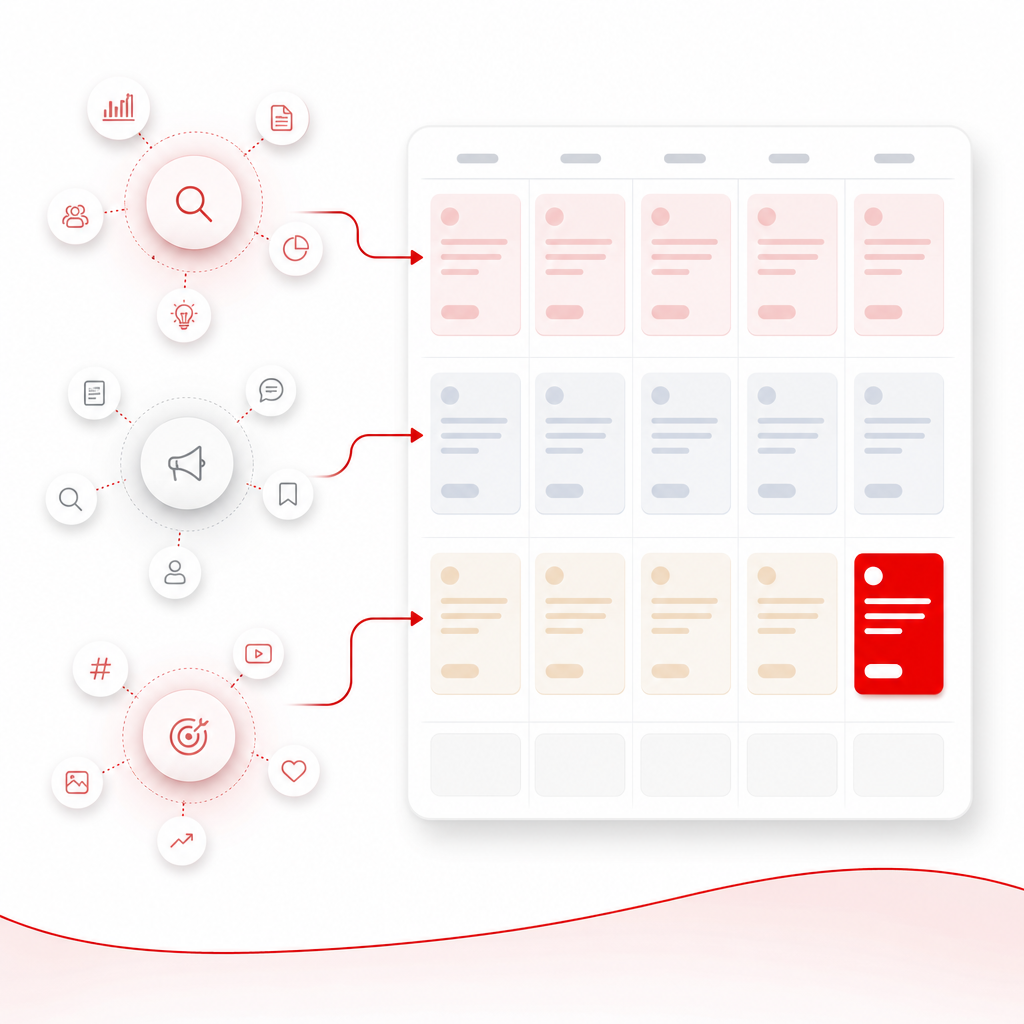
A Content Calendar should be the outcome of your research, not a document you fill in after the fact.
Here’s a simple approach:
Step 1: Choose a niche focus (and subtopics)
Start with your main niche, then define 3–5 subtopics you can build a series around.
Step 2: Use research to generate “topic clusters”
From your scans, group ideas into clusters like:
- beginner guide → advanced deep dive → troubleshooting → comparisons → case studies
Step 3: Schedule based on opportunity strength
Not all videos should launch first. Start with the videos that help you:
- attract new viewers,
- confirm search intent,
- and earn momentum toward higher-commitment series.
Step 4: Assign a “video job” to every upload
Each video should have a purpose:
- Attract: match common viewer intent
- Convert: teach something that positions you as the solution
- Retain: build a series viewers can follow
- Compete: fill a gap competitors missed
A Content Calendar template you can use immediately
Use this format for a 2–4 week planning block:
| Upload Date | Video Topic (Cluster) | Primary Keyword | Competing Angle You’ll Improve | Content Gap You’ll Cover | Series/Playlist |
|---|---|---|---|---|---|
| Week 1 Day 1 | Topic A (Beginner) | Keyword 1 | Faster hook + clearer steps | Missing “example” | Starter Series |
| Week 1 Day 3 | Topic B (Use-case) | Keyword 2 | More specific use case | Underserved scenario | Use-Case Series |
| Week 2 Day 1 | Topic C (Comparison) | Keyword 3 | Better breakdown | No side-by-side guidance | Comparison Series |
| Week 2 Day 3 | Topic D (Troubleshooting) | Keyword 4 | More practical fixes | Outdated info | Fix-It Series |
Goal: every upload should feel like it came from a strategy—because it did.
How GapTube.ai helps you discover proven YouTube content opportunities
GapTube.ai (GapTube.ai — YT Research Tool) is built for creators and teams who want faster planning with stronger results.
Here’s the GapTube.ai workflow (optimized for speed + action)
1) Scan real-time trends in your niche
See what’s happening now—so you can prioritize opportunities with momentum.
2) Identify content gaps competitors aren’t covering well
You don’t just copy what’s popular—you find where you can win.
3) Get actionable video ideas + keyword suggestions
Turn research into next steps: topics, angles, and search-friendly keywords.
4) Plan across languages and regions (70+ languages)
If you want growth beyond your current market, this expands your content options fast.
5) Automate the research loop
Instead of reinventing research every time, you can use daily insights to keep your planning consistent.
Stop guessing what to post next: a 15-minute validation checklist
Before you commit to a video idea, validate it like this:
- What is the viewer intent? Tutorial? Comparison? “How to start”? “Best tools”? Troubleshooting?
- Is there evidence this topic performs repeatedly? Look for patterns across top videos.
- Where can you add a better angle? More clarity? More specificity? A fresher example? A different audience level?
- Can you build a series from it? If you can’t expand beyond one video, you may struggle to maintain consistency.
- Do you have keywords ready to plan with? Your Content Calendar should be keyword-driven, not just title-driven.
If you want a tool-assisted way to go through this checklist faster, GapTube.ai is designed for exactly that discovery-to-planning workflow.
How to choose a YouTube niche finder tool (quick comparison framework)
Not every tool helps you plan content the same way. Use this framework:
Look for these “must-haves”
- Trend scanning (not just static keyword suggestions)
- Gap detection (what’s missing, not only what exists)
- Actionable outputs (video ideas, angles, keywords you can use)
- Consistency for planning (so your Content Calendar stays full)
- Global coverage (multi-language opportunities if you want scale)
Why creators compare multiple tools
Popular comparisons and “best tool” roundup pages often show different tool types:
- AI niche finder tools that generate ideas quickly,
- creator platforms that guide niche selection strategically,
- keyword-focused tools that help with search terms.
Best practice: choose a tool that supports the full loop—discover → validate → plan.
That loop is what GapTube.ai is built to deliver for YouTube creators who want to grow faster with less uncertainty.
Frequently Asked Questions
How do I use a YouTube niche finder tool for a Content Calendar?
Use it to: (1) discover topic clusters, (2) extract keywords and angles, (3) identify content gaps, then (4) schedule videos by intent (attract/convert/retain/compete).
Is “finding a niche” the same as “choosing video ideas”?
Not exactly. Niche selection is broad (your audience + topic focus). Video ideas are the specific angles and search intents you publish within that niche.
What should I look for in Channel Insights?
Focus on patterns: content momentum, engagement style, repeatable formats, and—most importantly—gaps where viewers aren’t getting the best answer yet.
Do I need a tool if I can just research manually?
Manual research works, but it’s slow. A niche finder tool helps you compress hours of scanning into actionable outputs you can plug directly into your Content Calendar.
Can I discover opportunities outside my language?
Yes—if your tool supports multi-language insights. GapTube.ai provides video ideas and keyword opportunities in 70+ languages.
Discover what’s already working—then post with confidence
If you’re building an audience (and a business) around YouTube, your content plan should be based on reality—not hope.
Discover — See What’s Already Working with GapTube.ai:
- scan trends,
- spot content gaps,
- generate proven video ideas,
- and build a Content Calendar powered by Channel Insights.
Ready to stop guessing and start publishing from what’s already working?
Make your next 4 weeks of content planning research-based—starting today.
Get Started