
Educational YouTube Video Ideas & Content Gaps
If you’re an educational YouTuber—teaching skills, explaining topics, or creating tutorials—you already know the hardest part isn’t making videos. It’s figuring out what to post next.
You don’t just need “ideas.” You need keyword-rich, search-demand-backed video opportunities—and you need them consistently.
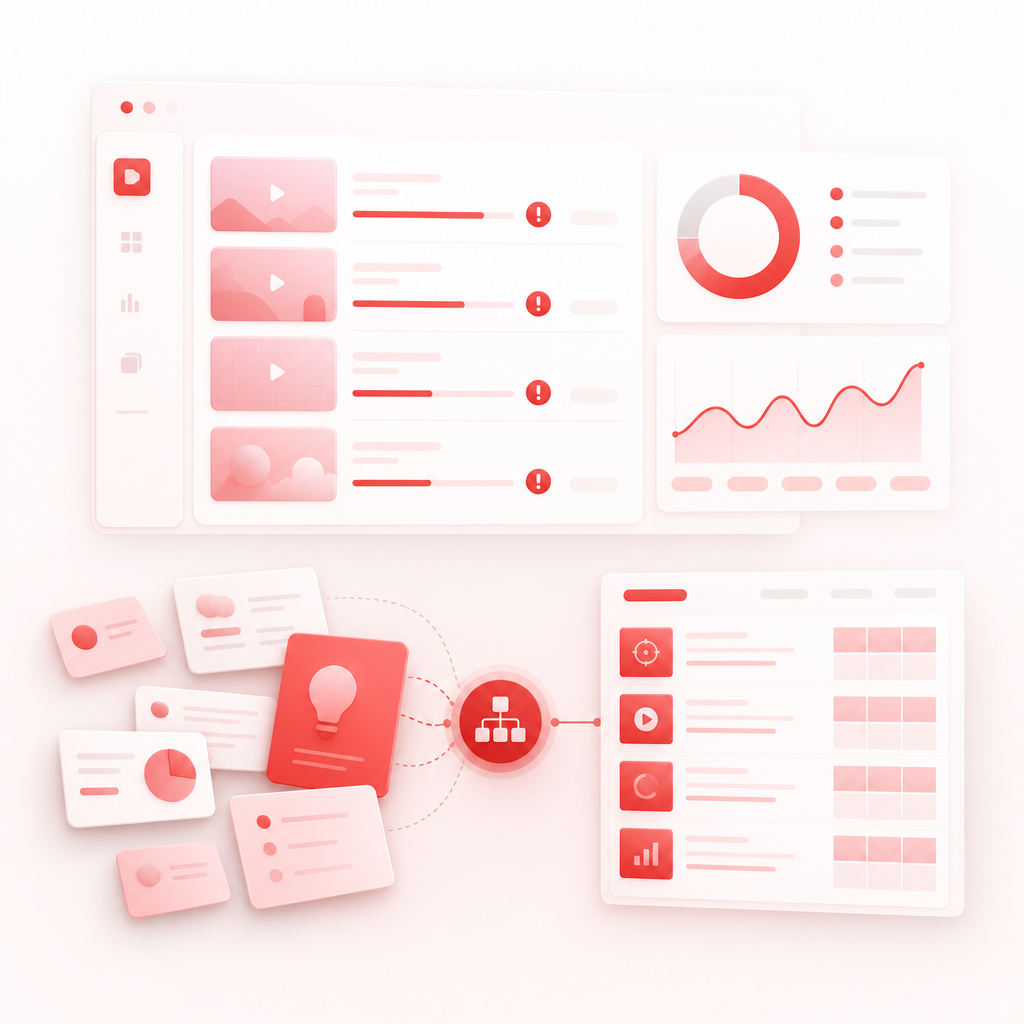
That’s exactly what GapTube.ai - YT Research Tool is built for: it scans real-time YouTube trends worldwide, identifies content gaps in your niche, and turns them into actionable video plans (including keyword suggestions in 70+ languages).
Real-time YouTube trends
It scans real-time YouTube trends worldwide.
Content gaps in your niche
It identifies content gaps in your niche.
Keywords in 70+ languages
It includes keyword suggestions in 70+ languages.
Why Educational YouTubers Get Stuck on “What’s Next”
Most educational creators waste time doing the same loop:
- Searching “what’s trending” (but not in your niche)
- Checking competitor channels (and copying what’s already saturated)
- Reading comment sections for ideas (useful… but inconsistent)
- Guessing which topics will perform next
The result? Stalled uploads and “almost good” videos that don’t match audience intent.
GapTube.ai replaces guessing with data-backed planning, so you can publish with confidence.
The Educational Content Advantage: Teach What People Are Already Searching For
Educational content wins when it matches one of these search intents:
- Learn something new (beginner-friendly explanations)
- Fix a specific problem (how-to troubleshooting)
- Understand a complex concept (step-by-step breakdowns)
- Choose an approach (pros and cons, comparisons, best-of lists)
- Practice a skill (workbook-style tutorials)
This pillar page shows you how to generate ideas using three high-performing angles:
1) Thumbnail Hook Generator
Strategies for educational CTR
2) Intentional screen time
Content that builds trust with parents/educators
3) Pros and cons of YouTube
Content that attracts high-intent viewers
Thumbnail Hook Generator for Educational Videos (That Don’t Feel Clickbaity)
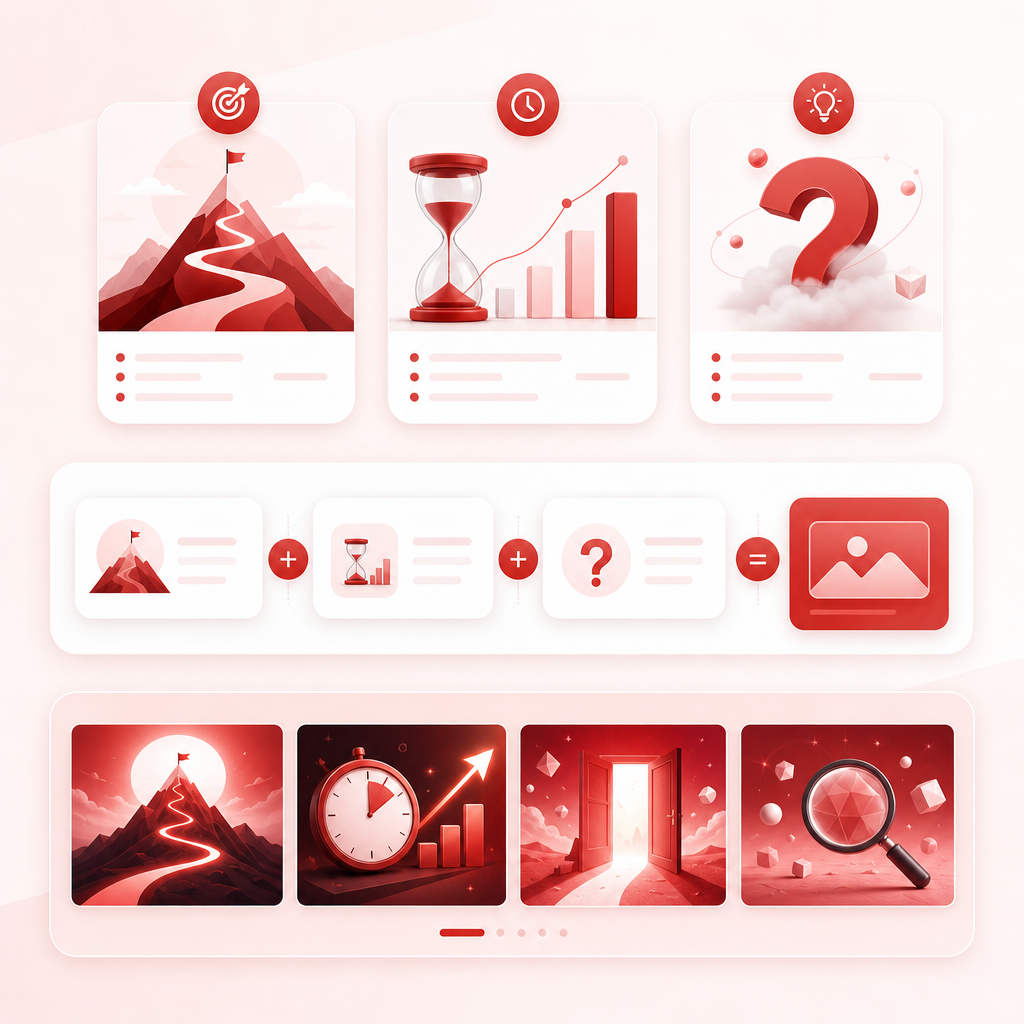
Educational thumbnails should clarify value instantly: what will the viewer learn and why should they care right now?
The fastest way to build hooks
Use the structure:
[Big promise outcome] + [specific time/level] + [curiosity trigger]
Examples of educational “hook styles”:
- Learn X in 60 Seconds (No Prior Knowledge)
- Stop Doing Y—Do This Instead
- The 3-Step Method That Makes X Click
- Beginner Mistakes: Fix These in 5 Minutes
- Pros vs Cons of X (Which One Is Better?)
Thumbnail Hook Generator prompts you can use right now
When you have your topic, generate 10–20 variations like this:
Prompt format:
> “Generate 15 educational YouTube thumbnail hooks for [TOPIC]. Audience: [AUDIENCE]. Tone: [friendly/serious/funny]. Include beginner-level outcomes and avoid vague wording.”
Hook ideas for your niche (examples):
If your topic is intentional screen time
- “Intentional Screen Time: Do This Weekly”
- “Screens Can Help—But Only If You Follow This”
- “How to Set Screen Rules (That Kids Actually Follow)”
If your topic is pros and cons of YouTube
- “Pros & Cons of YouTube for Kids (Real Talk)”
- “Is YouTube Good for Learning? The Truth”
- “Benefits vs Risks: What Parents Should Know”
Tip: Take the strongest keywords from your research (GapTube.ai can help with this) and plug them into hook formulas.
Intentional Screen Time Video Ideas (Trust-Building Education)
“Intentional screen time” is more than a buzz phrase—it’s a search-driven topic for parents, teachers, and homeschool creators who want guidance that feels safe and actionable.
What viewers want from intentional screen time content
- “Is screen time harmful or helpful?”
- “How do we make it intentional?”
- “What rules should we follow?”
- “How can we use YouTube for learning responsibly?”
High-demand video ideas you can create
A) Rules + routines
- “The 10-Minute Intentional Screen Time Rule (Try This Today)”
- “Screen Time That Helps: A Parent Checklist”
- “How to Choose Educational Videos for Your Child”
B) Learning frameworks
- “Turn YouTube Into Learning: 3-Step Parent Method”
- “Watching With Purpose: Ask These 5 Questions”
- “Beginner Study Skills Using YouTube (No Extra Apps)”
C) Time limits + boundaries
- “How Much Screen Time Is Okay? (Intentional Approach)”
- “The Best Screen Time Schedule for Weeknights”
- “What to Do When Kids Want ‘Just One More Video’”
D) Content safety and selection
- “How to Vet Educational YouTube Channels”
- “What ‘Good Educational’ Looks Like”
- “Avoiding Passive Watching: Do This Instead”
Pros and Cons of YouTube: The Debate Topic That Converts
Searchers love balanced answers. A “pros and cons of YouTube” format gets clicks because it reduces uncertainty.
Video structures that perform well
- Pros vs Cons (table-style breakdown)
- Best-case vs worst-case scenarios
- What to watch / what to avoid
- How to set guardrails
- For kids of different ages (e.g., 3–5, 6–8, 9–12)
Video ideas you can publish as a series
- “Pros and Cons of YouTube for Kids (A Parent’s Guide)”
- “How to Use YouTube for Learning Without Doomscrolling”
- “Best Educational YouTube Content Types (Pros + Cons)”
- “The Hidden Downsides of ‘Mindless Educational’ Videos”
- “How to Teach Media Literacy Using YouTube”
Bonus: this theme naturally supports comment growth because people have opinions and experiences to share.
Educational YouTube Video Ideas That Work (By Format)
Here are creator-friendly formats you can use across almost any education niche:
1) “How to” tutorials
(highest practical intent)
- “How to Learn [Skill] in 7 Days”
- “How to Use [Tool/Method] Step-by-Step”
- “How to Fix [Common Mistake]”
2) “Explain it like I’m…”
(highest sharing)
- “Explaining [Concept] Like You’re 10”
- “Explaining [Science Idea] in Plain English”
- “What [Term] Really Means (And Why It Matters)”
3) Comparisons + best-of lists
(great for pros/cons angles)
- “X vs Y: Which One Should You Choose?”
- “Best Resources for Learning [Topic] (Pros/Cons)”
- “Beginner vs Advanced: How to Progress”
4) Myth-busting education
(high CTR)
- “Stop Believing This About [Topic]”
- “The Real Reason [Problem] Happens”
- “What They Don’t Tell You About Learning [Skill]”
5) Challenge/workbook style videos
(retention-friendly)
- “Day 1–Day 7: Practice [Skill] With Me”
- “5-Minute Drills: Improve at [Skill]”
- “Watch → Try → Check (Educational Mini Lessons)”
How GapTube.ai Helps You Find Content Gaps (Not Just Random Topics)
GapTube.ai is designed around one core problem: Creators waste time guessing what to post.
Instead, it helps you:
Discover trending topics in your niche
- Scan real-time interest, not generic trends
- See what’s rising in your content area
Discover trending topics in your niche
Find untapped video ideas competitors are missing
- Identify where similar channels aren’t serving full audience intent
- Turn “near topics” into stronger, more targeted videos
Research YouTube content faster
- Move from “manual searching” to structured opportunities
Get keyword + topic suggestions in 70+ languages
- Expand beyond your current audience
- Build localized content opportunities
Plan videos with daily insights
- Reduce decision fatigue
- Build a consistent publishing rhythm
Plan videos with daily insights
Grow with data-backed content ideas
- Focus on videos with clearer demand and positioning
The Daily Workflow: From Trend → Gap → Video Plan
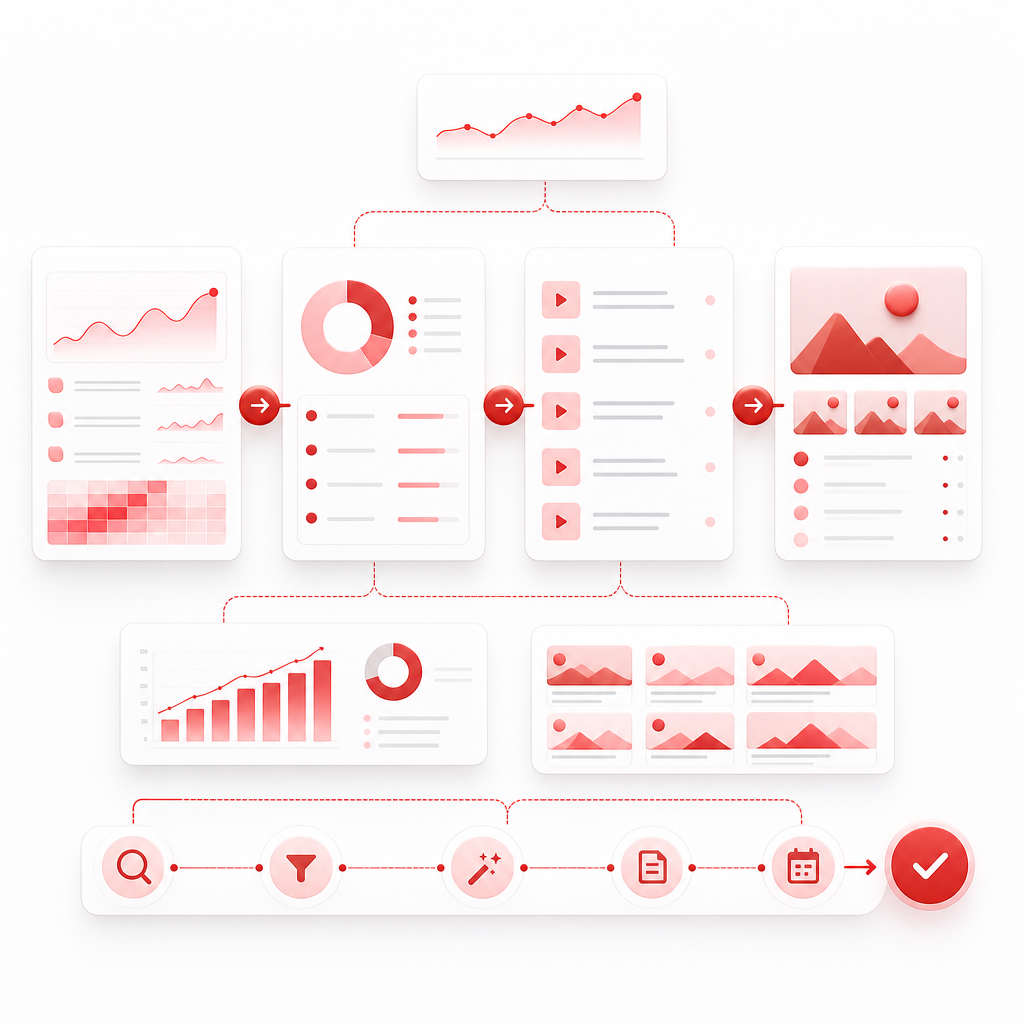
Here’s a simple pipeline you can follow every day:
- Scan your niche trends (GapTube.ai)
- Pick one content gap (what’s missing or underserved)
- Generate titles + keyword-focused angles
- Build a Thumbnail Hook Generator set (10+ variations)
- Plan the video outline around viewer intent
- Schedule + publish, then iterate with what performs
This turns your content strategy into a repeatable system.
Ready to stop guessing and start publishing educational videos people are actively searching for?
You’ll get one topic plus hundreds of keywords, permanently.
Frequently Asked Questions
How do I find educational YouTube ideas that match real search demand?
Look for topics where viewers already ask questions (tutorials, explainers, comparisons) and then build around specific intent keywords. GapTube.ai helps by scanning real-time trends and content gaps in your niche.
Can I use “pros and cons of YouTube” ideas even if my channel is educational?
Yes—this format is excellent for educators, parents, and learning coaches. It attracts high-intent viewers and supports trust-building content.
What should intentional screen time videos include?
Creators typically perform well with actionable rules, learning frameworks (how to watch with purpose), and age-appropriate guidance. The best videos turn vague advice into clear steps.
What makes educational thumbnails work better than generic thumbnails?
Your thumbnail should communicate: the learning outcome, the viewer’s level (beginner, quick fix, etc.), and a specific curiosity trigger. Then your title/description should match those keywords and intent.
Your next video idea shouldn’t take all weekend.
Let GapTube.ai find the content gaps and trending opportunities—so you can create with confidence.
If you want, tell me your educational niche (and your audience age group, if relevant). I’ll generate 10 video ideas using the “thumbnail hook generator,” plus intentional screen time and pros and cons of YouTube angles—optimized for GapTube.ai-style content gaps.
You’ll get one topic plus hundreds of keywords, permanently.