
Turn Long Videos Into Shorts With Vizard Clips
Long-form creators already do the hard part: recording interviews, tutorials, podcasts, webinars, and YouTube videos. Vizard Clips turns one long video into dozens of ready-to-post short clips for YouTube Shorts, TikTok, Instagram Reels, and LinkedIn—so your best moments reach more viewers, faster.
Podcasts and interview episodes
Webinars and on-demand replays
Tutorials, lessons, and YouTube uploads
Livestreams, panels, and recorded events
Multiply your content output without more recording time
If you create podcasts, interviews, webinars, tutorials, long YouTube uploads, livestreams, panels, or recorded events—and you want more output without more recording time—this workflow is built for you.
Podcasts and interviews
Turn episodes and conversations into short, shareable highlights.
Webinar replays
Use live or on-demand sessions as source material for ongoing short-form posts.
Tutorials and lessons
Extract one concept, step, checklist, or result into a focused clip.
Long YouTube uploads
Publish Shorts that preview value and drive viewers back to the full video.
Long-form builds trust. Short-form expands reach.
Most creators don’t lack ideas—they lack distribution. Long-form content reaches dedicated viewers, earns deep watch time, and builds trust over time.
Short-form clips expand reach to new audiences, drive discovery and subscriptions, create repeat viewing opportunities, and keep your channel active between uploads.
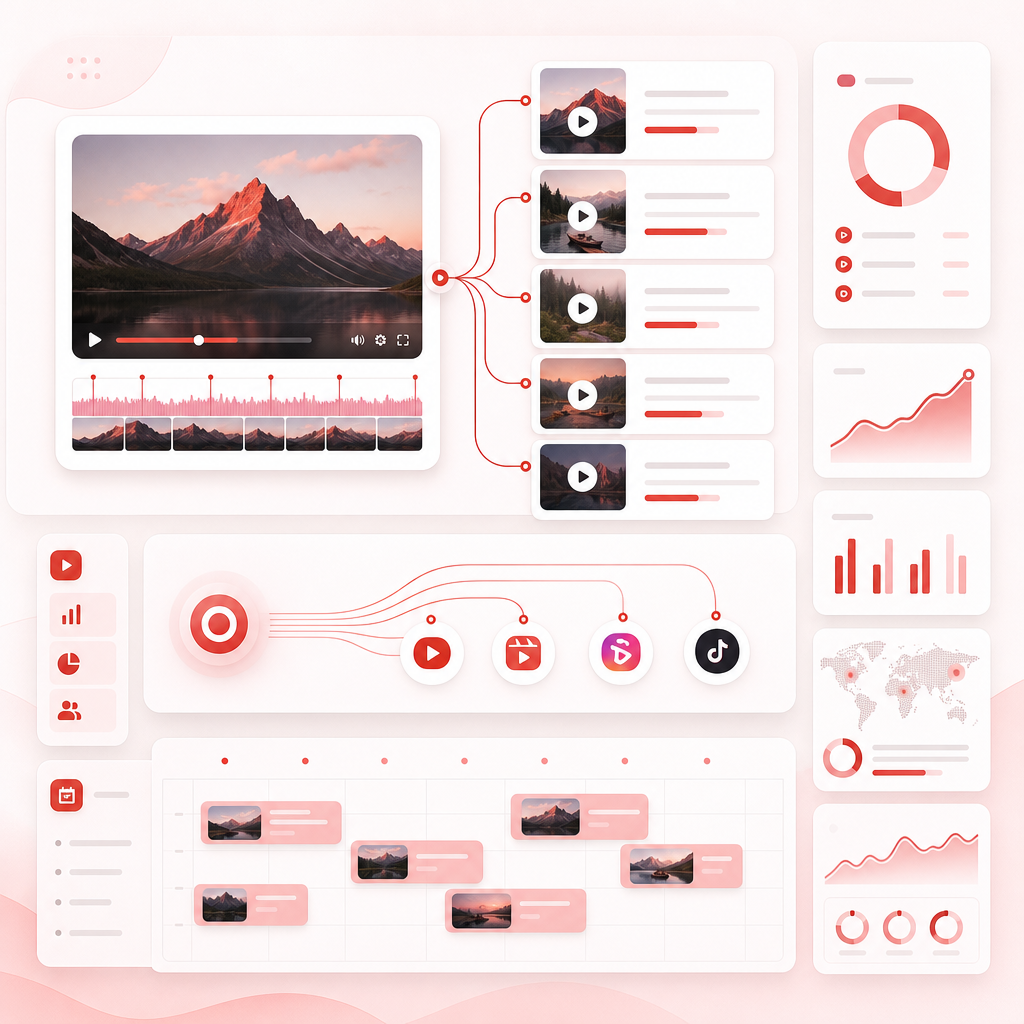
Turn “one upload” into “many posts”
A lot of AI video tools focus on generating new video from prompts. For creators, the winning strategy is different: keep your voice, your expertise, and your footage, then extract the most valuable moments and package them into short, platform-ready clips.
Keep your voice
Use the content, expertise, and real footage you already created.
Extract value
Find quotes, lessons, moments, and takeaways your audience actually shares.
Package for posting
Create short, platform-ready clips designed for consistent publishing.

How Vizard Clips turns long-form into clips
Start with your long-form video
Upload or import podcast episodes, interviews, webinar replays, YouTube videos, or livestream recordings.
Extract key moments
Identify valuable segments and turn full episodes into clip-worthy highlights.
Generate short-form-ready clips
Package clips with short-format sizing, readable text or captions, and titles or captions that match the clip.
Share faster
Move from long video to short clips in a fraction of the time instead of manually trimming, captioning, and formatting.
Where GapTube.ai fits
Creating clips is only half the game. Coming up with winning topics is the other half. That’s where YouTube keyword tool research from GapTube.ai becomes your content engine.
Use GapTube for Wide Research to discover trending content opportunities, identify content gaps in your niche, automate research with real-time trend scanning worldwide, and generate actionable video ideas in 70+ languages.
A simple combined workflow
- GapTube.ai finds content angles worth making.
- You record your long-form video.
- Vizard Clips extracts dozens of clips from every upload.

Repurpose by format
Vizard Clips helps long-form creators convert the content they already made into focused short-form posts.
Podcasts → viral short quotes
- Best advice moments
- Audience questions answered
- Strong opinions and turning points
- Mini-explanations that stand alone
Interviews → credibility clips
- The guest’s biggest insight
- Memorable stories
- Practical frameworks
- Quotable lines people want to tag and share
Tutorials → step-by-step micro-lessons
- One concept per clip
- How-to steps
- Before and after results
- Quick checklists
Webinars → replay value
- Key takeaways
- Q&A highlights
- Implementation steps
- “You should try this” demos
YouTube videos → Shorts
Shorts should preview value and earn the click to watch the full episode. Vizard Clips helps you publish highlights that bring viewers back to your channel.
What makes this different from “AI video generator” tools?
Some popular AI video generator tools help create or extend content from prompts. That can be helpful, but creators often run into a problem: generated video may not match their exact voice, can drift from their brand, and doesn’t reuse the trust already built with real footage.
Vizard Clips is built for content you already made. It’s a repurposing tool that helps you extract more value from every long-form upload—without restarting your creative workflow.
Optimize clips so they actually convert
When converting long videos into shorts, optimize for what viewers respond to and use what you learn from your videos to keep improving.
Frequently Asked Questions
Is Vizard Clips an “AI Youtube Video Generator”?
Can it turn webinars into shorts?
How many clips can I get from one long video?
Do I need to manually cut timestamps and format clips?
How do I combine GapTube.ai + Vizard Clips?
Stop treating every long-form upload as a one-time event.
Turn it into a content system. Create dozens of ready-to-post clips from every podcast, interview, webinar, tutorial, and YouTube video, and pair your planning with GapTube.ai research for more winning topics.
Talk to Our Team