
My Videos — Learn What Actually Works
Stop guessing what to post next. Use your own YouTube performance data to uncover the patterns that drive views, clicks, retention, and channel growth—then turn those insights into smarter future videos.
Whether you run one channel or manage multiple, GapTube.ai’s “My Videos” helps you answer the only question that matters: What in my video library is actually working—and how do I replicate it?
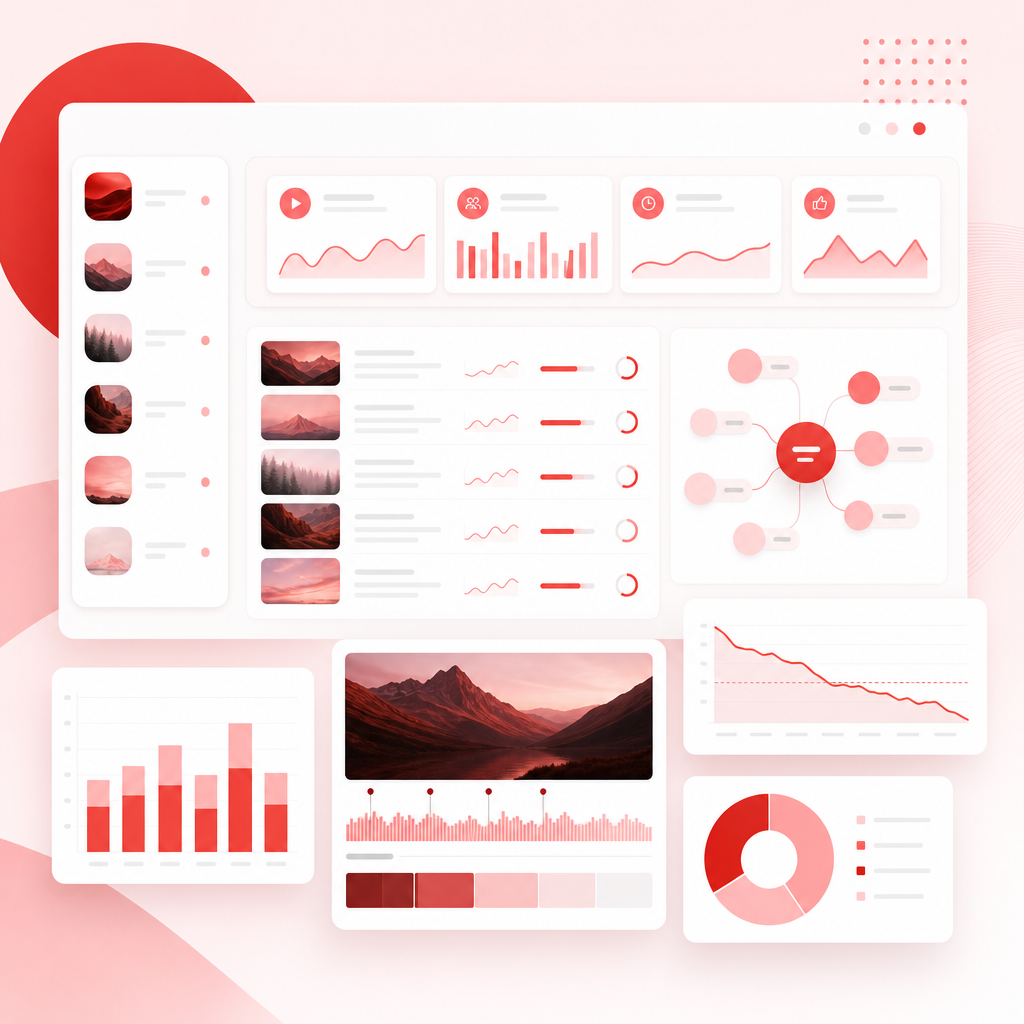
Built for Multi-Channel YouTube Operators
Creators and teams who manage more than one channel need more than generic analytics. You need repeatable insights across your library, so you can:
- Spot what’s working per channel and across channels
- Identify winning packaging (titles + thumbnails) patterns
- Understand audience retention and what topics formats earn watch time
- Turn past performance into a practical publishing direction
What “My Videos” Does (In Plain English)
“My Videos — Learn What Actually Works” is a personal YouTube performance research tool that shows creators:
- What’s driving results on their channel
- How to repeat those results
- Which topics and formats have proven traction
- Which keywords and themes your audience already responds to
Instead of “try this and hope,” you’ll learn from your real data.
Turn research into decisions
The Patterns You’ll Discover in Your Own Library
Topics that Earn Attention
- Which subjects consistently bring views
- Which themes correlate with higher CTR and better engagement
- What your audience is repeatedly clicking and staying for
Packaging That Gets Clicks
- Title structures that perform better
- Thumbnail styles that drive higher CTR
- Reusable “formats” for how you present ideas
Retention Signals That Predict Growth
- Which videos hold attention longer
- Where drop-offs happen (so you can improve future pacing)
- The video characteristics behind higher average view duration
Format & Structure Winners
- Which video types your audience rewards (tutorials, comparisons, explainers, shorts-to-long, etc.)
- Typical “winning lengths” and pacing patterns
- Consistency signals that matter more than random creativity
Content Strategy Decisions You Can Actually Repeat
- What to double down on
- What to change (and what to stop doing)
- What to publish next based on your historical performance
How It Works: Analytics + Topical Analysis New
“My Videos” combines performance reporting with Topical Analysis New to translate raw metrics into action.
GapTube.ai leverages Google’s YouTube Analytics Channel Reports approach (via Analytics and Reporting APIs) to understand how your videos are performing across the channel library.
This aligns with the kind of channel reporting described in Google’s YouTube Analytics documentation. Source: https://developers.google.com/youtube/analytics/channel_reports
To make multi-channel analysis fast, we use YouTube templates (structured reporting views) so you can compare videos consistently:
- by topic cluster
- by packaging style
- by format and retention characteristics
- across channels (no more “scramble-and-interpret” spreadsheets)
Topical Analysis New groups your videos by what they truly are (topic + intent + theme), then shows you which clusters:
- generate the most views
- earn higher click-through
- improve retention
- drive growth over time
Instead of “this video did well,” you get: “This topic + this structure + this packaging pattern wins for your audience.”
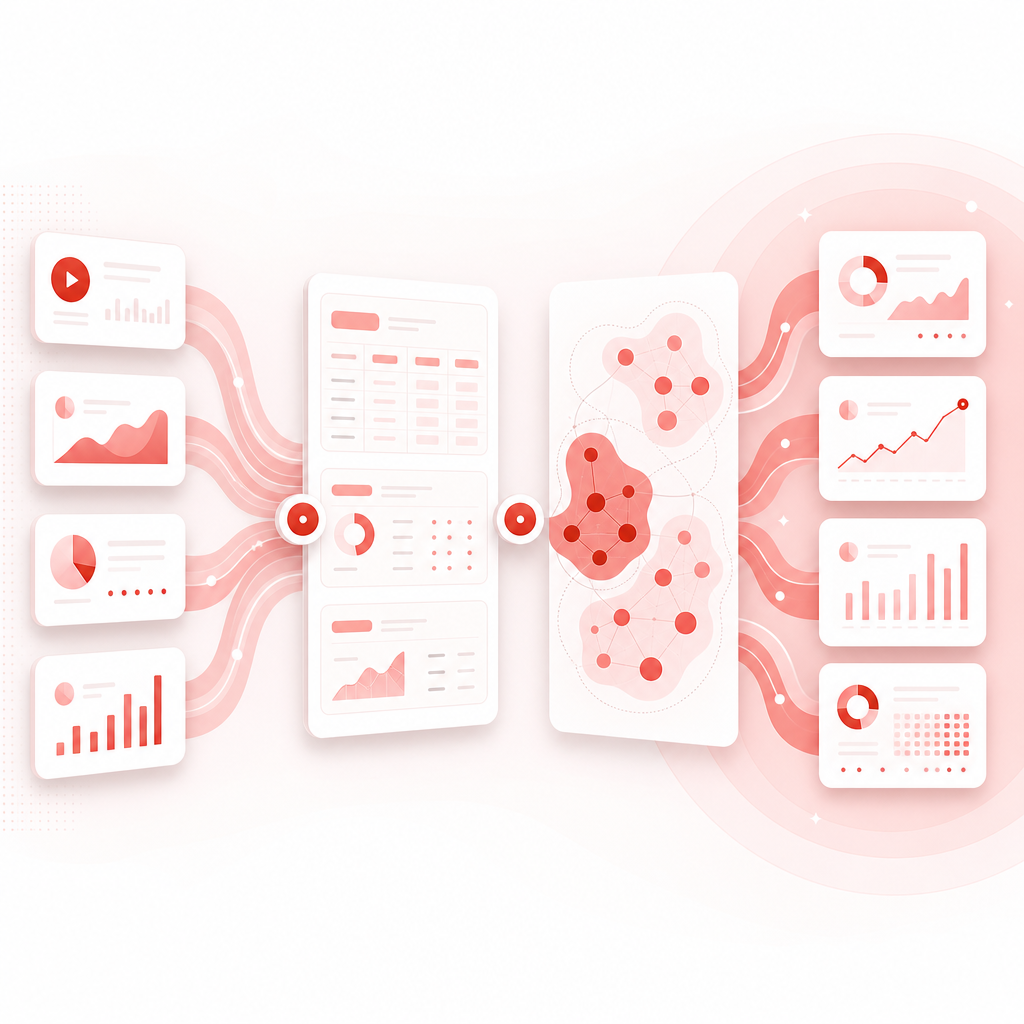
Why We Focus on Your Data (Not Just “Other Channels”)
You can find tutorials on how to view analytics for other channels, but those approaches are limited and often miss what matters most for planning your next upload.
For example:
- Some guides explain how to observe other channels’ analytics externally—but that doesn’t answer what your audience is responding to in your own library. Source: https://clipchamp.com/en/blog/how-to-see-youtube-analytics-other-channels/
- Other tools summarize analytics for smaller creators and “what metrics matter”—useful, but still not optimized for pattern recognition inside your own content history. Source: https://www.tubebuddy.com/blog/youtube-analytics-for-small-channels-which-ones-matter-and-what-they-mean/
GapTube.ai’s angle
make your existing uploads work harder by turning performance history into repeatable decisions.
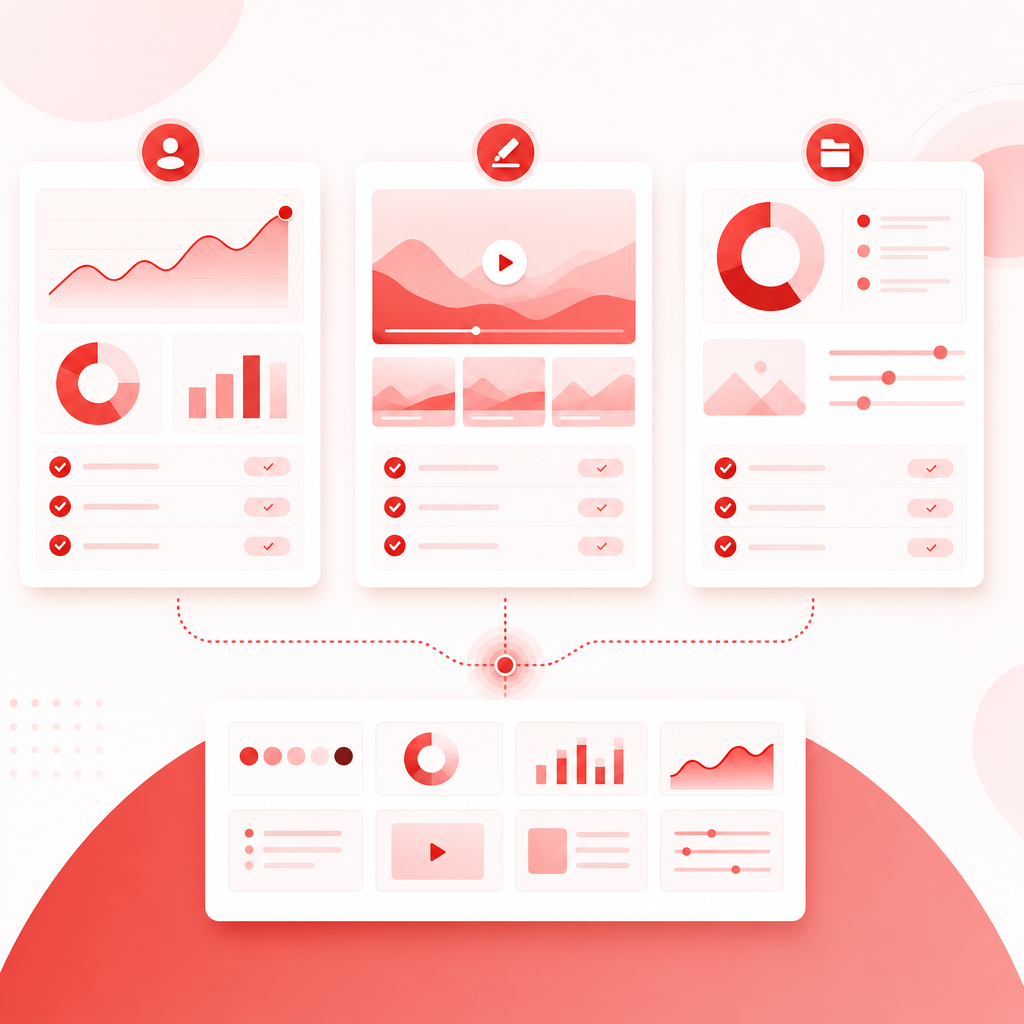
For Every Team Role (Not Just One Creator)
- Consolidate insights across multiple channels
- Identify which strategies scale
- Create a content “pattern library” for the team
- Know what to repeat (topics, hooks, packaging styles)
- Stop wasting time on ideas that don’t match audience behavior
- Get clarity before production
- Convert analytics into actionable briefs
- Align video planning with what earned retention and growth
- Build consistency without killing creativity
Key Benefits You’ll Feel Immediately
- Stop guessing: your plan is driven by your own results
- Faster strategy: patterns show up quickly, not after weeks of manual digging
- Better uploads: improve what your audience already responds to
- Cleaner decisions across channels: consistent templates and topical clustering
- More growth over time: learn, repeat, refine
Don’t miss out—start turning your past video performance into your next winning content strategy.
Frequently Asked Questions
1) Is “My Videos” only for big channels?
No. It’s designed for creators and teams who want clarity from their video library—whether you’re starting out or scaling.
2) What will I be able to measure?
You’ll focus on the performance signals that actually drive outcomes, including how videos perform for views, clicks (CTR), retention/engagement, and channel growth, then map those signals to patterns.
3) Can I use this across multiple YouTube channels?
Yes. The “My Videos” workflow is built for multi-channel operators, with structured analysis so you can compare and replicate wins across channels.
4) What does “Topical Analysis New” mean?
It means we don’t treat videos like random one-offs. We group and analyze your content by topics/themes, then show which topic clusters and packaging patterns consistently drive results.
5) How is this different from regular YouTube Analytics?
YouTube Analytics shows numbers. “My Videos” translates your numbers into actionable patterns and repeatable strategy, using structured reporting and topical clustering.
6) Do you analyze other channels too?
This pillar page is about your own library—because that’s what best predicts what will work next for your audience. You can still benchmark externally, but planning should be rooted in what your channel has already proven.
Stop guessing what to post next.
Use My Videos to uncover winning patterns in your own uploads—then repeat them with confidence.
Ready to stop guessing and start building on proven patterns?
Connect your channel(s), analyze your library, and turn insights into your next uploads—faster.