
Vizard Clips — Multiply Content Output from One Video
If you’re a small business owner (or you manage content for one), you already know the hard part isn’t “making videos”—it’s getting enough reach from each video you publish.
Turn one long video into dozens of ready-to-post clips.
Vizard Clips helps you repurpose every long-form video into short, shareable clips for platforms like:
- YouTube Shorts
- TikTok
- Instagram Reels
Use it with GapTube.ai to go from topic research → winning angles → ready-to-post clips faster than ever.
Instead of posting once, Vizard Clips helps you multiply your content so you can test, iterate, and stay consistent across short-form platforms.
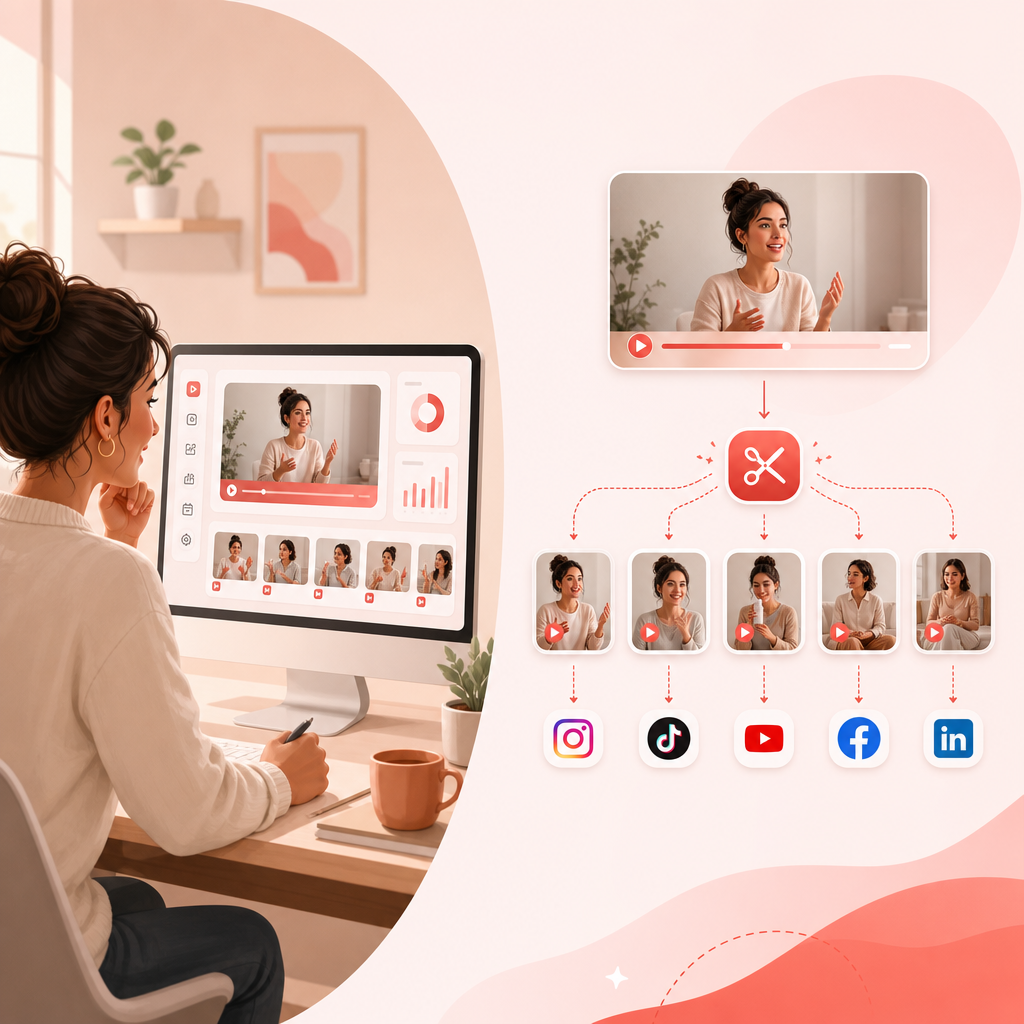
Why repurposing is the easiest growth lever for small businesses
Most small businesses publish great content… then only post it once.
But short-form platforms reward:
- Consistency
- Fast hooks
- Repeatable formats
- More “touchpoints” with the audience
Instead of recording more from scratch, repurposing lets you:
- Publish more often (without more production time)
- Test multiple hooks from the same long video
- Reach new audiences who never watch your full-length content
- Drive viewers back to your channel, website, or booking link
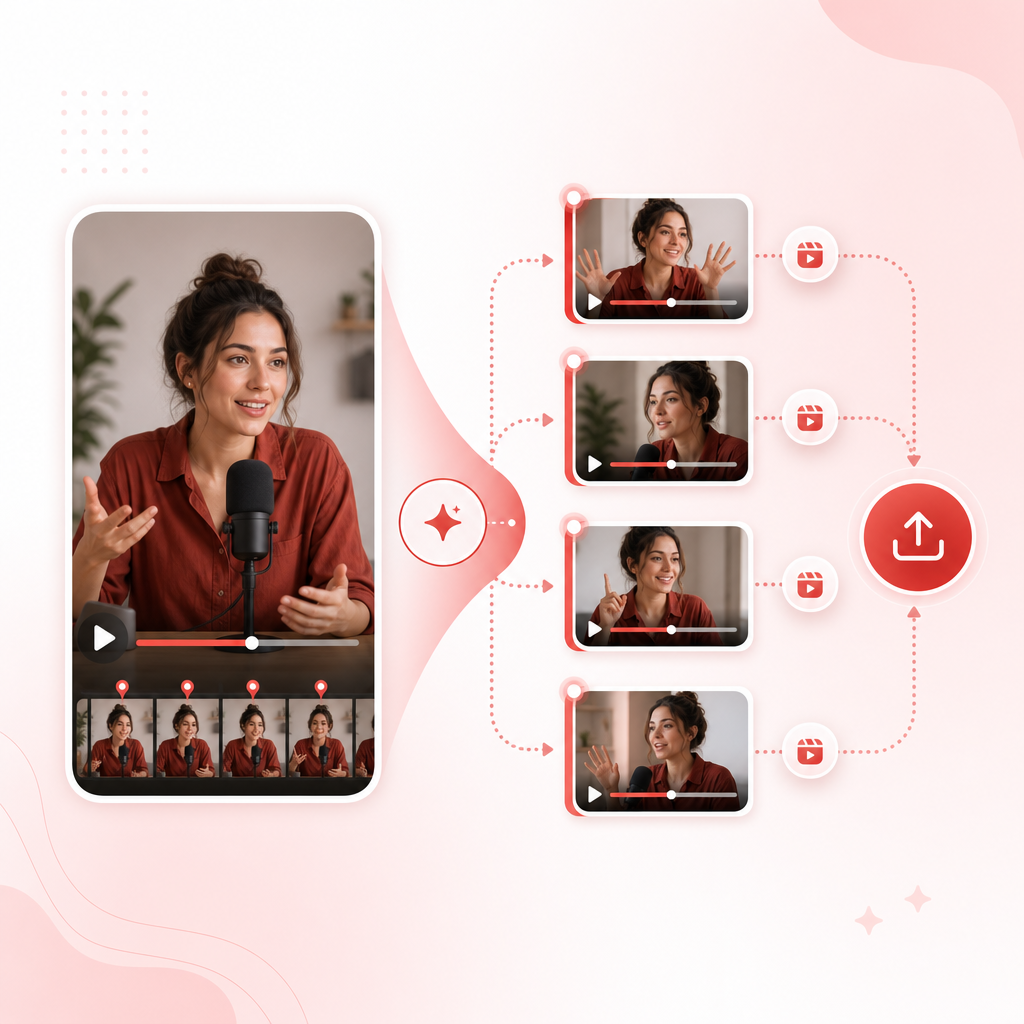
What Vizard Clips does (in plain English)
Vizard Clips takes your long-form content—like:
- YouTube videos
- Podcasts
- Interviews
- Webinars
- Livestreams
…and turns key moments into bite-sized clips you can post quickly.
Simple positioning
That means less time formatting, trimming, and editing—and more time shipping content.
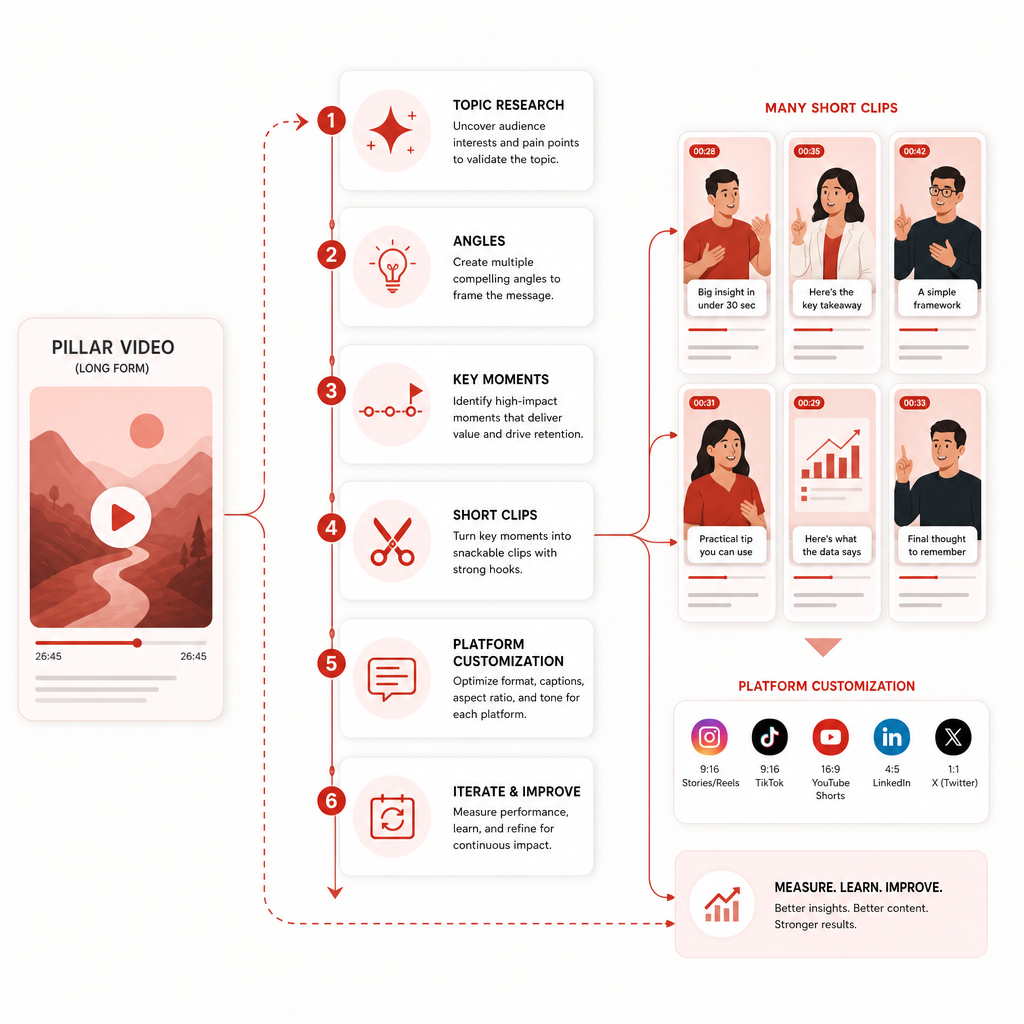
The repeatable workflow: Long-form to short-form (fast)
Here’s a practical playbook small business owners can follow immediately.
- a webinar recap
- a customer success story
- a founder interview
- a how-to lesson (30–60 min is perfect)
- actionable video ideas
- keywords you can target
- topics based on what’s moving now
- strong hooks (first 5–20 seconds of a segment)
- problems your audience complains about
- “how we do it” steps
- surprising statistics
- customer wins / results
- objections + rebuttals
- calls-to-action (CTAs) to book, subscribe, or download
- platform-ready short videos
- shareable clips you can post faster
- Captions (keep them readable)
- Aspect ratio
- clip length (match Shorts/Reels/TikTok viewing patterns)
- one clear CTA per clip
- different hooks
- different clip lengths
- different topic angles
Schedule and iterate so your output becomes more consistent over time.
Explore templates: Clip formats that consistently perform
Below are copy-and-use short-form templates (listicle style) you can apply to clips from any long video.
1) “Stop doing X” (Problem/Contrarian Hook)
- Hook: “Stop doing [common mistake]…”
- Why it fails: “Here’s why it doesn’t work…”
- Fix: “Do this instead…”
Best from: how-to content, founder lessons, service breakdowns
2) The “3 Quick Wins” Listicle
- Hook: “If you want [result], do these 3 things…”
- Win #1 / Win #2 / Win #3
- CTA: “Want my template? Comment ‘TEMPLATE’…”
Best from: process explanations, checklists
3) Myth vs Fact
- “Myth: ___”
- “Fact: ___”
- “Here’s what to do instead: ___”
Best from: pricing objections, positioning, industry claims
4) Before → After (Transformation)
- “Before: we struggled with ___”
- “After: we achieved ___ by doing ___”
- Proof: result/timeframe/example
- CTA
Best from: case studies, customer stories
5) “Do this, not that” (Comparison)
- “Do this if you want ___”
- “Not that if you want ___”
- One real example from your business
Best from: onboarding, services education, product tutorials
6) The “1-Minute Tutorial” (Step-by-Step)
- Hook: “In under 60 seconds, you’ll learn ___”
- Step 1 / Step 2 / Step 3
- CTA: “Save this for later”
Best from: demos, walkthroughs, tools and workflows
7) Question Hook + Answer
- “Are you struggling with ___?”
- “Here’s the real answer…”
- “Try this next: ___”
Best from: FAQs, objections, discovery calls
Listicle: 6 ways small businesses should repurpose one long video
Use these repurposing angles so you’re not just “cutting clips”—you’re creating different reasons to watch.
- Teach one concept (education clip)
- Tell one story (trust clip)
- Answer one objection (conversion clip)
- Show one proof point (credibility clip)
- Share one quick framework (save-worthy clip)
- Give one CTA (lead clip)
The GapTube.ai + Vizard Clips combo (topic → clips → reach)
With GapTube.ai (research + ideas)
- discover trending opportunities
- find content gaps
- generate keyword-informed angles in 70+ languages
With Vizard Clips (repurpose + publish)
- extract key moments
- turn long content into short, ready-to-post clips
- multiply output from every upload
Result: You spend less time guessing what will perform—and more time publishing variations your audience will actually engage with.
A simple 14-day content sprint (from 1 long video)
Use this sprint to make the most of one pillar recording.
| Day | Post Type | Template to Use | Goal |
|---|---|---|---|
| Day 1 | Clip #1 | Stop doing X | Get attention |
| Day 2 | Clip #2 | 3 Quick Wins | Provide value |
| Day 3 | Clip #3 | Myth vs Fact | Build trust |
| Day 4 | Clip #4 | Before → After | Prove results |
| Day 5 | Clip #5 | Do this, not that | Drive decisions |
| Day 6 | Clip #6 | Tutorial (1 min) | Earn saves |
| Day 7 | Rest/Engage | Reply to comments | Boost reach |
| Day 8 | Clip #7 | Question Hook + Answer | Capture intent |
| Day 9 | Clip #8 | Objection rebuttal | Convert |
| Day 10 | Clip #9 | Micro-case study | Strengthen authority |
| Day 11 | Clip #10 | Framework clip | Build authority |
| Day 12 | Clip #11 | CTA clip | Drive leads |
| Day 13 | Clip #12 | Best-of highlights | Repackage winners |
| Day 14 | Recap + next video tease | Story + CTA | Keep momentum |
Use this sprint to create a repeatable sequence that helps you publish more often from a single pillar video.
What to measure (so you know it’s working)
Don’t track only views. Track what correlates with growth and clients:
- Average watch time / retention (did the hook land?)
- Engagement rate (likes, comments, shares)
- Follower growth (signals channel momentum)
- Profile clicks / link clicks (conversion)
- Video-to-video consistency (Are you showing up enough?)
Frequently Asked Questions
?Will repurposed clips hurt my long-form content?
Usually no—if anything, short clips act like trailers that encourage people to watch the full video.
?How many clips should I create from one long video?
A practical target is 10–30 clips, depending on length and density of your content.
?Can I repurpose podcasts, webinars, and interviews too?
Yes. Vizard Clips is designed for repurposing long-form formats like podcasts, interviews, webinars, and livestreams into short posts.
?Do I need different edits for each platform?
Not full re-edits. Quick customization (caption readability, aspect ratio, CTA) is typically enough.
?How does GapTube.ai fit into this?
GapTube.ai helps you choose topics and angles that are more likely to perform, while Vizard Clips helps you turn the resulting long-form content into many clips.
Call to Action: Multiply your output this week
Ready to turn one long video into dozens of clips?
Start using Vizard Clips to multiply your content output from every upload.
Pair research (GapTube.ai) with repurposing (Vizard Clips) and build a repeatable content engine for your business.
Get the “Long-Video-to-Short-Clips” checklist + templates.
Enter your email and we’ll send a ready-to-use repurposing plan.
Signup