
My Videos YouTube SEO Keyword Analytics
If you’ve ever stared at your analytics thinking, “Why did that video pop—and what do I do next?” you’re in the right place.
My Videos — Learn What Actually Works (YouTube SEO)
My Videos — Learn What Actually Works is a personal YouTube performance research approach that shows creators what’s working on their own channel and how to repeat it—so you stop guessing what to post next.
Using your YouTube analytics signals (clicks, impressions, retention, and growth), you’ll discover:
And because YouTube SEO isn’t just theory—it’s feedback—your past performance becomes your next growth plan.
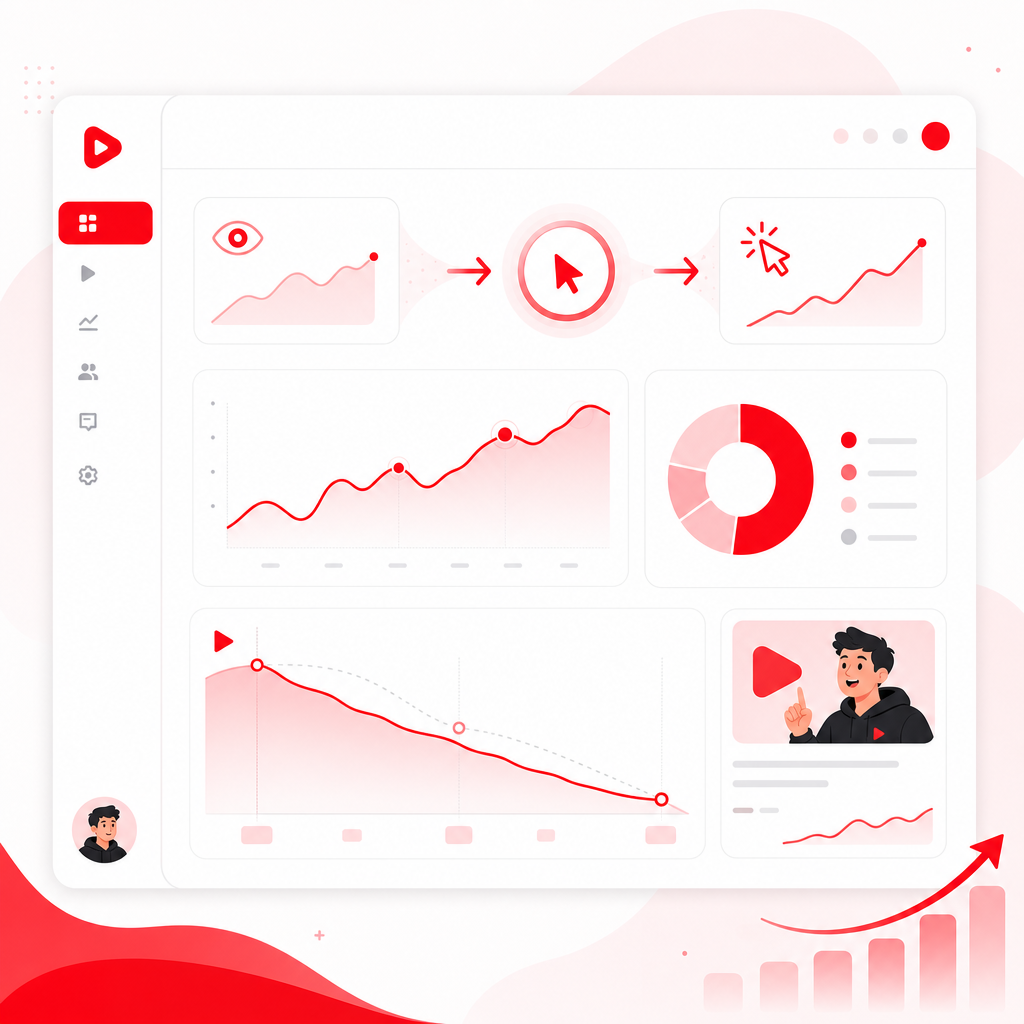
Why YouTube SEO Should Start With Your Own Data
Most creators do “keyword research” the hard way: browsing random keyword lists and hoping it matches their audience.
But your channel already has proof of what the algorithm and viewers respond to.
Your past uploads tell you:
- What people actually clicked (impressions → CTR)
- What kept viewers watching (retention / average view duration)
- What YouTube surfaced through Search and Recommended
- What themes consistently correlate with growth
In other words: your channel is a dataset. You just need the right way to read it.
The Metrics That Actually Explain Your Growth (YouTube Analytics Cheatsheet)
When creators only look at views, they miss the story. Use this quick guide to connect each metric to an SEO decision.
| Metric (YouTube Analytics) | What It Really Means | What You Should Do Next |
|---|---|---|
| Impressions | How often YouTube shows your video | Improve packaging (title/thumbnail), increase relevance to search |
| CTR (Click-Through Rate) | Whether thumbnails/titles earn clicks | Test clearer value + stronger promise + tighter alignment to viewer intent |
| Average View Duration / Watch Time | Whether your video delivers | Improve hook, pacing, and content structure |
| Audience Retention | Where viewers drop off | Fix weak segments: intros, mid-roll tangents, mismatch, unclear payoff |
| Traffic Source: YouTube Search | Search intent alignment | Optimize keywords/topics and “question” phrasing that matches queries |
| Traffic Source: Suggested / Browse | Recommendation fit | Double down on formats your audience watches and compels related clicks |
| Subscribers & Returning viewers | Channel-level momentum | Build series and repeat formats that attract repeat audiences |
This is the foundation behind “My Videos” style analysis: turning analytics into repeatable content strategy.
How to Find Searchable Topics in Your Own Videos (Without Guessing)
Here’s a practical workflow you can follow—then enhance with a research layer like GapTube.ai to speed up the discovery.
Step 1: Identify your “signal” videos
Pick videos that show at least one of these:
- High CTR (impressions are turning into clicks)
- Strong retention (viewers stay to the end or beat your channel average)
- Growth traction (subscribers gained, watch time up)
- Significant Search traffic (you’re getting discovered)
> If a video has low views but high retention, it may be a future winner with better packaging or stronger keyword alignment.
Step 2: Look specifically at traffic source
In YouTube Studio Analytics, break down performance by:
- YouTube Search
- Suggested Videos
- Browse features
If Search is the driver, you have direct evidence that your topic is already searchable. That becomes your keyword gold.
Step 3: Extract the “theme” behind the performance
Go beyond single metrics and answer:
- What is the video really about? (not what you intended—what it delivered)
- What promise did the title make?
- What question did the video solve?
Write down 3–5 recurring themes across your best-performing videos.
Step 4: Turn themes into keyword candidates
Now convert those themes into query language people actually search.
Example:
- Theme: “YouTube analytics for beginners”
- Searchable keyword candidates:
- “How to see YouTube analytics”
- “Where to find YouTube search terms”
- “YouTube analytics metrics explained”
- “How to improve CTR using analytics”
Step 5: Spot content gaps in what you’ve already posted
Compare high-performing topics vs. what you haven’t covered (or haven’t covered clearly).
This is where creators usually stall: they post more of what they’ve done—without checking what’s missing.
Your “My Videos” findings should tell you:
- What you should create more often
- What you should create differently
- What you should create next
The Use of Questions as Keywords (A Higher-Converting YouTube SEO Hack)
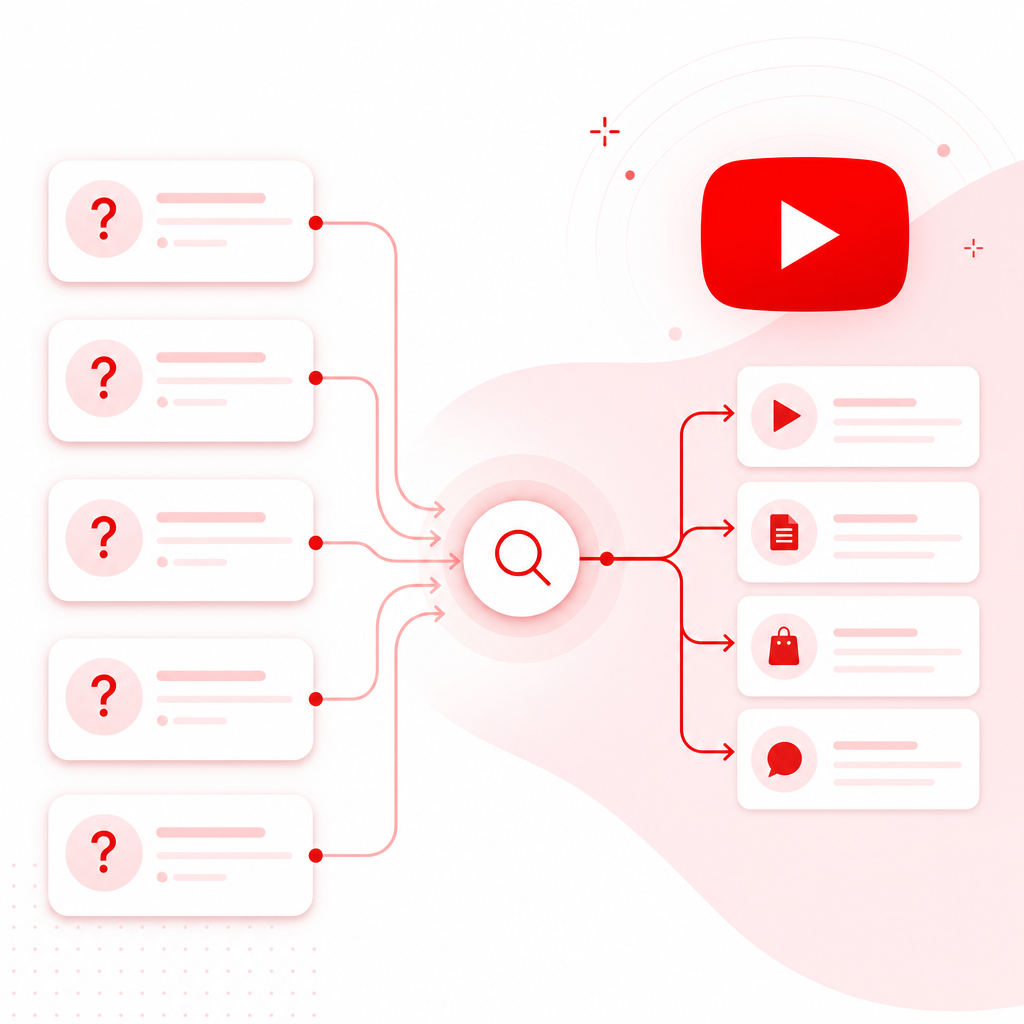
One of the fastest ways to find searchable topics is to use questions as keywords.
Why? Because YouTube is built around intent. Searchers phrase intent as questions—then your title, intro, and structure can confirm it.
Question keyword categories to steal
- How-to: “How to…”, “How I…”, “How does…”
- What/Which: “What is…”, “Which is best…”, “Which one…”
- Why: “Why does…”, “Why isn’t…”
- Best for: “Best way to…”, “Best strategy for…”
- Troubleshooting: “Why am I not getting…”, “How to fix…”
Quick template: Convert a topic into a question keyword
“How to [get outcome] without [common pain]”
“What [thing] should I do to [specific result]?”
“Why [problem] happens on YouTube [in niche]”
Example:
Theme: “getting more views”
Question keywords:
- “How to get more views using YouTube analytics”
- “What to change after your CTR drops”
- “Why some videos get clicks but not watch time”
This matters because it aligns your packaging + content with what the viewer is actually asking.
YouTube Templates: Copy-and-Use Frameworks From Your “My Videos” Findings
Once you identify what’s working, the next bottleneck is execution speed.
That’s where YouTube templates come in. Use these to turn insights into repeatable titles, descriptions, and content structures.
1) Title template (based on question intent)
Use a question-based title structure when your analytics show Search traffic.
Template A:
“How to [do the thing] (step-by-step)”
Template B:
“Why your [metric] is [bad] on YouTube + how to fix it”
Template C:
“What I learned from [number] videos about [topic]”
2) Thumbnail text template (clarity + one idea)
Thumbnail text should match the main “promise,” not the entire topic.
Template options:
- Outcome-only: “GET MORE VIEWS”
- Specific metric: “CTR FIX”
- Pain + fix: “LOW RETENTION? (FIX)”
- Tool-driven: “YOU’RE DOING THIS WRONG”
Rule of thumb: one focal idea, high contrast, readable on mobile.
3) Description template (search-friendly structure)
Keep your description readable and intent-aligned:
Template:
- 1–2 line hook repeating the viewer’s question
- What they’ll learn (3 bullets)
- Timestamp list (if applicable)
- Creator credibility (1 sentence)
- Links + resources
> “In this video, I’ll show you how to find the YouTube analytics signals that explain your views, clicks, and retention—so you can post with confidence.”
4) Content structure template (to defend retention)
If your retention is winning, repeat the structure. If it’s dropping, edit around the drop point.
Template:
- 0–15s: confirm the question + show outcome
- 15–60s: deliver proof/overview
- Main sections: 3–5 clear segments with “why it matters”
- Mid-video recap: one sentence that resets clarity
- Close: repeat the promise + next-step CTA
Turn “Past Performance” Into a Repeatable SEO Workflow
Here’s a workflow you can run every time you plan a new video.
The 5-part loop: Find → Plan → Package → Publish → Prove
Use YouTube analytics to identify the theme + search driver
Create a question-first angle and outline to match intent
Use a title/thumbnail template tied to the promise
Ensure your intro confirms the viewer’s question immediately
After 48–72 hours and again at 28 days, compare: impressions trend, CTR trend, retention trend, traffic source mix
What to change based on the result
- Low CTR, decent retention: packaging mismatch (title/thumbnail promise isn’t landing)
- High CTR, low retention: content doesn’t deliver fast enough (hook/pacing mismatch)
- Traffic mostly Suggested: lean into related formats and series
- Traffic includes Search: expand into question-based variations and supporting topics
How GapTube.ai Fits: Combine Your Channel Data With Growth Opportunities
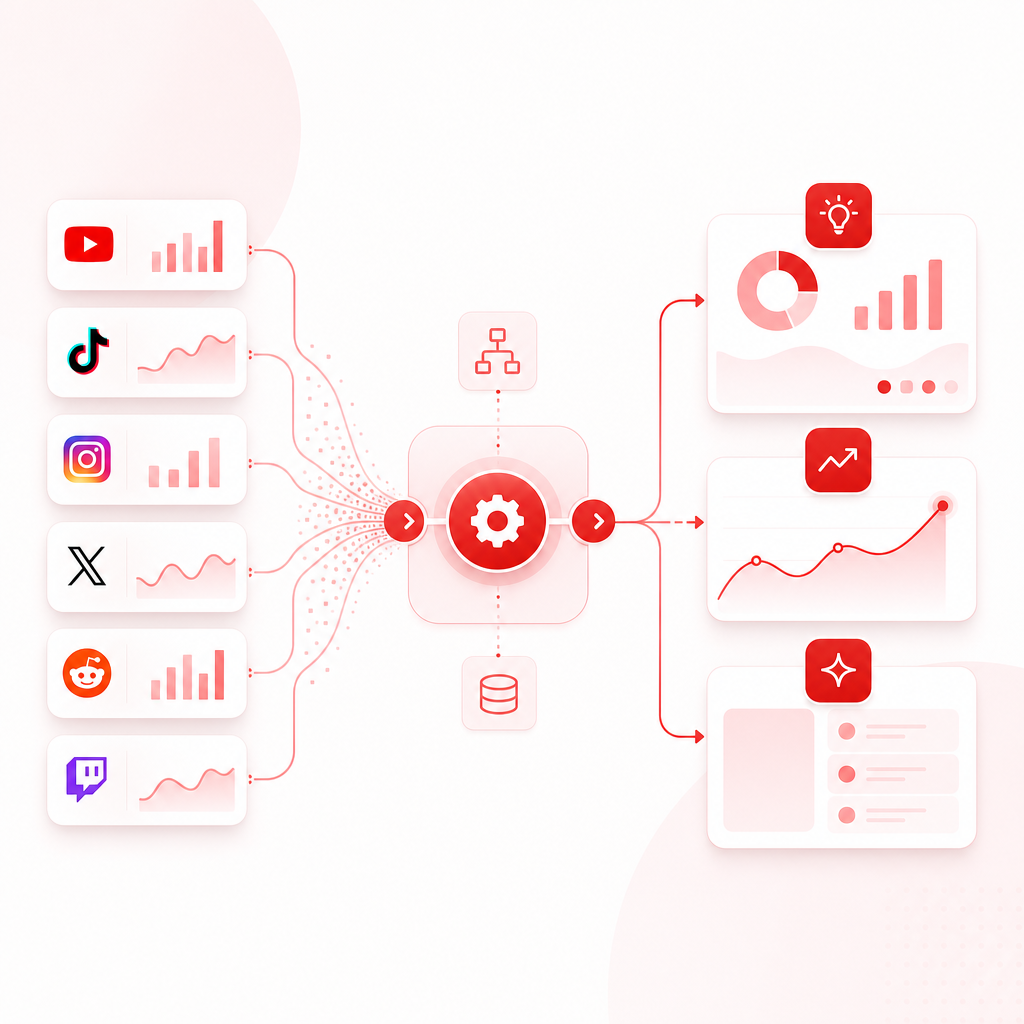
GapTube.ai - YT Research Tool helps creators master YouTube strategies by pairing insight with automation.
Here’s how it supports a “My Videos” style approach:
- Your channel, analyzed: understand what’s driving views, clicks, retention, and growth (instead of guessing)
- Trending + global opportunities: scan real-time trends worldwide to spot content gaps in your niche
- Actionable ideas in 70+ languages: generate video ideas you can localize or scale
- Streamlined planning: turn insights into daily inspiration so content decisions are faster
If your goal is “repeat what works,” your own analytics show the proof. If your goal is “grow what works,” trends + gaps show what to build next.
Ready to stop guessing and start using your real performance data?
Example: What “My Videos” Leads You to Change (In Real Terms)
Let’s say your best video (last 90 days) has:
- Strong CTR
- Great average view duration
- Traffic source: YouTube Search
- Comments asking: “How do I…?” “What’s the best way to…?”
“My Videos” analysis should point you to 3 likely improvements:
- Make the question explicit in the next title - “How to [specific outcome] using [method]”
- Add a clearer early segment that matches search intent - In the first minute, show the exact steps or outcome
- Create a sibling video around a related question keyword - If viewers asked “how,” make another video about “why” or “what to do next”
That’s how analytics becomes momentum—not just numbers.
Frequently Asked Questions
Does this work for small channels?
Yes. In fact, small channels often benefit most because a few wins can reveal clear patterns quickly—especially when you focus on retention and traffic sources.
What if my best videos don’t come from YouTube Search?
That doesn’t mean there’s no SEO opportunity. It usually means your best audience discovery is Suggested/Browse. You can still identify repeatable formats and then create search-friendly variations using question keywords.
Do I still need to use YouTube Studio?
Yes—YouTube Studio is where your baseline signals live. “My Videos” methodology uses those signals and turns them into clearer decisions and keyword/topic direction.
Can I use this on older videos?
Absolutely. “My Videos” style analysis works best when you review performance over a meaningful window (e.g., last 90–180 days) and look for recurring winners.
Your Next Step
If you want a simple rule for YouTube SEO:
Don’t guess what to post—use your YouTube analytics to find what already works, then repeat it with better packaging and clearer question intent.
Unlock your “My Videos” approach with My Videos and turn past performance into your next upload plan.