
Mine Your Video Library with YouTube Developer Dashboard
If you’ve been uploading for years, you don’t need more “ideas.” You need answers from your own performance data—so you can stop guessing and start repeating what already works.
Winning topics
You’re looking for topics that repeatedly produce strong click-through (CTR), healthy average view duration / retention, and consistent performance across time.
High-CTR angles
Mine your titles by promise type, specificity, and curiosity hooks vs. outcome hooks—so clicks match intent.
“Top Subscribers”
Mine your library to identify the videos that turn viewers into subscribers—your “Top Subscribers” content patterns.
My Videos — Learn What Actually Works (Using Your Own Video History)
This pillar page shows creators with large video libraries how to mine YouTube videos using analytics from the Developer Dashboard-style workflow (and/or exportable analytics), then turn that history into:
- winning topics
- high-CTR title + thumbnail angles
- repeatable formats
- keyword patterns that match your audience’s intent
- “Top Subscribers” signals (which videos convert viewers into subscribers)
And yes—this is exactly what GapTube.ai - YT Research Tool is built to accelerate.

Why creators with big libraries should stop guessing
When you have hundreds (or thousands) of uploads, your backlog is a goldmine—but only if you look at it the right way.
Most creators do one of these:
- only watch views totals (ignores clicks + retention)
- compare videos they wish were similar
- make decisions based on vibes, not patterns
A better approach is to treat your channel like a dataset: find repeating winners, then build a “repeatable playbook” for the next 10+ uploads.
What you can mine from your own YouTube videos
Here’s what typically moves growth (and what you should extract from your own library):
1) Winning topics (what your channel already owns)
You’re looking for topics that repeatedly produce:
- strong click-through (CTR)
- healthy average view duration / retention
- consistent performance across time
2) Title angles that earn clicks (not just views)
A title doesn’t “get clicks” because it’s clever—it gets clicks because it matches intent.
Mine your titles by:
- promise type (how-to, tools, mistakes, comparisons, results, etc.)
- specificity (numbered steps, “for beginners,” niche qualifiers)
- curiosity hooks vs. outcome hooks
3) Formats that retain attention
Retention is where long-term growth is made.
Mine your formats by tracking patterns like:
- pacing (how quickly you deliver value)
- structure (hook → setup → proof → steps)
- segmenting (chapters, examples, demos)
- “watchability” signals (did viewers stick through the core section?)
4) Thumbnail style and contrast patterns
Don’t just ask “which thumbnail got views?”
Ask: what thumbnail style repeatedly outperformed for similar videos?
Look for repeatable traits:
- faces vs. no faces
- single subject vs. multi-element
- text density (and text size)
- visual clarity at mobile size
5) “Top Subscribers” signals (what converts viewers)
Views are good. Subscribers are better.
Mine your library to identify the videos that turn viewers into subscribers—your Top Subscribers content patterns.
That’s usually tied to:
- satisfying viewer intent quickly
- clear expectations in the title/thumbnail
- “next-step” value in the video (guides, templates, results, series)

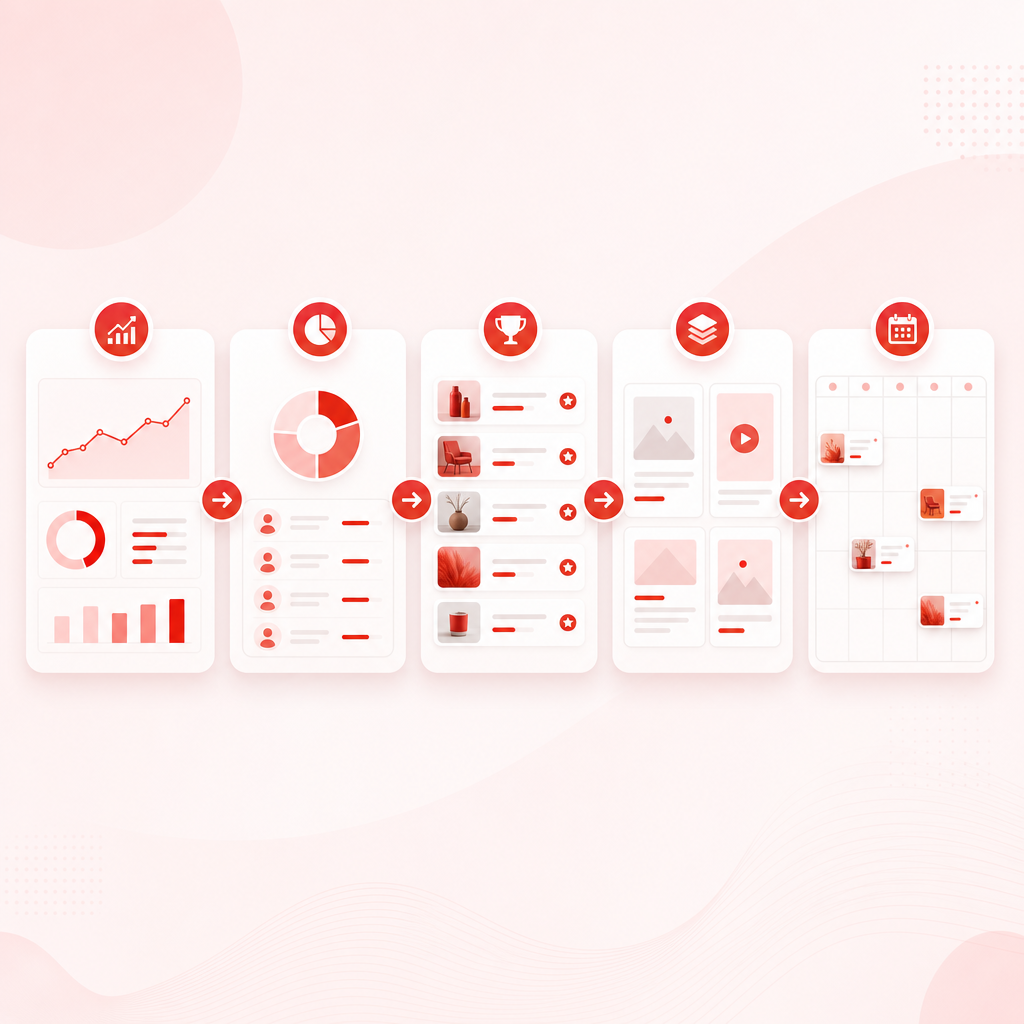
How to use the YouTube Developer Dashboard approach (step-by-step)
Depending on your workflow, you’ll typically use YouTube Studio Analytics and/or developer-style exports to analyze performance at scale. Here’s a practical process you can follow before or alongside automation:
Step 1: Pull the right metrics (for each video)
For each upload, capture metrics that connect click → watch → subscribe:
- Impressions + CTR (click behavior)
- Average view duration or % viewed (retention behavior)
- Traffic sources (why they found you)
- Engagement signals (where available)
- Subscriber movement (your “Top Subscribers” view of impact)
Step 2: Segment your library (don’t compare unrelated videos)
Group videos by similarity, such as:
- topic cluster (e.g., “SEO for X,” “tools for Y”)
- intent type (beginner, advanced, comparison, troubleshooting)
- length range (shorts vs. longform; 8–12 min vs. 20–30 min, etc.)
Step 3: Build a “winners list” with a repeatability lens
Instead of picking “the top view video,” identify patterns like:
- multiple videos with strong CTR and solid retention
- videos that improved over time (long tail performance)
- videos with strong subscriber conversion signals (“Top Subscribers”)
Step 4: Extract your repeatable templates
For each winner cluster, record:
- title formula + promise type
- thumbnail style (and what’s visually emphasized)
- format skeleton (hook → proof → steps → recap)
- keyword intent signals (what the topic is really answering)
Step 5: Turn findings into a posting plan
Now you’re ready to plan without guessing:
- double down on your strongest intent clusters
- create variants that keep the same “winner structure”
- test new angles only where your data shows room to improve
Where GapTube.ai fits: automate the “mine your library” work
Doing the steps above manually is time-consuming—especially with large libraries.
GapTube.ai - YT Research Tool helps you analyze your channel’s history and uncover what’s actually driving:
- views
- clicks (CTR)
- retention
- and growth, including Top Subscribers patterns
It’s built to speed up research with automation and actionable outputs for creators.
“My Videos” — Learn What Actually Works delivers:
- winning topic patterns from your own uploads
- title/thumbnail angle insights based on performance
- format + retention structure guidance (what to repeat)
- keyword opportunities aligned to your channel’s results
- content gap discoveries so you know what to publish next with confidence
How “My Videos” works (simple, creator-first)
- Connect your channel
- Scan your video history
- Get actionable results: what works, what doesn’t, and what to do next
Instead of staring at spreadsheets for days, you get a clearer path to smarter publishing decisions.
Conversion-focused outcomes you can expect
- write better titles faster (based on proven angles)
- design thumbnails using your own historical “winners”
- replicate formats that retain viewers
- plan series around your audience’s existing intent
- improve subscriber conversion by focusing on “Top Subscribers” content drivers
Who this pillar page is for
This is ideal if you’re a creator who:
- has a large backlog of past uploads
- wants to stop guessing what to post next
- knows your channel has patterns—but needs help extracting them
- wants a repeatable system for topic + title + format decisions
Ready to turn your video archive into a growth engine?
You’ll also get Hundreds of keywords for that topic, forever.
Don’t miss out—your best ideas are already in your upload history. 🎉
Frequently Asked Questions
Can I mine performance without spending weeks exporting data?
Yes. The goal is to extract patterns at scale—GapTube.ai is designed to automate that research so you can act faster.
What counts as “Top Subscribers” content?
Think of it as videos that don’t just get views—they convert viewers into subscribers. Your report should highlight those subscriber-driving patterns.
What if my best video is an outlier?
That’s exactly why you should segment your library and look for repeatable winners, not single-hit anomalies.
Does this work for channels with thousands of videos?
That’s the sweet spot. Larger libraries produce more reliable patterns—if you analyze them correctly.
Next step: Turn your backlog into your next best uploads
Stop guessing what to post next.
Use your own YouTube video data to find winning patterns, double down on what your audience already loves, and turn past performance into better future videos.