
My Videos — Learn What Actually Works
Stop guessing. Use your own YouTube video data to plan what to make next.
If you’re a creator team managing a YouTube channel, you don’t need more opinions—you need shared insights into what’s actually working.
Most Subs Gained
Who actually converts
See which videos earn subscribers.
Clicks
Titles + thumbnails that work
Understand your CTR patterns.
Retention
Where viewers drop
Find the moments to improve.
Growth
Momentum you can repeat
See what builds over time.
GapTube.ai – YT Research Tool helps you analyze your YouTube videos to uncover the patterns behind Most Subs Gained, Clicks, Retention, and Growth.
Stop guessing. Use your own YouTube video data to plan what to make next.
If you’re a creator team managing a YouTube channel, you don’t need more opinions—you need shared insights into what’s actually working.
Built for Creator Teams (Not Solo Guesswork)
When multiple people contribute—script, editing, thumbnails, publishing—decisions get messy fast. My Videos gives your team one source of truth:
- Everyone sees the same performance breakdown
- Decisions are based on real results, not hunches
- You get an easy “what to do next” plan your team can execute
Whether you’re scaling up or still figuring out your channel identity, this approach removes the guesswork loop.

What You’ll Learn From My Videos (The Insights That Matter)
When you analyze your channel, you shouldn’t just look at views. You need the signals that predict growth and subscriber conversion.
1) Most Subs Gained
Identify the videos that don’t just get clicks—but earn subscribers.
Then discover the common factors across those winners (topic angle, structure, title style, thumbnail approach, and keywords).
Outcome: Make more of what creates a loyal audience—not just one-off spikes.
2) Video Click Drivers
See which thumbnails and titles generate higher CTR on your channel—and which styles underperform.
Outcome: Stop redesigning thumbnails randomly. Start using patterns that your audience repeats.
3) Retention Patterns
Understand how viewers behave across your YouTube videos.
- What segments hold attention longer
- Where drop-offs happen
- What format choices correlate with stronger watch time
Outcome: Improve hooks, pacing, and structure using your own evidence.
4) Content Topic Signals
Find your best-performing themes—then turn them into repeatable content clusters.
Outcome: Build topic authority faster with fewer misfires.
How My Videos Works (Simple, Team-Friendly Workflow)
- Connect your channel. Bring your existing upload history into your analysis workflow.
- GapTube.ai scans and organizes performance. We analyze the patterns across your videos so the winners and losers aren’t just “vibes”—they’re measurable.
- Get a winning-pattern summary your team can act on. Instead of endless charts, you’ll receive clear takeaways your creator team can use immediately.
- Turn insights into next-video decisions. You’ll get guidance on what topics to prioritize, what formats to repeat, what title/thumbnail approaches to lean into, and which keywords to emphasize.

Creator Team Playbook: What to Do After the Analysis
Once you see your “what works” patterns, use this process to plan the next 2–4 uploads.
The “Double Down” Loop
- Pick your top drivers (especially the ones tied to most subs gained)
- Extract the repeatable elements (topic angle, opener style, thumbnail framing, keyword pattern)
- Build variations, not copies (same winning structure, improved execution)
- Brief your team with clear inputs: title options, thumbnail direction, and retention fixes
Creator Tips: Winning Patterns You Can Apply Immediately
Use these as the “translation layer” from analytics → action.
Creator Tip #1
Make titles match intent (not just curiosity).
Creator Tip #2
Thumbnail clarity beats complexity.
Creator Tip #3
Fix retention drop points with a stronger “first 20–30 seconds”.
Creator Tip #4
Track keyword patterns across your winners.
Use these as the core “Creator Tips” your team can apply based on your actual YouTube results.
If retention dips occur early, it usually means the hook isn’t landing. Your script and editing team should use the drop-off timestamp to revise: opener question/problem, first example/visual, pacing and transitions.
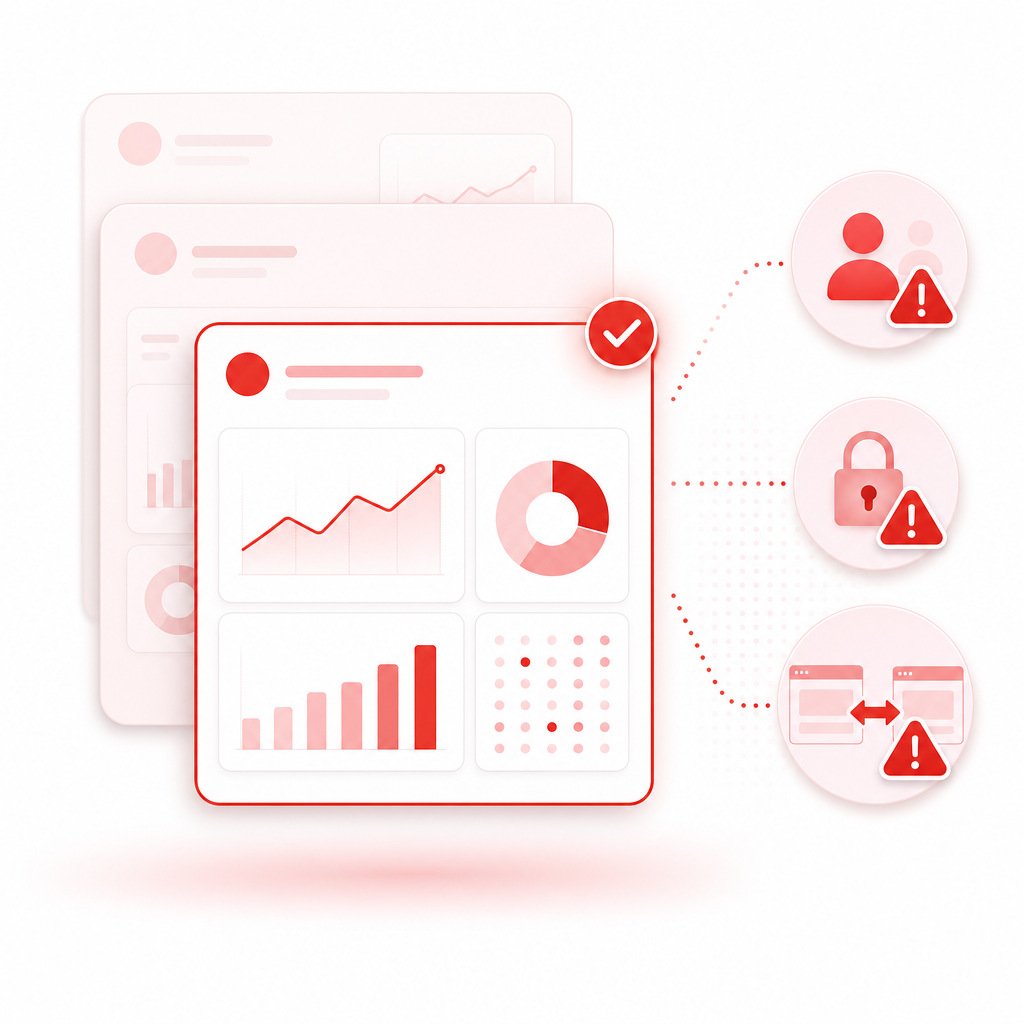
Avoid the Common Analytics Mix-Up (So You Don’t Analyze the Wrong Data)
Creator teams often run into a painful issue: analytics views get confused across channels, permissions, or selected accounts.
If your channel analytics ever appear to include another creator’s videos (or the data looks off), it’s usually due to one of these problems:
- wrong account selected in the analytics UI
- permissions for the wrong Google account/team member
- switching between channels inside the same dashboard
A common community discussion around “analytics showing another creator’s videos” highlights why it’s crucial to verify you’re analyzing the correct channel context before making content decisions.
Quick checklist for creator teams
- Confirm the correct channel is selected in your YouTube Analytics view
- Ensure team members are added with the right permissions
- Restart the analysis after switching accounts/roles to avoid cached views
Why it matters: If you base your next video plan on inaccurate data, your “double down” loop breaks.
Benchmarking (Optional): Learn from Others Without Losing Your Baseline
Sometimes teams want to benchmark competitor performance to sanity-check their strategy. Tools like viewstats and workflow guides (e.g., how others handle analytics visibility) can help you think about what to compare.
But remember: benchmarking is only useful when it supports your primary goal—understanding what works on your own channel.
Best practice:
- Use benchmarking to generate hypotheses
- Use My Videos to validate what actually drives your clicks, retention, and most subs gained
What Makes GapTube.ai Different for “My Videos”
Most tools only show numbers. My Videos turns your channel history into usable decisions for creator teams:
Pattern discovery across your YouTube videos
Clear “what to do next” guidance (not just dashboards)
A team-ready approach to content planning
Research automation that keeps your strategy moving forward
Plus, GapTube.ai scans real-time trends worldwide, identifies content gaps in your niche, and delivers actionable video ideas in 70+ languages—so your next upload stays aligned with what your audience is ready to watch.
Frequently Asked Questions
Can My Videos analyze a small channel too?
Yes. In fact, small channels benefit the most from pattern detection—because one or two wins can teach you what to repeat.
Is “Most Subs Gained” included in the insights?
Yes. The goal isn’t only views—it’s identifying which videos drive subscriber growth so your team can focus on what converts.
Will this work for a team with multiple roles?
That’s the point. My Videos is built for shared strategy: scripts, edits, thumbnails, and publishing can all align around the same evidence.
What if the analytics look wrong?
Verify the correct channel and account context, permissions, and team member access. If you’ve ever seen data that appears to belong to another creator, double-check the channel selection before acting.
Does this replace competitor research?
It complements it. My Videos focuses on what works in your channel. Competitor research helps generate ideas; your data confirms what will actually perform for your audience.
Ready to Stop Guessing What to Post Next?
Your next upload should be built on proof—not uncertainty.
Analyze your videos. Find the patterns behind most subs gained. Give your creator team a clear plan.