
YouTube Niche Finder Tools for Bloggers
If you’re a blogger turning content into YouTube videos, you don’t need more ideas—you need the right ideas. GapTube.ai (YT Research Tool) helps you stop guessing what to post next by showing you what’s already working on YouTube in your niche: winning topics, trending keywords, competitor video patterns, and content gaps you can realistically capitalize on.
Scan YouTube trends
Scan YouTube trends in your niche
See what’s winning
See top-performing videos by topic + keyword
Find content gaps
Find content gaps to differentiate your angle
Generate video ideas
Generate video ideas you can turn into scripts from your blog
Discover — See What’s Already Working
GapTube.ai (YT Research Tool) helps you stop guessing what to post next by showing you what’s already working on YouTube in your niche: winning topics, trending keywords, competitor video patterns, and content gaps you can realistically capitalize on.
Result: faster video planning, higher chances of getting views, and less time spent researching from scratch.
Why your YouTube niche matters (especially when repurposing blog content)
Most writers struggle on YouTube because blog content is built for reading—not for search, retention, and recommendation.
- Choose topics viewers are already watching
- Build clusters of videos that reinforce your channel theme
- Optimize with keyword patterns that match YouTube discovery
- Avoid making videos about topics that *look good* but perform poorly
If you’re trying to find which topics are already working
If you’re trying to find which topics are already working on YouTube, you need more than intuition—you need real YouTube data.
If you want proven YouTube niche signals, GapTube.ai supports the workflow behind Discover — See What’s Already Working.
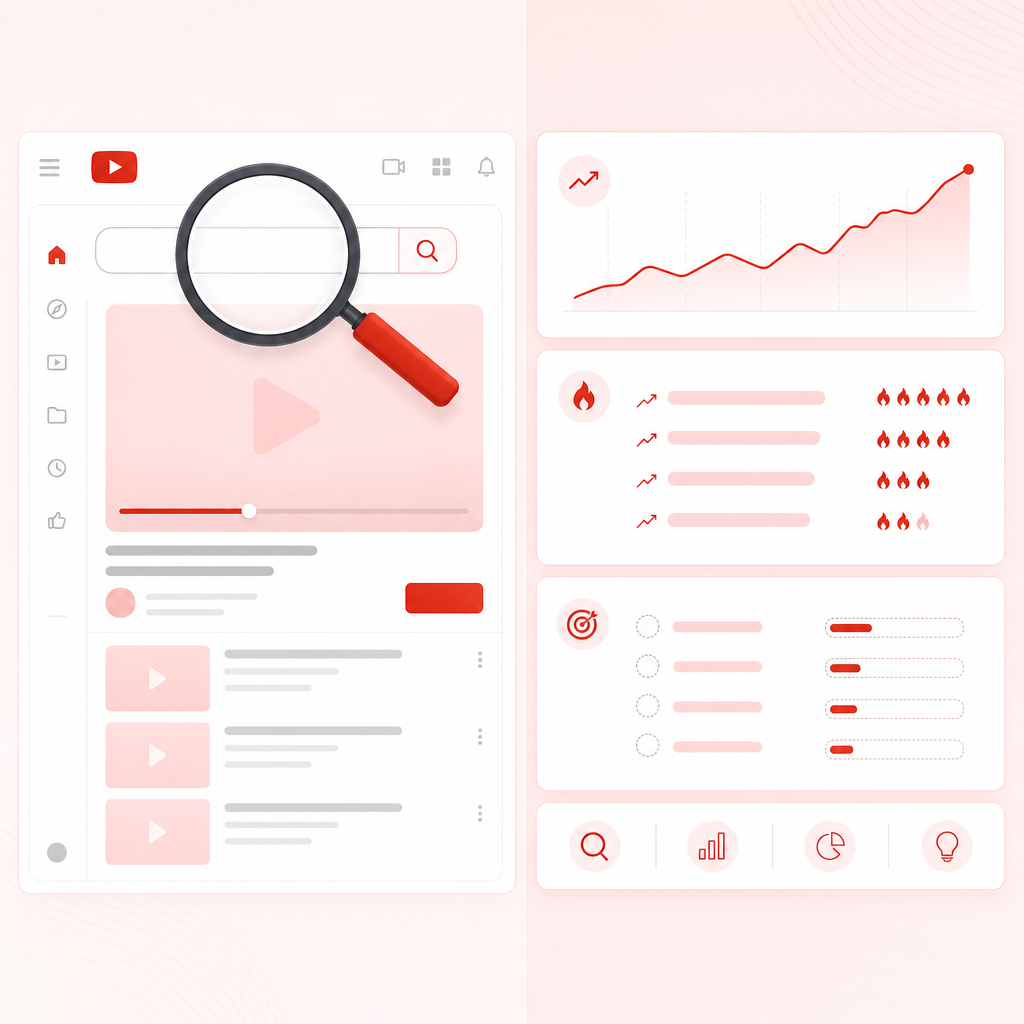
What is a YouTube Niche Finder Tool?
A YouTube Niche Finder Tool helps you identify the best niche (or sub-niche) to target by analyzing what people are searching for and what videos are already performing.
Instead of guessing, a quality tool typically shows you:
- Trending keywords and topic clusters
- Top videos competing in your niche
- Engagement signals (so you can judge audience interest)
- Content gaps (what hasn’t been covered well enough)
- Language + region opportunities (optional but powerful)
Need help picking the right niche? Use proven signals
When people search for the “best YouTube niches,” they often get general lists. That’s not enough.
To pick a niche that’s actually viable for video growth, look for these signals:
1) Keyword momentum
If a topic has consistent uploads and ongoing view gains, it’s more stable than a one-off trend.
2) Competitor pattern clarity
Good niches show a repeating format: similar titles or hooks, recurring video angles, common content structure (tutorials, comparisons, reviews, “how-to,” etc.)
3) Viewer engagement strength
You want proof viewers care—not only views. Watch engagement patterns (comments, likes, and retention cues).
4) Room for differentiation
If every video says the same thing, you’ll struggle to stand out. Gaps are your advantage.
5) Your content can be repurposed easily
If your blog already covers the topic deeply, you can convert faster with less research.
YouTube Video Data Extractor: what you should extract before creating
If you’ve ever tried to research manually (and still ended up guessing), you’ve basically needed a YouTube Video Data Extractor.
In practice, you want extraction that helps you decide:
- Which exact sub-topic to target
- Which keywords to include
- Which competitors to study
- Which video angle will likely perform better

A good extractor/tool makes this quicker by pulling insights like:
- Top-ranking video topics and keywords
- Recurring “winning angles”
- Trending queries related to your niche
- International opportunities (languages/regions)
Best approach for bloggers: turn articles into YouTube video clusters
Instead of converting one blog post into one random YouTube video, build a cluster.

Cluster strategy (simple and effective)
- Pick a pillar blog topic you already have (or can create)
- Identify sub-topics inside it (questions, examples, comparisons)
- Match each sub-topic to what YouTube is rewarding right now
- Produce videos in a consistent style to train your audience
This makes it much easier for your channel to grow because viewers recognize what you do.
How to discover what’s already working on YouTube (fast workflow)
Use this workflow every time you’re about to publish a new video from your blog.
- Scan your niche (real-time trends)
- Identify top-performing video themes
- Extract trending keywords + content gaps
- Choose a “best-fit angle” for your blog repurpose
- Produce and optimize (so YouTube can find you)
Extract trending keywords + content gaps
Your goal is to answer:
- What topics are already winning?
- Where are the weak spots (missing angles, outdated coverage, too-broad explanations)?
- Which keywords map to those opportunities?
Choose a “best-fit angle”
Example angles that often work:
- “Beginner vs advanced”
- “Common mistakes”
- “Best tools/resources”
- “Step-by-step walkthrough”
Produce and optimize
Use your extracted keyword themes to guide:
- title and thumbnail wording
- intro hook
- section headings
- description tags
- pinned comment prompt
Tools bloggers compare: what to look for (vidIQ, TubeLab, OverseeroS-style research)
If you’ve looked around for niche tools (including tools and guides from sites like vidIQ, TubeLab, and niche finder tool roundups), you’ll notice a common truth:
Most niche research breaks down into two needs:
1) Topic discovery
What to make
2) Video idea validation
What’s already working
When evaluating tools, don’t just compare features—compare outcomes:
- Does it surface winning topic patterns?
- Does it highlight content gaps you can use immediately?
- Does it support multiple languages/regions if you want broader reach?
- Does it speed up your workflow enough to actually publish more?
Why creators use GapTube.ai for “Discover — See What’s Already Working”
GapTube.ai is built for the exact moment you’re about to post—and you want proof your idea has momentum.
Here’s what it does for bloggers turning content into videos:
Real-time trends
Scans real-time trends worldwide so you’re not stuck on guesswork
Content gaps
Identifies content gaps in your niche to help you differentiate
Actionable ideas
Offers actionable video ideas you can turn into scripts
70+ languages
Provides opportunities in 70+ languages (perfect for expanding beyond your original audience)
Automates research
Automates research so you spend less time hunting and more time publishing
The killer use case: repurpose + improve your angle
Instead of copying your blog structure, GapTube.ai helps you choose:
- what to emphasize
- what to cut
- which audience question to answer next
- which competitor pattern to match (and where to break away)
Mini-example: from blog post to a higher-performing YouTube concept
Let’s say you wrote a blog post about “email marketing basics.”
A niche discovery step might reveal:
- what sub-topics are trending (e.g., deliverability, onboarding sequences, segmentation)
- what formats are winning (checklists, audits, walkthroughs, examples)
- where content gaps exist (outdated strategies, unclear explanations, missing tools)
Then you don’t upload “Email Marketing Basics.”
You upload something like:
- “Email Marketing for Beginners: 7 Automations You Can Set Up This Week”
- “Deliverability Checklist: Why Your Emails Don’t Reach the Inbox”
- “Onboarding Sequence Blueprint (Copy This Flow)”
Same overall theme—stronger YouTube-specific targeting.
Frequently Asked Questions
Is a YouTube niche finder tool worth it for bloggers?
Yes—especially if you want to repurpose articles into videos. It reduces guesswork by validating what’s already getting traction.
How do I find which topics are already working on YouTube?
Look for niche tools (or extractors) that show top video themes, keyword clusters, and recurring engagement patterns—then match those with content gaps you can own.
Should I choose one niche or many for my channel?
Start with one clear niche/sub-niche cluster. Once you have consistency and audience feedback, expand.
Can I target multiple languages/regions?
Yes. Tools like GapTube.ai can surface video opportunities in 70+ languages, helping you scale beyond one market.
How often should I run YouTube niche research?
Before each batch of content, and periodically to catch trend shifts. Daily insights can help you move faster than competitors.
Ready to stop guessing and start publishing?
With GapTube.ai — Discover — See What’s Already Working, you’ll find proven YouTube content opportunities in your niche so you can Turn blog ideas into videos people are already searching for and watching.
Start your discovery now.