
AI Video Repurposing for Social Media Managers
For social media managers, “content consistency” isn’t a strategy—it’s a schedule. The challenge: you can’t realistically create new edits for every platform from scratch.
Turn One Long Video Into Dozens of Ready-to-Post Clips
**Vizard Clips solves that.** It turns long-form videos (podcasts, interviews, webinars, livestreams, and YouTube videos) into **multiple short, shareable clips** for:
- YouTube Shorts
- TikTok
- Instagram Reels
Simple positioning: Turn one long video into dozens of ready-to-post clips.
Why Social Media Managers Need an AI Repurposing Workflow
Long-form content is valuable—so don’t stop there. Repurposing multiplies reach because:
- Shorts/Reels/TikToks often get discovered independently from the long video
- Different platforms reward different pacing, hooks, and formats
- Your audience may not watch full videos—but will engage with clips
The result? More output, more angles, more touchpoints—without more production hours.
Simple positioning
Vizard Clips turns one long-form video into platform-ready clips—so your schedule can stay consistent.
Start with one long-form asset
Extract and format clips for each platform
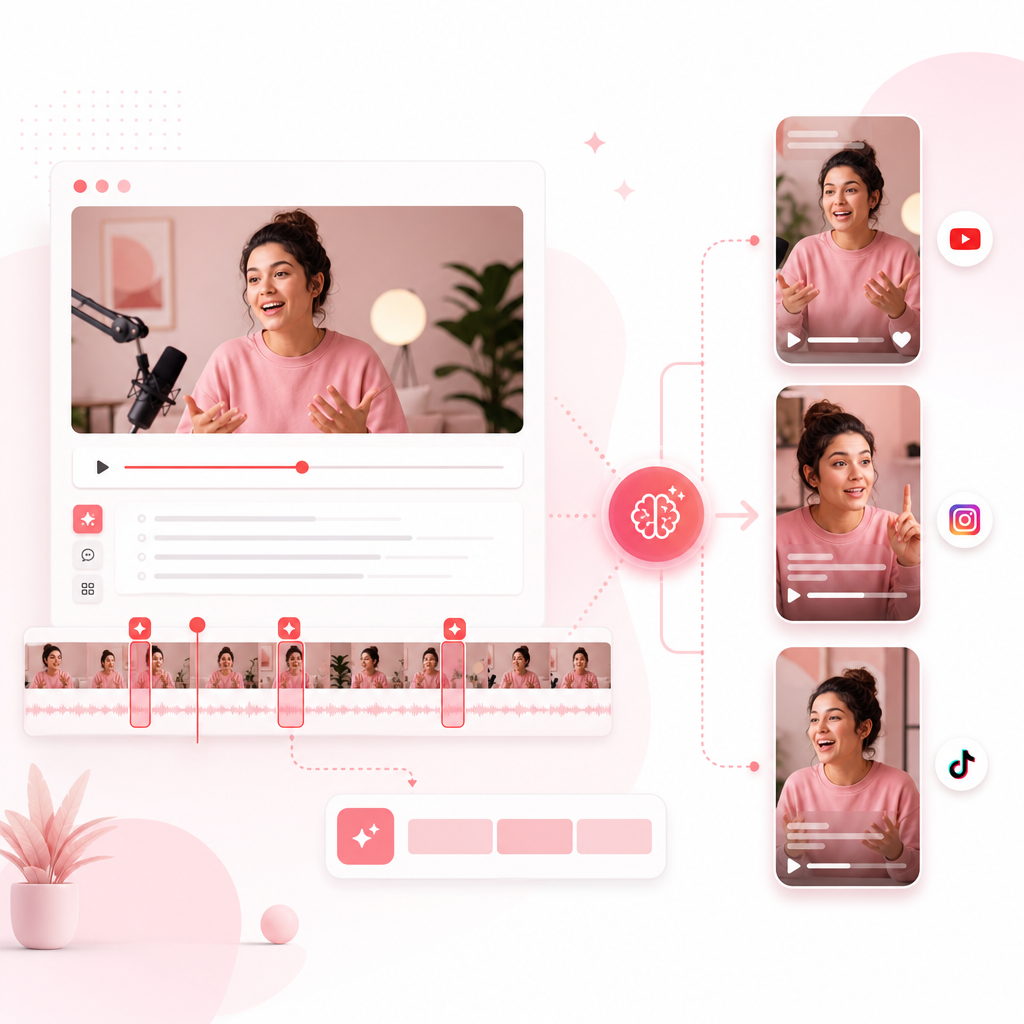
What Is Vizard Clips?
**Vizard Clips** is an AI content generator for repurposing long-form videos into platform-ready shorts.
Instead of manually:
- finding the best moments
- trimming segments
- resizing and formatting
- repeating the process for each channel
You extract key moments faster and generate bite-sized clips you can post across platforms.
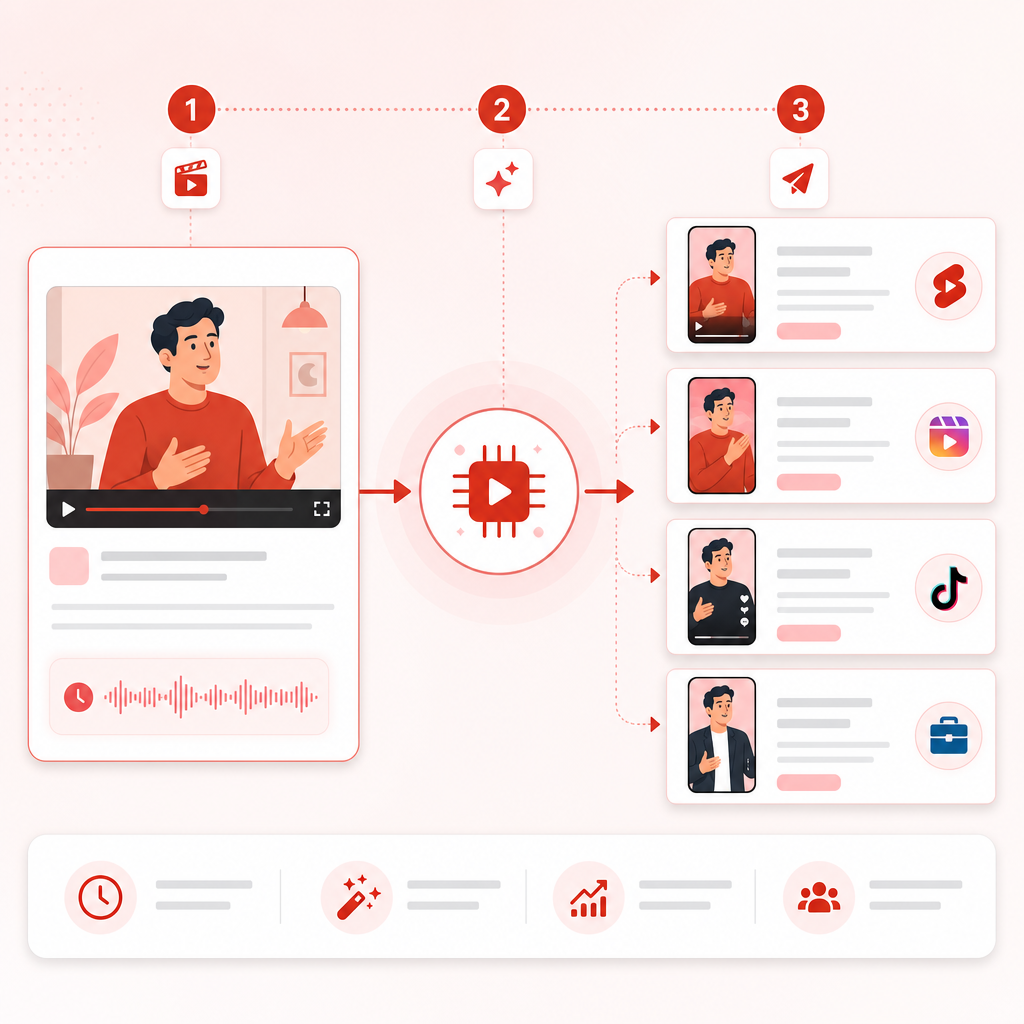
The Complete “Long Video → Dozens of Clips” Process (Step-by-Step)
1) Start with One Long-Form Asset
Good source content includes:
- Podcast episodes
- Interviews (guest + host)
- Webinars
- Livestream replays
- YouTube videos
Pick the episode/video with the strongest:
- clarity (easy-to-follow segments)
- momentum (moments that hold attention)
- repeatable themes (tips, frameworks, stories)
2) Extract the Best Moments for Shorts/Reels/TikTok
Your goal is not “more clips.” It’s strong clips:
- moments with a clear takeaway
- segments that answer a common question
- standout hooks, quotable lines, and mini-stories
Vizard Clips helps you convert those moments into short-form assets faster—so you can publish more often without sacrificing quality.
3) Generate Clips in the Right Format for Each Platform
Different platforms have different expectations:
- Shorts/Reels: fast pacing, readable text overlays
- TikTok: hook-first, conversational flow
- LinkedIn: clearer context and professional framing
With Vizard Clips, you’re set up to create platform-ready clips from the same long-form source.
4) Add Captions, Branding, and Consistent On-Screen Messaging
Consistency is what builds a recognizable content “system.”
Make sure each clip includes:
- captions for accessibility and retention
- branded styling (where applicable)
- a clear point in the first seconds (hook)
5) Quality Check (Fast QA Checklist)
To keep output high and errors low, run a quick QA pass:
- Did the clip make sense without missing context?
- Is the hook strong in the first 1–2 seconds?
- Are captions readable at mobile size?
- Does the clip match the platform tone?
6) Schedule, Publish, and Repurpose the Comments
After posting, treat clips like conversation starters.
Turn community activity into future content by noting:
- repeated questions
- objections
- the most-liked or most-responded points
This is where community management becomes a content engine—not just a support task.
Documentation: Build a Repeatable Repurposing Playbook
One of the biggest wins for social media managers is turning a “one-off workflow” into a system your team can run every week.
Your repurposing documentation should include:
- Content intake rules: what qualifies as “clip-worthy”
- Brand rules: fonts, colors, CTA style, disclaimer requirements
- Clip checklist: hook quality, caption readability, platform fit
- Naming conventions: episode date + clip type (e.g., 2026-07-10_podcast_tip-3)
- Approval flow: who signs off and turnaround time
When your process is documented, you get faster output *and* fewer mistakes—even when you’re scaling.
Community Management: Don’t Let Clips End After Posting
Publishing is step one. The real algorithm-friendly signals come from engagement—so plan community management alongside repurposing.
Practical community management moves:
- Pin the best long-form link (or related playlist) on platform-appropriate posts
- Reply quickly to early comments with value, not just “thanks!”
- Turn top comments into clip ideas (“You asked about X—here’s the answer.”)
- Maintain consistency in tone across platforms
A smart workflow looks like this: Clip → Discussion → Insight → Next batch of clips
How to Choose the Best AI Content Repurposing Tool
If you’re evaluating AI video tools, compare based on what matters to social media managers:
Look for:
- Speed-to-clips (how fast you can go from long video to ready posts)
- Quality of extracted moments (not just random trimming)
- Platform fit (format support and usability for Shorts/Reels/TikTok/LinkedIn)
- Ease of use (so editors and managers can collaborate efficiently)
- Repeatability (so your team can follow documentation and get consistent results)
Vizard Clips is designed specifically for the job of multiplying content output from one long-form video.
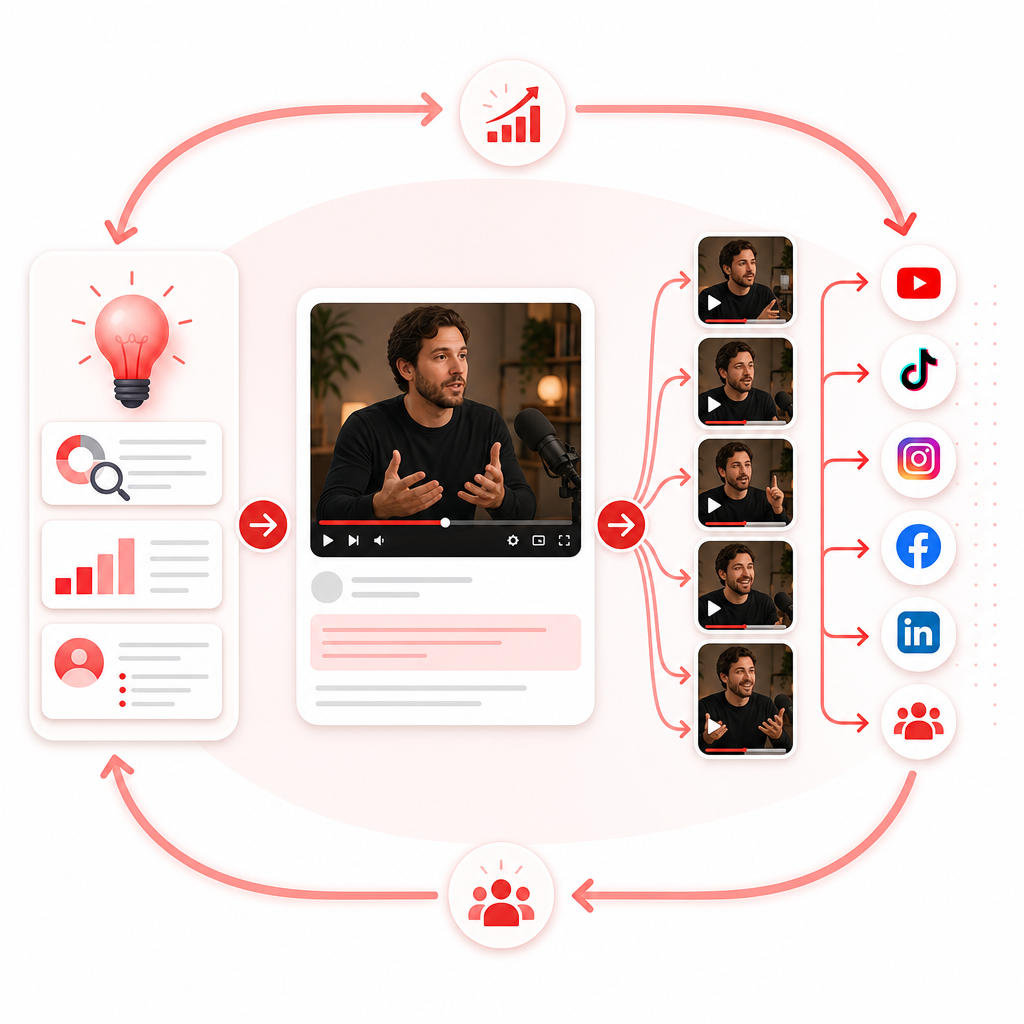
Pair GapTube.ai + Vizard Clips for a Complete Growth Loop
Idea generation is only half the battle. You also need the system to publish.
Here’s the combined workflow:
Step 1: Find What to Create with GapTube.ai (YT Research Tool)
- discover trending content opportunities
- uncover content gaps in your niche
- automate YouTube research in 70+ languages
- turn real-time trends into actionable video ideas
Step 2: Multiply Every Upload with Vizard Clips
Once you publish a long-form video, Vizard Clips helps you extract key moments into short-form clips—so you get:
- more reach per video
- more posting consistency
- more opportunities to drive viewers back to your channel and long-form content
Together, it’s: GapTube (winning topics) → Vizard Clips (maximum distribution)
Use Cases (Real-World Scenarios for Social Media Managers)
- One webinar per week → 20–40 clips across multiple platforms
- Podcast repurposing: turn guest highlights into Shorts/Reels + quote posts for extra engagement
- YouTube channel acceleration: publish long-form once, distribute everywhere else instantly
- Client content calendars: create consistent output even when client teams are busy
Goal of the workflow
More output, more angles, more touchpoints—without more production hours.
Frequently Asked Questions
Is Vizard Clips only for YouTube?
No—Vizard Clips is designed to repurpose content for YouTube Shorts, TikTok, Instagram Reels, and LinkedIn, from long-form videos like podcasts, interviews, webinars, and livestreams.
Do I still need to edit the clips manually?
You may do quick QA and light final adjustments depending on your brand requirements, but Vizard Clips is built to dramatically reduce the time spent on repetitive trimming and formatting.
How does this help with documentation and teamwork?
Because the workflow is repeatable, you can standardize it with checklists, naming conventions, and approval steps—so your team can scale output without chaos.
Can clips support community management?
Absolutely. Each post creates new opportunities for engagement, and you can use top questions/comments to generate your next batch of clips.
Ready to Multiply Your Content Output?
If your team is stuck creating short-form from scratch, it’s time for a workflow that scales.
Turn one long video into dozens of ready-to-post clips with Vizard Clips—and pair it with GapTube.ai to plan smarter, publish faster, and grow consistently.
Get started today.