
Vizard Clips Repurpose Long-Form Videos into Shorts
YouTube channel managers don’t just need more ideas—they need repeatable output.
Turn one long video into dozens of ready-to-post clips.
Publishing a long-form video is only step one. The real growth comes from turning that effort into shorts, reels, and social-ready clips.
Find trending, high-intent video opportunities, then turn winning moments into short-form content at scale.
Turn One Long Video into Dozens of Ready-to-Post Clips
Publishing a long-form video is only step one. The real growth comes from turning that effort into shorts, reels, and social-ready clips that keep your channel active and discoverable.
That’s exactly what Vizard Clips does: “Turn one long video into dozens of ready-to-post clips.”
And when you pair it with GapTube.ai – YT Research Tool, you get a complete system:
- Find trending, high-intent video opportunities (GapTube.ai)
- Turn winning moments into short-form content at scale (Vizard Clips)
Why YouTube Channel Managers Use Repurposing (and Automation)
Top-performing channels treat content like an asset—not a one-time upload.
To grow consistently, managers must balance:
(what to make next)
(how to outline, hook, and package)
(getting more output from the same recording)
(Shorts/Reels are often your discovery engine)
A modern workflow is less “create from scratch” and more “compound what you already made.” Tools and automation help eliminate bottlenecks—especially when you’re managing multiple channels, clients, or publishing calendars.
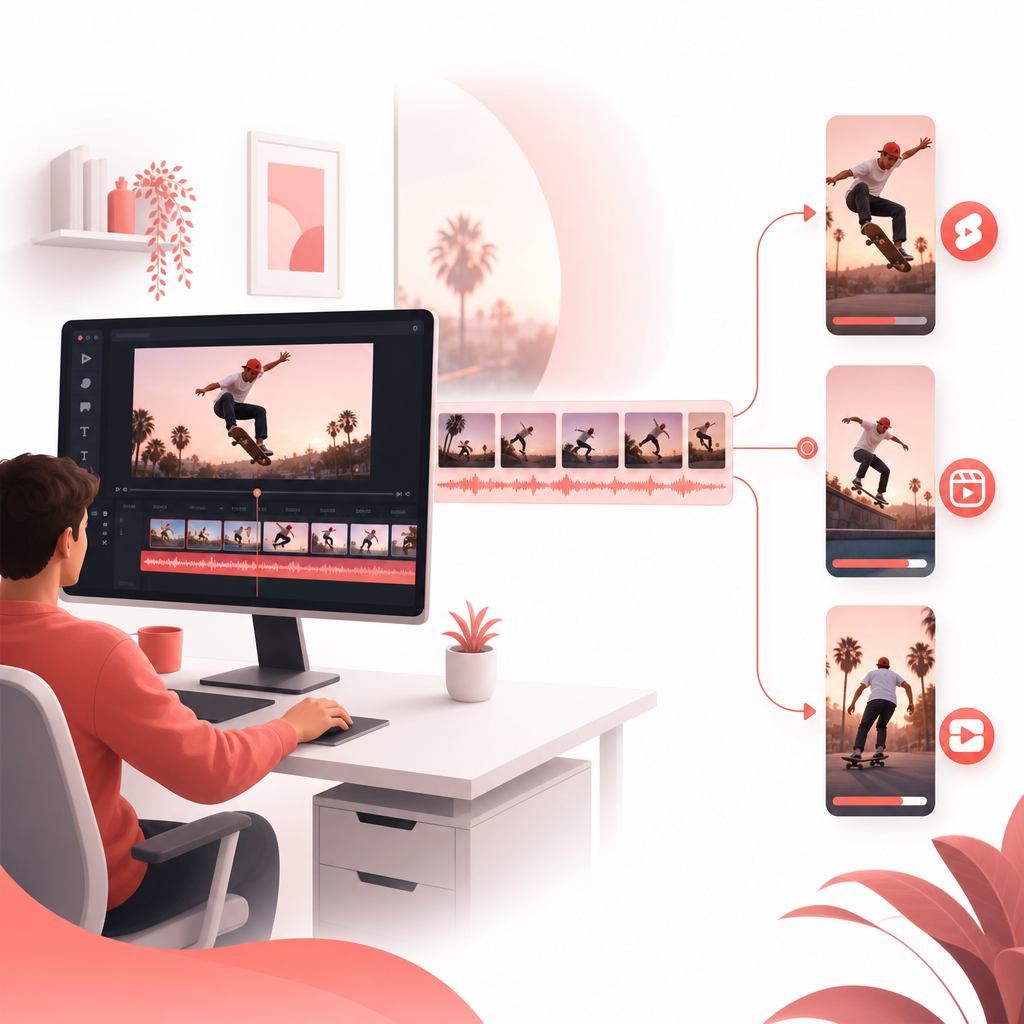
What Is Vizard Clips?
Vizard Clips converts long-form videos into multiple short, shareable clips for platforms like:
- YouTube Shorts
- TikTok
- Instagram Reels
It helps you repurpose podcasts, interviews, webinars, livestreams, and YouTube videos into bite-sized content faster—so you can post more often without re-editing everything from zero.
Learn more about Vizard Clips.
The Complete Workflow: GapTube.ai + Vizard Clips (Built for Managers)
Here’s a simple, manager-friendly pipeline you can run for every long-form upload:
Use GapTube.ai to generate YouTube video ideas (and validate demand)
GapTube.ai scans real-time trends worldwide, identifies content gaps in your niche, and produces actionable video ideas in 70+ languages.
Result: you publish long-form videos with a higher probability of earning traction—because the topic is grounded in ongoing audience behavior.
Use an AI Script Generator to draft hooks + segment outlines
Once you have a winning topic, you need packaging:
- a strong opening hook,
- structured sections,
- and short-form “moment candidates” you can later clip.
This is where an AI Script Generator mindset helps you plan content that naturally breaks into short-form segments.
Goal: design your long video so it contains clean, clip-worthy moments.
Publish the long-form video (podcast, interview, tutorial, etc.)
Now you record or repurpose the full episode—your “source of truth.”
Use Vizard Clips to extract key moments into dozens of short clips
After upload, Vizard Clips helps you pull the best parts into short-form assets, turning one effort into multiple posts.
You’re no longer limited by one video per production cycle.
Your long-form content becomes a clip library you can distribute across platforms.
Post shorts faster, track performance, and iterate
Short-form publishing improves when you:
- test multiple hook styles,
- double down on topics that spike engagement,
- and keep your channel active even when long-form production is still underway.
AI Script Generator + YouTube Video Ideas Generator: How to Plan for Clip-Ready Content
If you want better shorts output, you can’t treat short-form as an afterthought. Plan for it during scripting and outlining.
Use these planning prompts for your long-form “source video”:
- What’s the one-line promise of this episode?
- Which 3–7 moments should create emotional peaks (shock, insight, proof, story, mistake, outcome)?
- Where do you deliver the most quotable lines?
- What are the top questions viewers would ask after the video?
That’s how you get clips that don’t feel random—they feel like the best part of the full video.
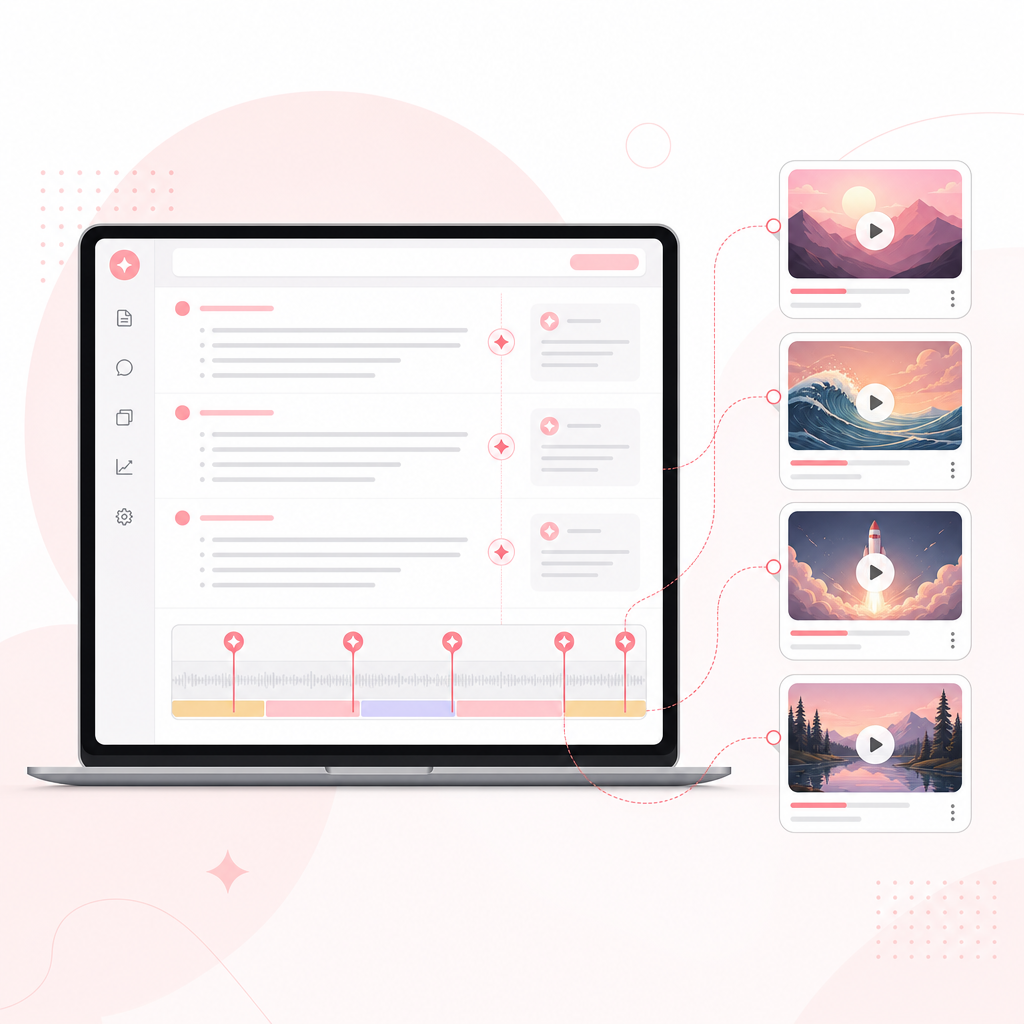
Explore Use Cases: How Vizard Clips Helps You Repurpose Every Content Type
Here are practical Explore use cases for YouTube channel managers—by content format:
Podcasts → YouTube Shorts + Reels
Turn key takes, stats, and audience questions into bite-sized episodes.
Interviews → “Best Moment” clip series
Extract the most compelling answers and reactions for ongoing discovery.
Webinars → Weekly short highlights
Convert training segments into short learning reels to keep your funnel warm.
Livestreams → Highlight reels
Turn chat-driven moments, peak insights, and audience wins into posts you can reuse for days.
Tutorials → Proof-driven quick clips
Pull demonstrations, “how-to” steps, and before/after examples into Shorts.
Case studies → Results-first storytelling
Clip the biggest transformation points—then link viewers back to the full story.
Product demos → Feature-by-feature snippets
Create clip-based discovery while keeping the full demo for deeper intent.
News/commentary → Opinion + supporting moments
Clip your strongest perspective plus the proof segment that supports it.
Subscriber Q&A → Weekly question drops
Turn one full Q&A into multiple posts across platforms to multiply engagement opportunities.

Best Practices: Make Shorts That Earn Views (Not Just Clips)
To maximize performance, treat each clip like its own mini-video:
- Start with the hook in the first second (no waiting)
- Keep captions readable (especially for Shorts/Reels)
- Cut for clarity (remove dead air and context overload)
- One idea per clip (avoid mixing multiple points)
- Use consistent formatting so your channel looks cohesive
When Vizard Clips extracts moments from your long video, these choices determine whether those clips feel “shareable” and repeat-worthy.
Manager Playbook: Upload Once, Publish Everywhere
A simple weekly model for channel managers:
- 1 long-form video (your main production)
- Multiple short clips derived from that upload (your discovery engine)
- Ongoing iteration based on what performs best
This approach reduces the production pressure while increasing output—so your channel keeps growing even between shoots.
Ready to Multiply Your Content Output?
If you’re serious about growth, don’t make long-form content your end goal—make it your source for short-form momentum.
Pair GapTube.ai with Vizard Clips
- Use GapTube.ai to discover trending opportunities and content gaps
- Use Vizard Clips to turn every long video into dozens of clips
Start building your clip-ready workflow today and turn every upload into a content pipeline.
Your long-form content becomes a clip library you can distribute across platforms.
Turn one long video into dozens of ready-to-post clips.