
My Videos — Learn What Actually Works
If you’re a part-time YouTuber—making videos around work or school—you don’t have time to brainstorm from scratch every upload.
You need a faster way to answer one question: What’s actually driving your views, clicks, retention, and growth—on your channel—so you can repeat it next?
That’s exactly what My Videos — Learn What Actually Works is built for: a personal YouTube performance research tool that analyzes your own video history and turns past results into smarter next-step decisions.
A personal YouTube performance research tool built around your own channel history.
It analyzes your own video history to reveal what’s driving your performance.
It turns past results into smarter next-step decisions so you can repeat what works.
Why part-time creators struggle with “what to post next”
Most creators don’t fail because they can’t make videos. They fail because they’re forced to guess:
- Which topic will perform this month?
- What title style gets more clicks?
- What thumbnail format works better for your audience?
- Should you repeat a format—or pivot?
- Are your views coming from browse, search, or suggested videos?
When you upload on a schedule you can’t fully control, guessing becomes expensive:
- More time spent researching
- More videos that don’t land
- Slower growth because patterns are unclear
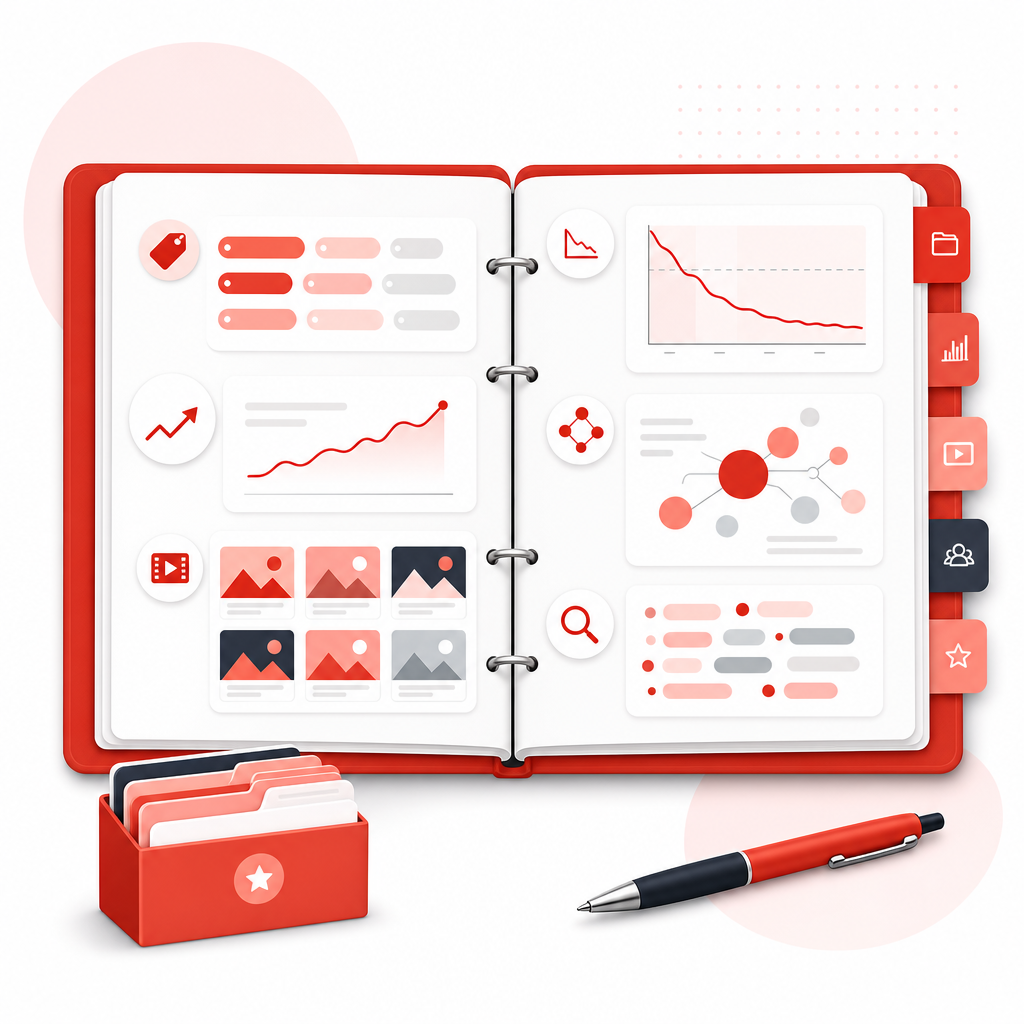
The solution: Build a “content library” from what already works
Instead of starting over, you turn your channel into a content library of evidence.
- Which topics earn attention
- Which titles drive CTR (click-through rate)
- Which thumbnails increase impressions-to-clicks
- Where retention drops
- Which keywords and formats support growth
Then you use those patterns to plan your next upload with confidence—not hope.
What you’ll learn in this guide
By the end, you’ll know how to:
- Use your own YouTube analytics to spot winning patterns
- Separate “viral luck” from repeatable performance
- Turn your best videos into actionable next-video ideas
- Use YouTube tools (including competitor context) to validate decisions
- Create a simple workflow that fits part-time schedules

The fastest workflow to get more YouTube views from your own videos
Here’s a practical step-by-step method (designed for creators who don’t want to spend hours in dashboards).
Step 1: Gather your data (what to pull from YouTube Analytics)
Start with the core metrics that explain views:
- Impressions (how often your video appears)
- CTR (how often it earns clicks)
- Average view duration / retention
- Traffic sources (Browse, Search, Suggested)
- Top videos by views + engagement
- Search terms / keywords you’re already ranking for (when available)
Goal: Build a snapshot of what your channel is already proving.
Step 2: Group your videos into “performance buckets”
Instead of looking at videos one-by-one, group by things you can repeat:
Try buckets like:
- Topic themes (e.g., “beginner tips,” “tool reviews,” “how-to,” “behind the scenes”)
- Content format (tutorial, commentary, interviews, shorts, long-form)
- Thumbnail style (text-heavy, face-forward, minimal)
- Title pattern (question, how-to, “X mistakes,” comparison, “best way to…”)
- Video length ranges (short vs medium vs long)
- Keyword intent (search-driven vs browse-driven titles)
This is where a content library mindset becomes powerful: you’re organizing evidence, not just videos.
Step 3: Identify your “winners” (and your “almost-winners”)
Don’t only chase the top 1–2 videos. Look for three categories:
- Winners: high views + strong retention + healthy CTR
- Almost-winners: decent CTR/impressions but retention drops
- Awkward performers: retention OK but CTR is low (thumbnail/title issue)
Examples:
- If CTR is weak → improve title + thumbnail strategy
- If retention drops → tighten pacing, hook earlier, match viewer expectations
- If traffic is mostly Search → lean into SEO-friendly titles/keywords
- If traffic is mostly Suggested/Browse → lean into stronger hooks and broader appeal
Step 4: Turn patterns into next-video decisions
Now convert insights into actions you can execute quickly. Use a simple “repeat + refine” rule:
- Repeat what the audience already rewarded
- Refine what currently limits performance
A few high-impact decisions:
- Make new videos in your top-performing topic clusters
- Use title structures that match your highest CTR videos
- Match thumbnail style to the videos earning more clicks
- Build the first 15–30 seconds around what keeps viewers watching
- Choose length based on retention trends, not trends from other channels
Step 5: Validate with competitor context (without wasting time)
Even though your goal is to learn from your channel, competitor context helps you avoid blind spots.
Third-party YouTube tools often show how channels compare on topics and performance signals (since you can’t fully access other creators’ private analytics).
For example, tools and guides commonly explain:
- How to use analytics-like signals for your channel
- How to study other channels’ strategy through their publicly visible content patterns
- How channel analytics features help you find what’s working in your niche
Use competitor research to validate your direction—not to replace your own data.
Where YouTube Tools fit (and which insights matter most)
A good tool helps you move faster—but the right tool should focus on decisions, not just numbers.
1) Channel stats that explain your current growth
Tools like VIDIQ-style analytics focus heavily on channel performance and video stats—useful for understanding what’s trending for you and where your growth is coming from.
Your takeaway: You need clarity on what’s moving the needle now.
2) Analytics views for engagement and topic signals
TubeBuddy-style features (like ChannelAnalytics) help you compare performance across videos and spot patterns faster than manual review.
Your takeaway: You want pattern recognition without spending weekends in spreadsheets.
3) Niche and competitor context
Analytics workflows and creator guides (including approaches used by platforms like Clipchamp) often focus on how to view analytics and interpret performance—plus how to study other channels’ content strategy using available signals.
Your takeaway: Use outside context to sharpen your hypothesis, then confirm it with your data.
How GapTube.ai makes “My Videos” actually work for part-time creators
GapTube.ai — YT Research Tool
helps creators master YouTube strategies by:
- Discovering trending content opportunities
- Identifying content gaps in your niche
- Automating research so you don’t manually scan ideas for hours
- Delivering actionable video ideas in 70+ languages
For this landing page, the focus is your channel:
My Videos — Learn What Actually Works
A personal performance research approach that helps you:
- Understand which topics, titles, formats, thumbnails, and keywords are performing best for you
- See what to repeat next (and what to stop doing)
- Turn past performance into better future decisions—faster
That’s the difference between “YouTube research” and YouTube results.
Tools and workflows can help you move faster, but the right tool should focus on decisions—so you can confirm with your own channel data.
helps you validate your direction with outside context—then confirm with your data.
Turn insights into a repeatable upload plan (quick template)
Use this weekly routine (even if you upload only 1–2 times per week):
- Pick your winner category (topic/format/series)
- Choose your improvement target
- CTR problem? thumbnail/title
- Retention problem? hook/pacing/structure
- Draft 2–3 title options using the winning patterns you’ve seen
- Create one thumbnail concept aligned with your CTR best practices
- Plan your first 30 seconds based on retention trends from similar videos
With a real content library, you’re not guessing—you’re iterating.
Frequently Asked Questions
Can this help me get more YouTube views if I’m small?
Yes. In fact, smaller channels often benefit most because your “signal” can be clearer. A My Videos approach helps you learn from your own data faster, even with fewer videos.
What if my most viewed video was a one-off?
That’s what your “almost-winner” vs “winner” tracking helps with. You’ll learn whether performance is repeatable by comparing retention, CTR, and traffic sources—not just views.
Do I need to watch every retention graph manually?
No. The goal is to summarize patterns into decisions (title/thumbnail/format/topic/keyword), so you can spend time creating—not analyzing for hours.
How often should I review my YouTube analytics?
For most part-time creators, weekly or bi-weekly is enough:
- review your recent uploads
- update your “content library” winners
- decide what to repeat next
Start building your “My Videos” content library today.
If you want to stop guessing what to post next and start using your own video data to build repeatable wins, try GapTube.ai.