
Vizard Clips — Multiply Your Content Output
If you’re an influencer or UGC creator, you already know the hard truth: video is the engine, but keeping up with filming is the bottleneck.
Turn one long video into dozens of ready-to-post clips.
Repurpose faster using AI workflows for YouTube Shorts, TikTok, Instagram Reels, and LinkedIn—without shooting new content every day.
Captions-ready, clip-ready output.
You can post more consistently without turning repurposing into a second job.
The Real Problem UGC Creators Face: “Content Output” vs. “Filming Time”
Most creators don’t struggle with ideas—they struggle with execution volume.
Common scenarios:
- You publish one long YouTube video… then struggle to extract enough Shorts from it.
- You record a podcast/interview/webinar, but clip editing takes too long.
- You’re posting consistently… until filming becomes a full-time job.
- Your momentum drops because repurposing is “another project.”
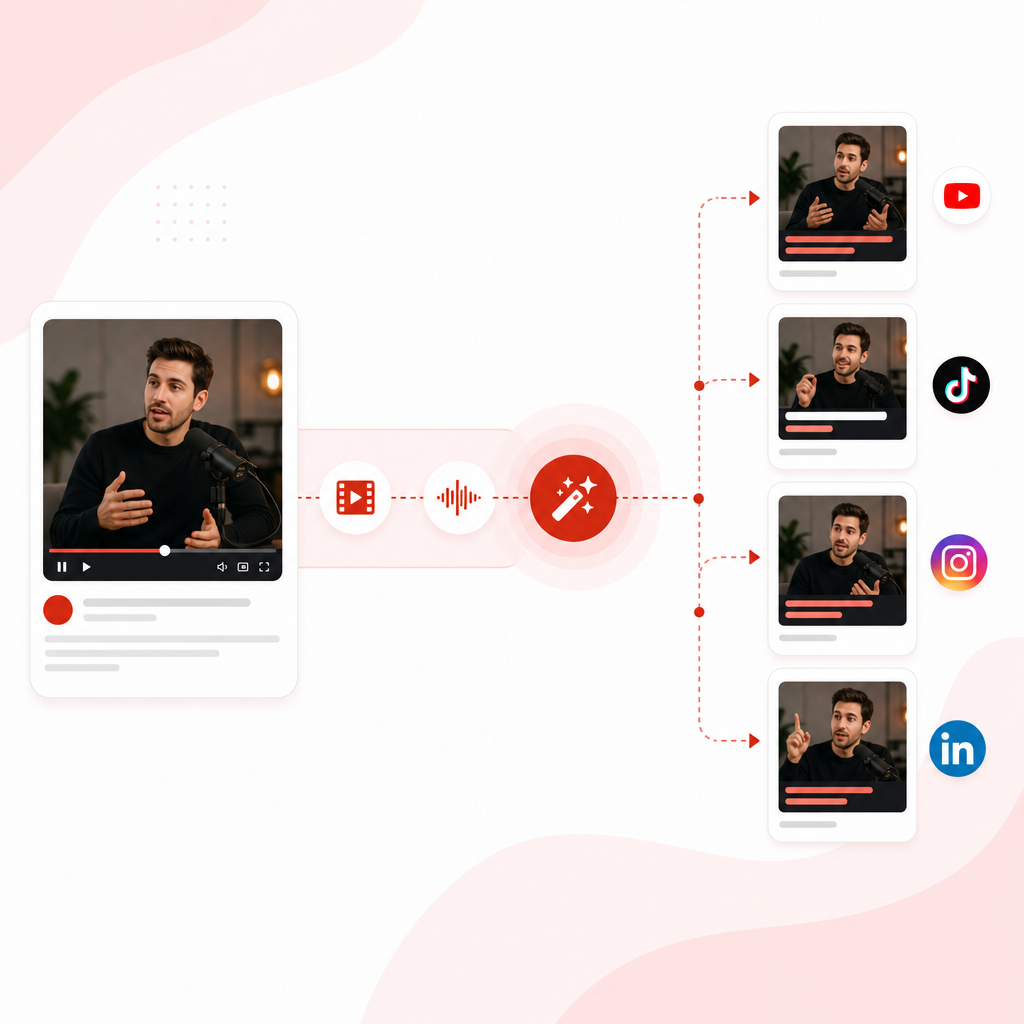
The Vizard Clips Repurposing Workflow (Step-by-Step)
Here’s the content pipeline most high-output creators use—simplified with Vizard Clips.
- 1
Step 1: Start with one “pillar” video
- 20–60 minute podcast episode
- a YouTube main-video
- a livestream recording
- a webinar or interview
- 2
Step 2: Upload to Vizard Clips
Instead of manually editing dozens of shorts, let Vizard Clips extract the moments that can become standalone clips.
- 3
Step 3: Auto-generate short-form clips
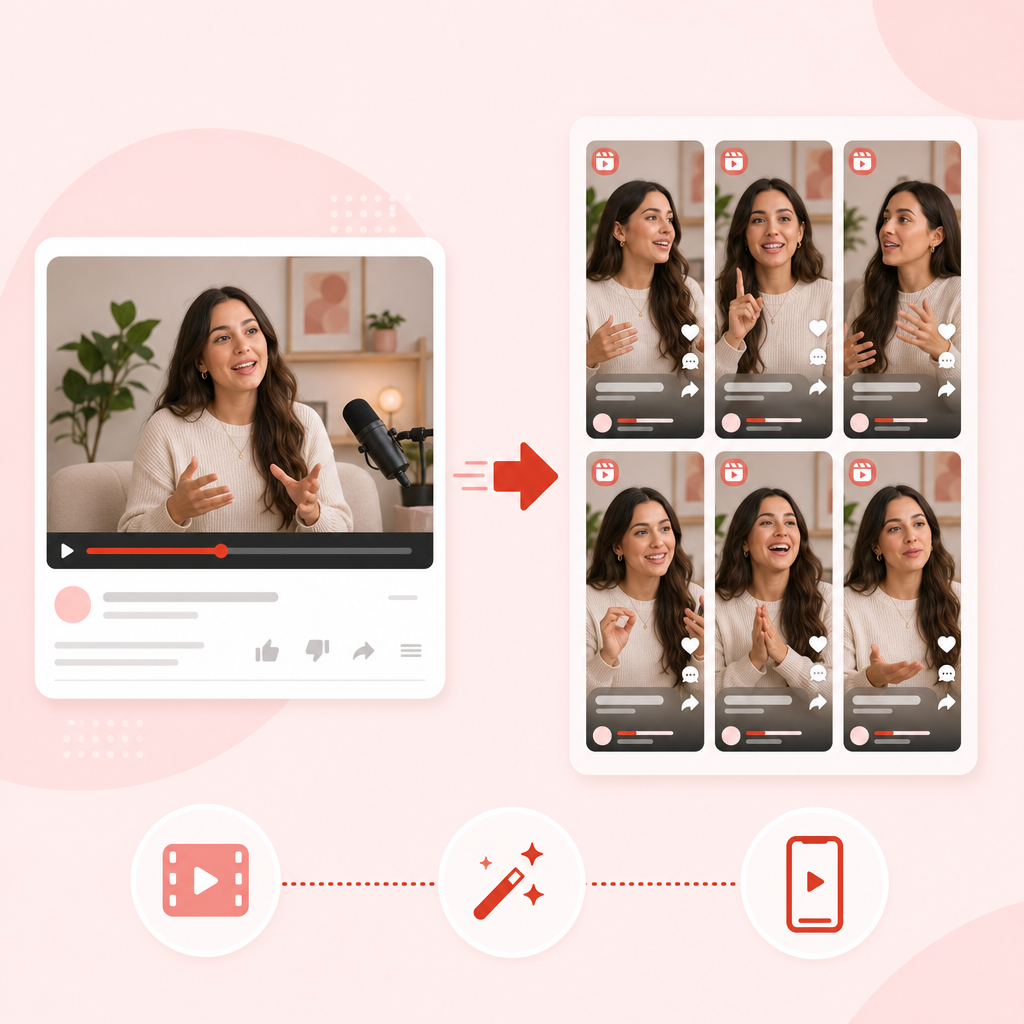
- Shorts-style vertical clips
- Reels/TikTok-ready segments
- LinkedIn-friendly snippets (where applicable)
- 4
Step 4: Add captions + polish for posting speed
Short-form clips need readability and clarity. Vizard Clips is built for fast turnaround so you can post without turning repurposing into a second job.
- 5
Step 5: Publish across platforms (and reuse what works)
Once the clips are ready, you can distribute them across:
- YouTube Shorts
- TikTok
- Instagram Reels
What Vizard Clips Does (In Plain English)
Vizard Clips turns long-form videos into multiple short, shareable clips—fast.
You can repurpose:
- Podcasts
- Interviews
- Webinars
- Livestreams
- YouTube long-form videos
Then publish the best moments across short-form platforms with captions-ready, clip-ready output designed to help you stay visible and consistent.
Why This Matters for YouTube Creators (and UGC Creators Everywhere)
YouTube and short-form ecosystems reward frequency + relevance:
- More clips = more chances to hit trending topics and audience interests.
- More consistent publishing = stronger channel signals.
- More “screen time” moments = more viewers who recognize your style.
But the catch is that consistency is painful when it requires:
- rewatching every video
- manually cutting dozens of moments
- formatting clips for each platform
- rewriting captions and hooks from scratch
Vizard Clips helps remove that friction.
“AI UGC Tools” vs. A Repurposing Tool Built for Creators
AI UGC Tools (common categories)
When people search for “best AI UGC tools,” they often find tools in these categories:
- AI UGC video generators (create videos from prompts or assets)
- AI content assistants (ideas, scripts, hooks)
- UGC-focused platforms (generation and workflow help)
Those tools can help in certain situations—especially if you want fresh “from scratch” UGC or fast generation.
Vizard Clips is different
Vizard Clips is purpose-built to multiply output from your existing long-form content, so you get more distribution from the work you already filmed.
That’s why this workflow is so powerful for influencers and UGC creators: it increases volume without increasing filming.
How to Create UGC Videos for Free (Or Close to It)
“Create UGC videos for free” usually means one of two things:
- You want zero-cost tools and zero extra production time
- You want to reduce costs by using what you already recorded
Vizard Clips supports the most realistic “free” approach: repurpose what you already have.
Practical ways to reduce cost to near-zero
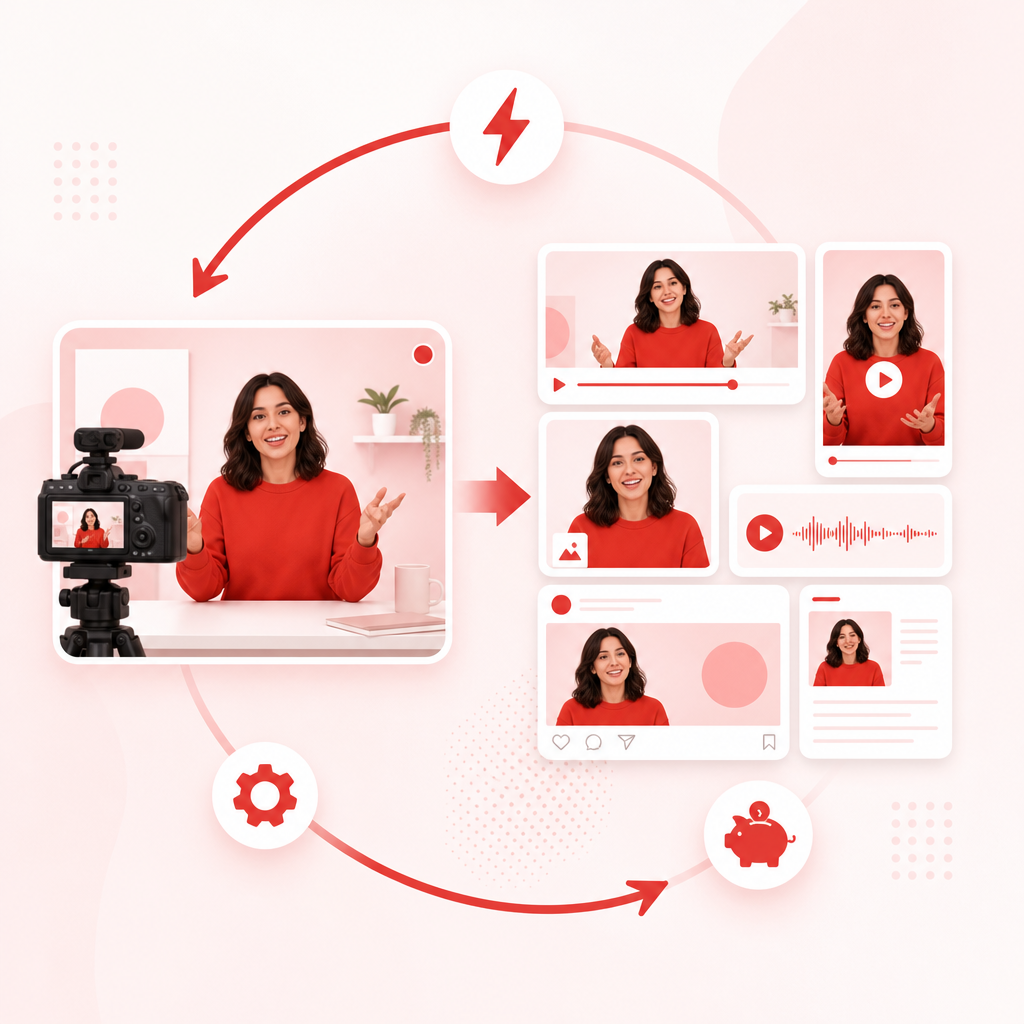
- Use one recording session (podcast/interview/pillar video) to feed many posts.
- Avoid re-filming hooks for every short—extract and repurpose instead.
- Batch produce for multiple platforms from the same source video.
- Scale your output so you can test more angles without burning time.
Pair repurposing with GapTube.ai for “what to post”
Pairing content repurposing with content research is what turns clips into growth.
GapTube.ai – YT Research Tool helps you:
- discover trending content opportunities
- identify content gaps in your niche
- automate YouTube research
- generate actionable video ideas in 70+ languages
That means you can: find what to make, then use Vizard Clips to multiply it into short-form distribution.
“Guides + AI Workflows” That Actually Boost Output
Below is a ready-to-use guide structure you can follow every week.
Weekly AI Workflow for High-Output UGC Creators
Goal: publish consistently without constantly filming
- Research your next pillar topic - Use GapTube.ai to find trending angles + keyword opportunities.
- Record one long-form video - Podcast, interview, livestream, or YouTube main video.
- Repurpose immediately - Upload to Vizard Clips while ideas and context are fresh.
- Schedule short clips - Post across Shorts/Reels/TikTok/LinkedIn.
- Double down on what performs - Take the best clips and repackage the theme for your next pillar.
This workflow is the fastest path to “more output” because the filming burden stays low.
Best Use Cases for Vizard Clips (Creators Love These)
For YouTube creators
- Turn one main video into multiple Shorts
- Extract hooks, reactions, and key takeaways
- Build more frequent touchpoints with your audience
For UGC creators and brand ambassadors
- Repurpose talking points from interviews or brand discussions
- Convert longer “story” content into quick testimonials/insights
- Post more often while keeping the same filming commitment
For podcast hosts and interviewers
- Make each episode last longer
- Turn segments into shareable moments
- Keep momentum even between guest recordings
For educators and webinar creators
- Convert lessons into bite-sized clips
- Share one idea multiple ways (definition → example → takeaway)
- Increase reach without rewriting from scratch
Content System: Turn Every Long Video Into a Short-Form Library
Most creators treat shorts like a side project. High-output creators treat shorts like a distribution system.
Vizard Clips helps you build a short-form “library” from each long video so you:
- publish more consistently
- test more hooks and angles
- reach more people who prefer short content
- reinforce your brand with recurring topics
Conversion-Focused: Why Creators Choose This Workflow
- Faster clip turnaround (less manual editing)
- More posting consistency (more opportunities to grow)
- Less filming fatigue (you reuse your long-form work)
- Better topic utilization (you don’t waste a great pillar video)
Vizard Clips helps you scale without scaling stress.
Research with GapTube.ai + Repurpose with Vizard Clips
Use this “two-tool loop” for maximum growth momentum:
- GapTube.ai finds what to make (trends, gaps, keywords)
- Vizard Clips multiplies the finished long video into dozens of clips
If you’re serious about growth, this combination creates a cycle:
- research → create once → repurpose many → publish consistently
Frequently Asked Questions
Can I turn podcasts and interviews into Shorts?
Yes. Vizard Clips is designed for repurposing long-form sources like podcasts, interviews, and webinars into short clips ready for posting.
Do I need to film separate clips for each platform?
No—that’s the point. You film long-form once, then Vizard Clips extracts and converts moments into multiple shorts/reels-style posts.
Will this work for YouTube long-form videos?
Absolutely. If you create YouTube main videos, Vizard Clips can help you extract key moments and turn them into additional short-form distribution.
How does this help me grow?
More consistent short-form posting means more chances to reach new viewers, reinforce topic authority, and drive repeat engagement—without doubling your filming workload.
Is this only for large creators?
No. Influencers and UGC creators at any level can use this workflow to increase output while keeping production manageable.
Where does GapTube.ai fit in?
GapTube.ai helps you discover trending topics and content gaps. Vizard Clips then helps you multiply your finished long videos into short clips, so your research turns into consistent publishing.
Ready to Multiply Your Content Output?
If you’re producing frequent video content and want to increase your output without constantly filming new videos, Vizard Clips is built for you.
Turn one long video into dozens of ready-to-post clips—then pair it with GapTube.ai to research smarter and post more consistently.