
Revive a Stalled YouTube Channel with Your Data
If your channel has plateaued or declined, it’s not because you “ran out of ideas.” It’s usually because you’re missing a repeatable pattern—what truly drives clicks, watch time, and recommendations for your audience.
Identify your best-performing videos
How to identify your best-performing videos (and why they performed).
Diagnose with CTR and retention
Which metrics matter most when growth slows (not just views).
Build a repeatable winners plan
How to build a simple “repeatable winners” plan using your video history.
Stop Guessing: Use Your Past Wins to Restart Growth
This pillar page is for creators who want to revive stalled channels by going back to what already worked—and updating it for today.
What you’ll learn
- How to identify your best-performing videos (and why they performed)
- Which metrics matter most when growth slows (not just views)
- How the YouTube algorithm turns video performance into distribution
- How to build a simple “repeatable winners” plan using your video history
- How GapTube.ai’s My Videos helps you find what’s working on your own channel
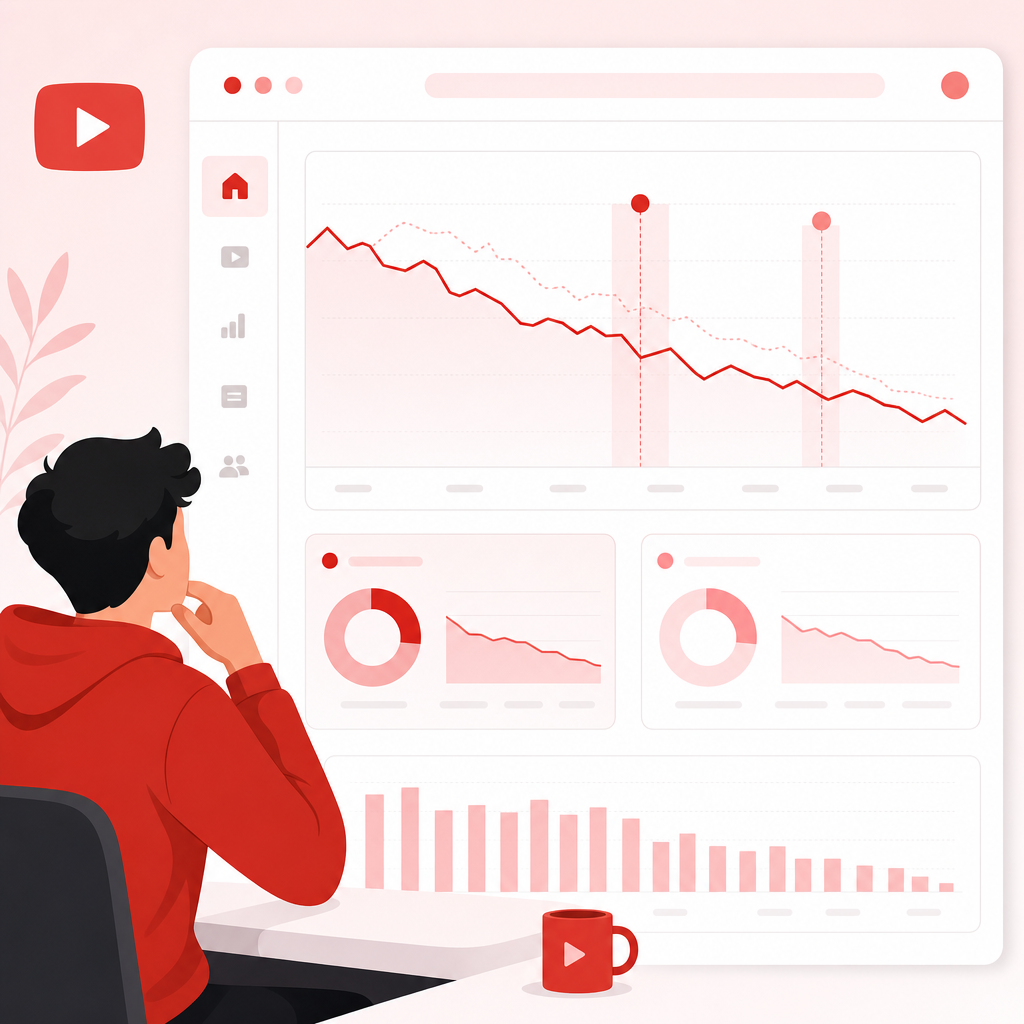
Why Channels Plateau (Even When Creators “Try Harder”)
Most creators respond to a slowdown in the wrong way: they change everything at once—topic, style, format, packaging—without knowing which parts mattered.
1) You’re not earning enough “impressions to clicks”
You might be getting views, but not enough click-through rate (CTR) from impressions. Low CTR tells the YouTube algorithm that your thumbnail/title combo isn’t compelling.
2) Your videos aren’t holding attention
Even if clicks are decent, weak retention (or low average view duration) limits distribution. YouTube favors videos that keep people watching.
3) You’re not feeding the algorithm clear signals
If your topics vary wildly or your packaging doesn’t match viewer expectations, YouTube has a harder time identifying who should receive your content.
4) Traffic patterns shift suddenly
Sometimes it feels like “the channel just dropped.” A views decline can happen due to changes in:
- where viewers discover videos (Browse vs Search)
- competitor activity
- seasonality
- audience shifts
- whether viewers are returning to your channel for more
The takeaway: you can’t fix what you can’t measure—and “guessing” replaces analysis.
The Goal: Turn Your Video History into a Content Library of Winners
To revive a stalled channel, you need a reliable way to learn from the past. Think of it like building a content library (not just a playlist of uploads):
Your highest CTR videos
title + thumbnail winners
Your strongest retention videos
content and pacing winners
Your best “next-video” momentum
format + audience fit
Your topic clusters
audience needs + positioning
GapTube.ai helps you do exactly this with My Videos — Learn What Actually Works: a tool that analyzes your own videos to uncover what drives performance and growth—so you can repeat what works, not reinvent blindly.
Which Metrics Actually Matter When Your Channel Is Stalled?
When growth slows, it’s tempting to obsess over total views. But total views are the result, not the cause.
Here’s a practical metric stack creators use to diagnose performance:
1) Impressions → Clicks (CTR)
What it tells you: Are people interested enough to click?
If CTR is low, fix packaging: title + thumbnail promise. If CTR is high but views still lag, retention may be the issue.
2) Audience retention / Average view duration
What it tells you: Are viewers staying to watch?
If retention drops early, your hook or pacing likely needs work. If drop-offs happen mid-video, your structure may be losing value.
3) Watch time (and how it builds)
What it tells you: Are you earning enough value to keep distribution?
Strong watch time signals quality and relevance.
4) Traffic source patterns (Search vs Browse)
What it tells you: Where does YouTube find your viewers?
Search-heavy success can mean your titles/keywords match intent. Browse-heavy success can mean your packaging + suggested videos fit viewer interests.
5) Returning viewers / channel engagement
What it tells you: Are you building a loyal audience?
Returning viewer interest often correlates with repeatable topic positioning.
Creator Tip: Don’t compare a single video to another single video. Compare patterns across clusters: topic → format → packaging → retention.

How the YouTube Algorithm Uses Your Results to Decide Distribution
The YouTube algorithm is basically a matchmaking system. It learns:
- Who is likely to click your thumbnail/title
- Who is likely to keep watching after they click
- Whether they’ll return for more and watch additional related content
That means your channel growth depends on consistent signals, not one viral upload.
A simple way to think about it
CTR answers: “Is the offer irresistible?”
Retention answers: “Is the content delivering?”
Watch time + satisfaction signals answer: “Is this worth recommending?”
The distribution link
If any one of these breaks—especially CTR or retention—distribution slows down.
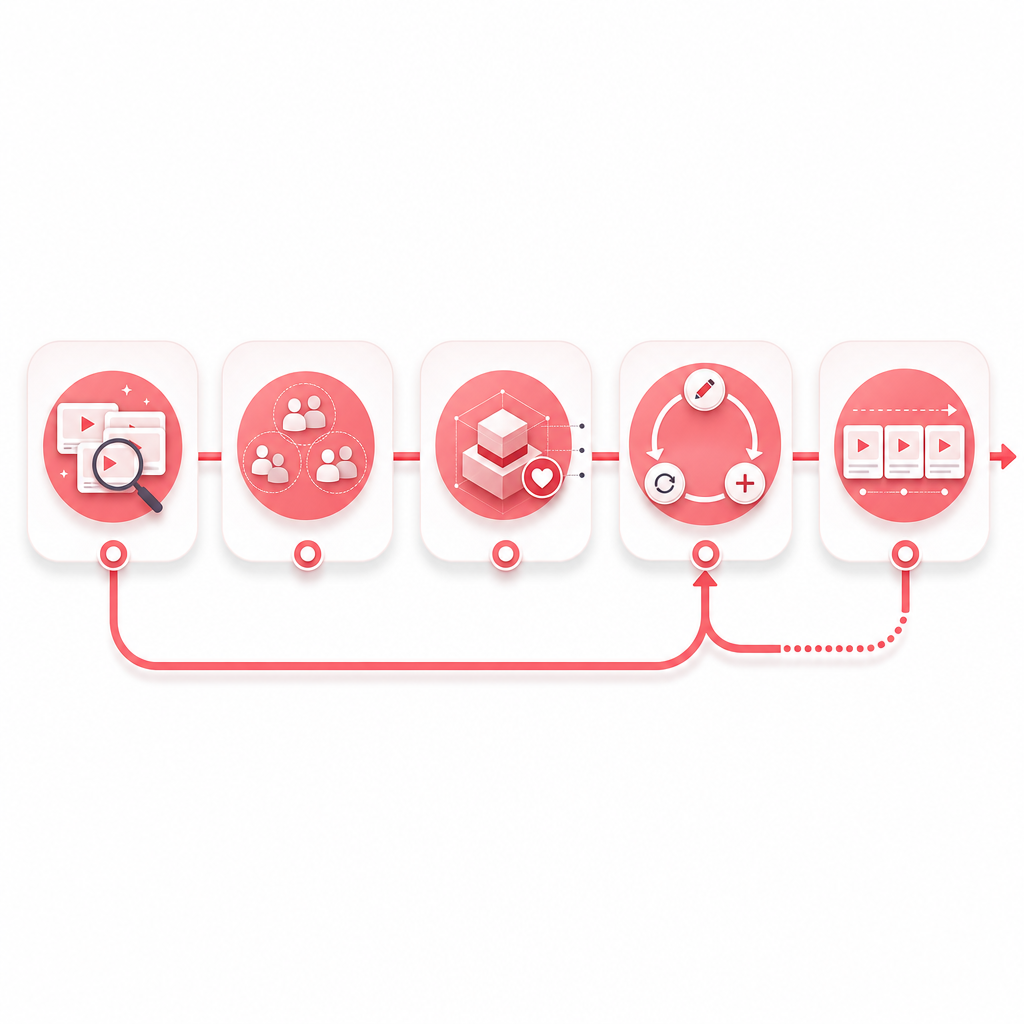
Step-by-Step: Find Past Winners You Can Update, Repeat, or Expand
This is the exact workflow creators use to revive stalled channels using their own history.
Step 1: Identify your “top winners” with a quick performance scan
- above-average CTR (or strong click performance relative to your baseline)
- strong retention (less drop-off, better completion)
- meaningful watch time
Goal: Create a shortlist of “repeatable” videos, not just “popular” ones.
Step 2: Group winners by topic and viewer intent
Instead of one big list, build mini clusters:
- Same topic angle
- Same audience need
- Same promise (“you’ll learn X,” “how to do Y,” “avoid mistakes with Z”)
Step 3: Diagnose “why it worked” (packaging + structure + value)
For each winning cluster, ask:
Packaging diagnosis
- Did the title clearly match the viewer’s search/need?
- Was the thumbnail specific enough to reduce “confusion clicks”?
Content diagnosis
- Where does the retention improve or stabilize?
- What is the hook pattern?
- Is the structure scannable and organized?
Format diagnosis
- Tutorials vs commentary vs storytelling—what wins?
- Length range: do your winners land in a consistent time window?
Step 4: Decide what to do next: Update, Repeat, or Expand
This is the part most creators skip.
Choose one path per winning cluster:
- Update: Same core topic, improved packaging, tighter hook, better pacing, refreshed examples
- Repeat: Same video formula, new subtopic within the same intent cluster
- Expand: Go broader—add related concepts your audience already showed interest in
Creator Tip: If you’re stuck, start with Repeat. It’s the lowest-risk way to rebuild momentum.
Step 5: Plan your next 3–5 videos as a “winner sequence”
Instead of publishing random uploads, structure your next content around a sequence:
- A “proven promise” video (update packaging + hook)
- A “same intent” video (repeat the formula)
- An “adjacent problem” video (expand with related viewer needs)
This aligns with how YouTube learns your channel relevance.
Use Competitor Context Without Copying (Learn from Other Channels’ Patterns)
One reason creators feel stuck is they only compare their channel to the idea of “big channels.” A better approach is to compare patterns across channels that serve the same viewer intent.
You can learn:
- what kinds of thumbnails they use for similar topics
- how they structure hooks
- what video types get suggested alongside similar content
But don’t copy. Use competitor context to refine your own angle—then let your own retention and clicks validate the changes.
GapTube.ai: My Videos Makes This Process Fast (and Clear)
GapTube.ai (YT Research Tool) helps creators master YouTube strategy, discover trending opportunities, and automate research.
My Videos — Learn What Actually Works focuses on your channel performance by showing you what’s driving:
- views
- clicks
- retention
- growth
What you get from My Videos
- A clearer look at which of your videos actually perform—and why
- Patterns you can repeat: topic angles, formats, thumbnails/titles that match viewer behavior
- Data-backed guidance so you stop guessing what to post next
Then, once you’ve identified your past winners, you can layer in growth opportunities using gaptube’s broader capabilities:
- trend scanning worldwide
- content gap discovery in your niche
- actionable video idea in 70+ languages
That means you’re not only reviving what worked—you’re updating it for what’s happening now.
My Videos — Learn What Actually Works: a tool that analyzes your own videos to uncover what drives performance and growth.
You can explore the videos approach to keep your channel learning from your own history.
Creator Tips: How to Package Updates So Past Wins Perform Again
When you update a winning topic, packaging is often where the biggest gains happen.
Thumbnail + title checklist
- Does your title promise a specific outcome?
- Is the thumbnail emotionally clear (curiosity, confidence, clarity)?
- Does your thumbnail reduce confusion? (One main visual idea)
- Does your title match the content’s first 15 seconds?
Hook upgrades (high-impact for retention)
- Start with the result first, then explain how
- Mention the problem your audience came to solve
- Use a quick “what you’ll get” roadmap
- Cut “setup” time by compressing intros
Creator Tip: If your views dropped recently, don’t just re-upload the same video idea—rebuild the first 20–30 seconds for today’s attention norms.
Turn Your Findings Into a Repeatable Routine (Not a One-Off Audit)
A revived channel isn’t built from one perfect strategy. It’s built from an ongoing cycle:
1) Watch your top performers
2) Identify patterns
3) Update packaging + structure
4) Repeat the winner formula
5) Expand into adjacent topics
6) Measure again
Over time, YouTube understands exactly what your channel is for—so distribution becomes easier.
Frequently Asked Questions
Why did my YouTube views suddenly drop?
Views can drop when your traffic mix changes (Browse vs Search), when viewer interest shifts, or if your recent videos aren’t matching CTR/retention expectations. The fix is to diagnose: impressions → CTR → retention → traffic sources.
What should I focus on if my channel is small?
Prioritize the metrics that determine future distribution:
- CTR (are people clicking?)
- retention/watch time (are people staying?)
- traffic source patterns (where are viewers coming from?)
Total views alone won’t tell you what to change next.
How do I know which videos to repeat?
Repeat the ones that align across multiple signals:
- strong click performance (or high CTR relative to baseline)
- strong retention (less early drop-off)
- consistent topic/intent fit with your channel theme
Can I use old videos to grow again?
Yes—by updating packaging, improving hooks, refreshing examples, and expanding into related viewer intents. Past winners are often “under-optimized,” not “dead.”
Ready to Revive Your Channel with My Videos?
Stop guessing what to post next. Use your own video performance data to find winning patterns and build a smarter upload sequence.
Build your My Videos content library, repeat what works, and turn stalled growth into consistent momentum.
If you want, share your niche + 3–5 video links (or titles). I can outline the exact “Update / Repeat / Expand” plan you should run next.