
Turn Webinars into LinkedIn Clips
If you’re a LinkedIn creator, you already know the real challenge isn’t getting attention—it’s producing consistently.
Turn one long video into dozens of ready-to-post clips.
Vizard Clips helps you repurpose long-form videos (webinars, interviews, podcasts, livestreams, YouTube videos) into multiple short, shareable clips designed for platforms like LinkedIn, YouTube Shorts, TikTok, and Reels.
So you can turn one session into dozens of ready-to-post assets.
Pair it with GapTube.ai - YT Research Tool to discover winning topics + content gaps, then extract key moments and multiply what you publish.
Vizard Clips: Multiply Your Content Output on LinkedIn
Vizard Clips helps you repurpose long-form videos (webinars, interviews, podcasts, livestreams, YouTube videos) into multiple short, shareable clips designed for platforms like LinkedIn, YouTube Shorts, TikTok, and Reels—so you can turn one session into dozens of ready-to-post assets.
The simple promise: Turn one long video into dozens of ready-to-post clips.
And when you pair it with GapTube.ai - YT Research Tool, you can go even further:
- Use GapTube to discover winning topics + content gaps
- Use Vizard Clips to extract key moments and multiply what you publish
Why LinkedIn Creators Should Repurpose (Instead of Starting Over)
Posting every day is hard. Creating short clips from scratch is even harder.
Most creators lose momentum because they:
- Record long content, then only post it once
- Waste strong segments that already earned the audience’s interest
- Don’t have a repeatable system for turning webinars into short posts
A better approach: Repurpose video—specifically, turn webinars and interviews into a library of LinkedIn clips you can post across weeks.
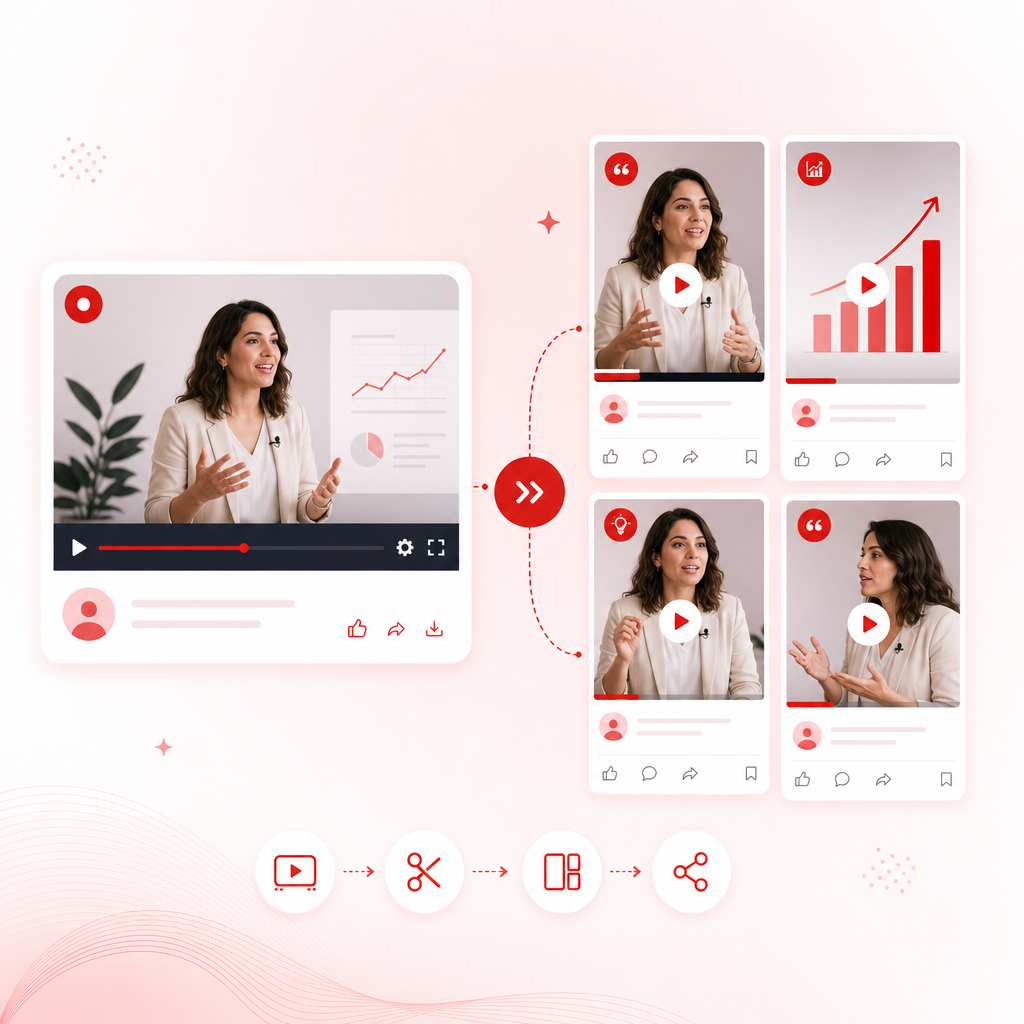
What Vizard Clips Does (In Plain English)
Vizard Clips takes your long-form content and turns it into short-form clips you can publish fast:
- Webinars → LinkedIn-native clips
- Interviews → multiple “moment-based” posts
- Podcasts → quotable highlights
- YouTube videos → Shorts/Reels/LinkedIn-ready snippets
So you’re not hunting for ideas every day—you’re extracting value from what you’ve already created.
How to “Make a LinkedIn video!” from a Webinar (The Winning Workflow)
Here’s the practical, creator-friendly process you can use immediately—powered by the typical capabilities of a “LinkedIn video maker” (clip extraction, formatting for social, and faster post production).
Step 1: Choose the webinar moments that deserve a LinkedIn spotlight
Look for parts of your webinar that include:
- A strong personal takeaway (“Here’s what changed my mind…”)
- A surprising stat or counterintuitive belief
- A step-by-step framework
- A client story / case example
- A direct answer to a common pain point
Step 2: Convert each moment into a short clip
Instead of one big post, you’ll end up with multiple clips—each built around a key idea.
Result: your clips become easier to watch, easier to share, and easier to schedule.
Step 3: Turn clips into posts people actually engage with
For LinkedIn, the format matters. Pair your clip with:
- A clear hook in the first 1–2 seconds
- A caption that adds context (not just a replay)
- A question or prompt to drive comments
Step 4: Repeat weekly using a content “batching” system
You can batch one long recording and publish multiple short clips for days or weeks—without starting from scratch each time.
Result: your clips become easier to watch, easier to share, and easier to schedule.
The Webinar Title Generator Angle (So Your Clips Get Clicks)
Turning your webinar into clips is great—but your clip’s topic needs clarity.
That’s where a Webinar Title Generator approach helps: you’re not only extracting moments—you’re packaging them into titles people recognize instantly.
A simple title formula for LinkedIn clips
- Contrarian + Outcome
“Stop Doing X—Do This Instead to Get Y” - Problem + Framework
“If You Struggle With X, Use This 3-Step Framework” - Mistake + Fix
“The #1 Mistake in X (and the fix that works)” - Audience-Specific
“For [Role/Industry]: How to Achieve [Result] Without [Pain]” - Quick Win
“Try This in Your Next Webinar to Increase [Metric]”
Example (from webinar to clip titles)
Webinar title: How to Grow on LinkedIn with Authority Content
- The Authority-First Posting Strategy That Consistently Works
- Your CTA Is Wrong—Use This Instead
- How to Turn One Topic into 10 Posts
Why this matters: titles help you write faster captions and create stronger thumb-stopping thumbnails (and LinkedIn still rewards clarity).
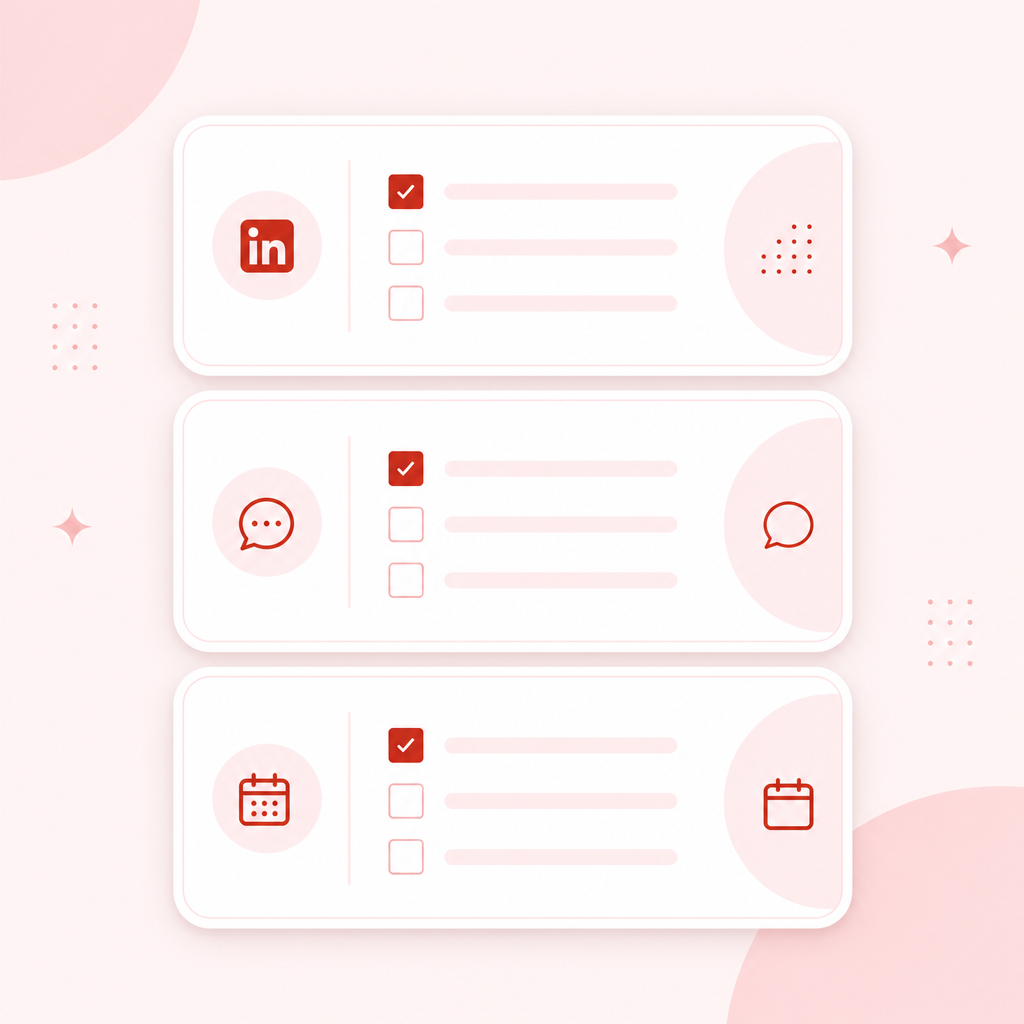
Repurpose Video Like a Pro: A Clip-to-Posting Checklist
Use this checklist every time you publish:
Clip quality checklist
- [ ] Starts with a hook (first 1–2 seconds)
- [ ] Covers one idea per clip
- [ ] Has clear visual emphasis (on-screen text helps)
- [ ] Ends with a takeaway (so viewers know why it matters)
Caption checklist (LinkedIn-friendly)
- [ ] One-sentence context (what this clip is about)
- [ ] One-sentence value (what they’ll learn)
- [ ] A question to drive comments
Scheduling checklist
- [ ] Publish multiple clips from the same webinar across 1–2 weeks
- [ ] Mix formats (Q&A moment, framework, story, counterpoint)
- [ ] Keep the topic consistent so your audience recognizes your expertise
Pair GapTube.ai + Vizard Clips for Maximum Growth
You’ll grow faster if you combine:
1) GapTube.ai - YT Research Tool for finding what people are searching for
2) Vizard Clips for multiplying your output from every long video you create
How the combo works
- GapTube.ai scans real-time trends, spots content gaps in your niche, and generates video ideas (including multilingual keyword inspiration).
- Vizard Clips turns your long-form recording into dozens of short, shareable clips—so you publish more often without recording more often.
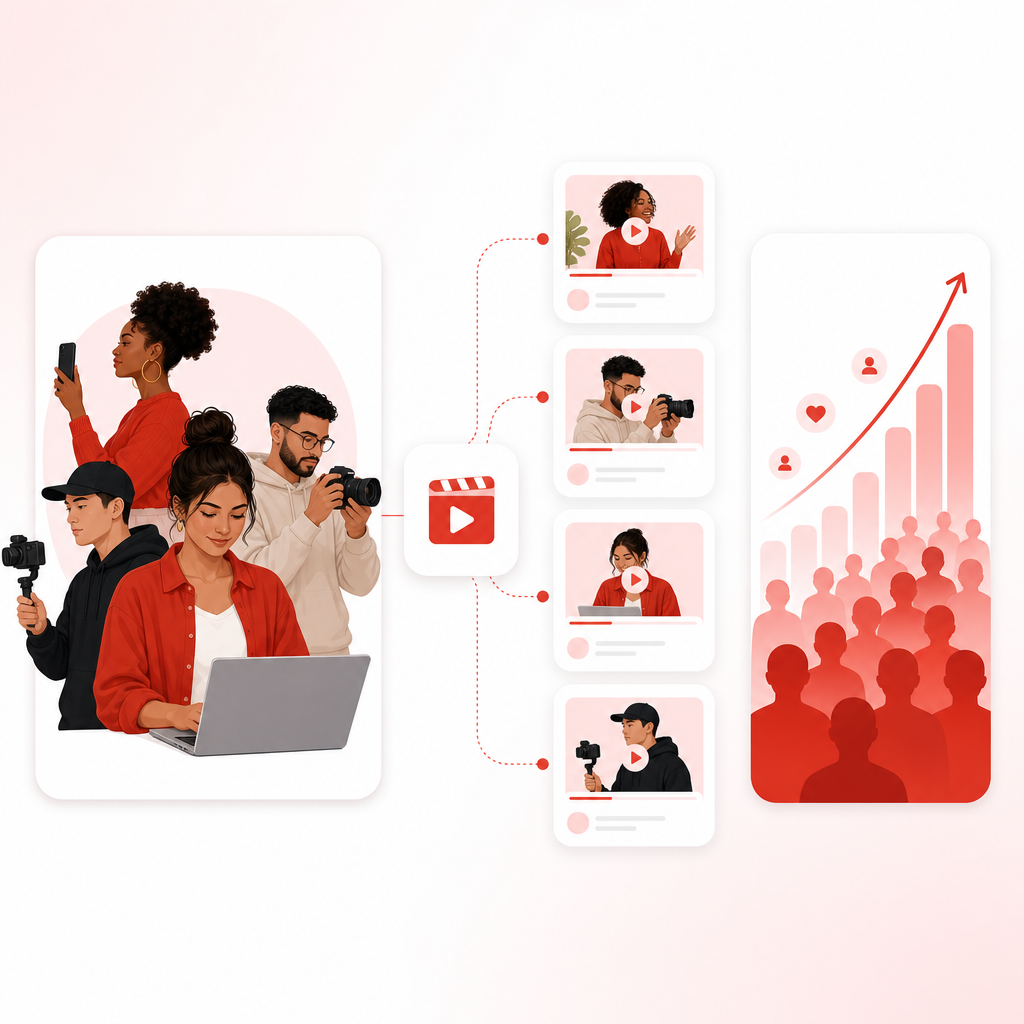
Who This Is For
Vizard Clips is built for creators who:
- Want to build authority on LinkedIn
- Produce webinars, interviews, podcasts, and long YouTube content
- Want to make a LinkedIn video! without reinventing the wheel daily
- Need a reliable system to repurpose video at scale
Frequently Asked Questions
Is Vizard Clips only for LinkedIn?
No—Vizard Clips creates short clips for multiple platforms (including YouTube Shorts, TikTok, Instagram Reels, and LinkedIn), so your long content can support every channel.
Can I use my existing webinar recordings?
Yes. The whole point is to turn what you already filmed into clips—so you don’t waste content.
Do I need a “Webinar Title Generator” to repurpose my webinar?
You don’t have to, but using a structured title approach makes it easier to: create clearer clip topics, write faster captions, increase the chance people click and comment
How often should LinkedIn creators post clips?
A strong starting cadence is posting multiple clips from one webinar across 1–2 weeks, while continuing to batch new recordings.
Ready to Turn One Webinar into Dozens of LinkedIn Clips?
Stop starting over. Start multiplying.
Vizard Clips helps you repurpose video into ready-to-post shorts for LinkedIn and more—fast.
Pair it with GapTube.ai to discover winning topics, then use Vizard Clips to extract more value from every recording.