
Best AI Tools for Coaches: Vizard Clips & GapTube
Coaches, consultants, and mentors don’t just need great advice—they need a content system that turns that advice into consistent short-form visibility.
That’s where AI comes in. In this guide, you’ll learn the best AI tools for coaches and career coaches to:
Find winning YouTube topics
Turn long sessions into short, shareable clips
Publish faster across YouTube Shorts, TikTok, Instagram Reels, and LinkedIn
Convert content into more client conversations
And because most coaches don’t have time to juggle research + editing + repurposing, we’ll show you a simple pairing that works extremely well: GapTube.ai (YouTube research) + Vizard Clips (clip multiplication).
Why Coaches Need AI for Short-Form Content (Without the Burnout)
Advice-based video content is powerful—especially for career coaching—but it only works if people can find it. AI tools help you solve the most common bottlenecks:
- Content research takes too long You can’t guess what your audience wants every week. You need signal.
- Repurposing is a second job Turning one long video into multiple clips is time-consuming—until you automate it.
- Consistency is the real growth lever Shorts and reels reward volume. AI helps you publish without sacrificing quality.
- Your coaching expertise needs formats people actually watch Short clips create fast credibility and drive clicks to your long-form content or booking page.
The Best AI Tools for Coaches & Career Coaches (Shortlist)
Below is a practical “tool stack” for coaches who want clients—organized by what each tool helps you do.
1) GapTube.ai (YT Research Tool) — Find Content Gaps That Attract Clients
Best for: Career coaches who want YouTube growth from real trend data
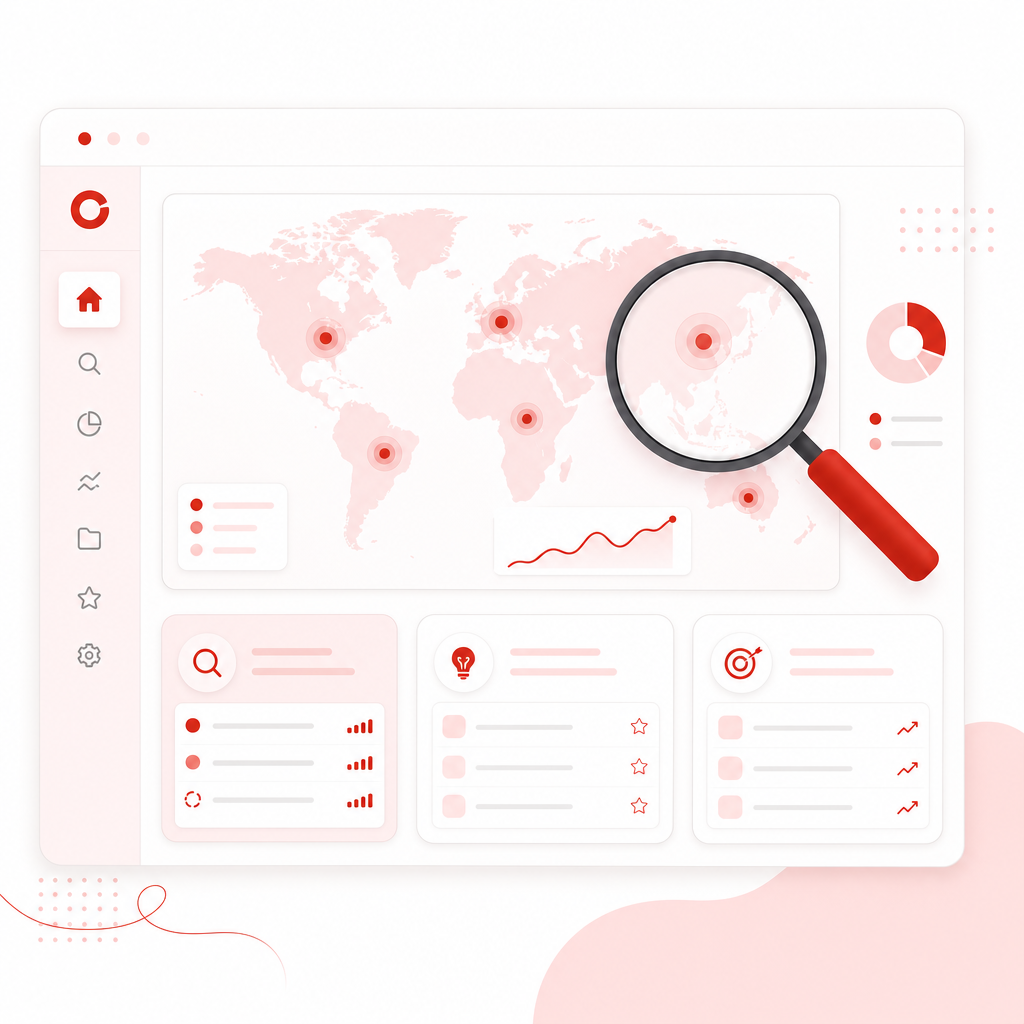
What it does: GapTube.ai scans real-time trends worldwide, identifies content gaps in your niche, and generates actionable video ideas in 70+ languages.
Why coaches love it: Instead of guessing topics, you can plan content that matches demand—so your clips and videos reach the right people.
Use GapTube to turn trend data into video ideas.
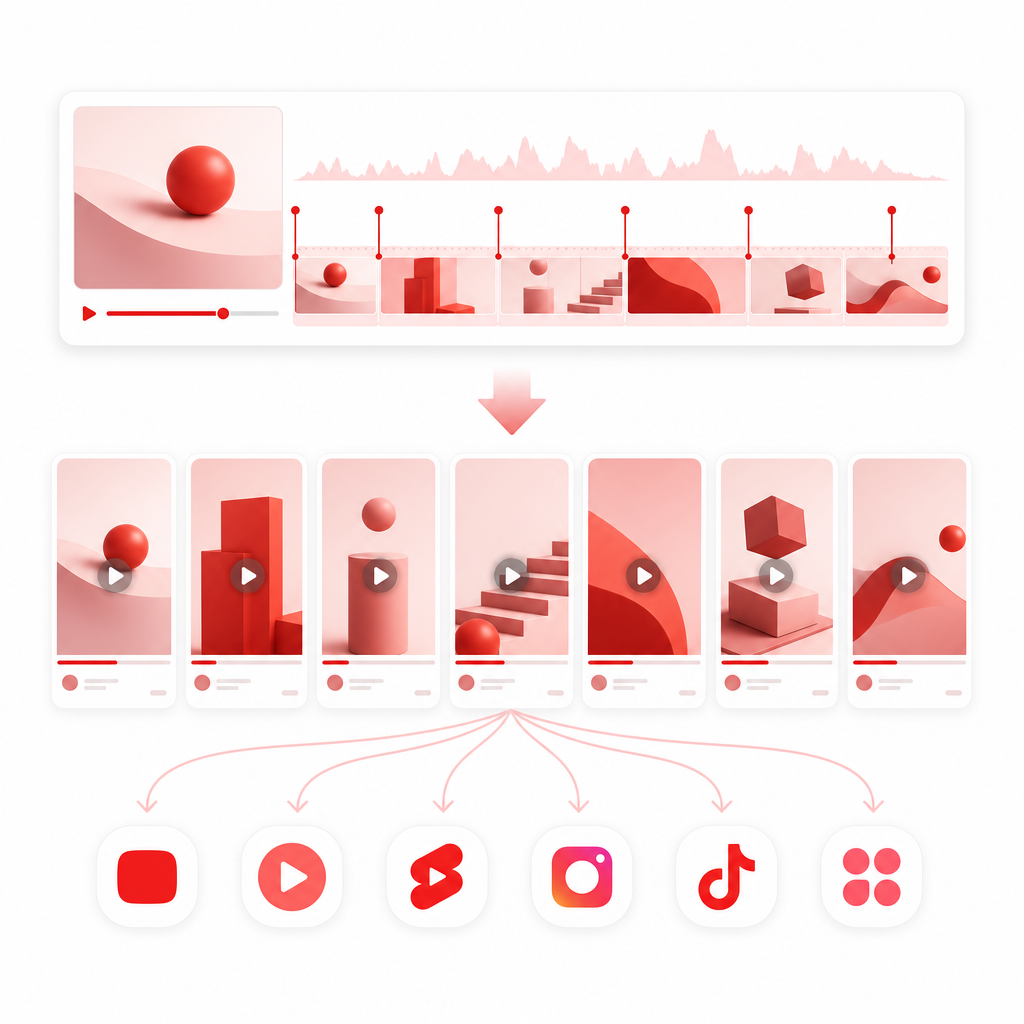
2) Vizard Clips — Turn One Long Video Into Dozens of Ready-to-Post Clips
Best for: Coaches who record interviews, webinars, podcasts, sessions, and want more output
Positioning: “Turn one long video into dozens of ready-to-post clips.”
What it does: Vizard Clips turns long-form videos into multiple short, shareable clips for:
- YouTube Shorts
- TikTok
- Instagram Reels
Why it matters for coaches: You can publish more often without re-editing everything manually—so every coaching session becomes a client-lead engine.
Works great with your workflow:
- Use GapTube.ai to discover topics
- Use Vizard Clips to multiply your content output from every video you create
3) ChatGPT (and similar AI assistants) — Script Faster, Structure Your Advice
Best for: Creating consistent talking points and clip-ready frameworks
Common uses for coaches:
- Turn your coaching notes into short scripts
- Generate clip hooks (openers that earn attention)
- Create “3 mistakes / 3 steps / 3 frameworks” formats
- Draft CTAs that invite viewers to book or subscribe
Coaching advantage: You stay authentic, but AI helps you avoid blank-page delays.
4) AI Transcription + Editing Tools — Capture Your Sessions Reliably
Best for: Coaches who record on Zoom, Riverside, podcasts, or live interviews
Common benefits:
- Automatic captions/transcripts for repurposing
- Faster editing based on what was said
- Cleanup that reduces post-production time
Why it helps conversion: Better clarity + subtitles = more watch time, which supports reach for Shorts and Reels.
5) Canva (or similar design tools) — Thumbnails, Covers, and Brand Consistency
Best for: Making your clips and shorts look “on-brand” instantly
What you can automate:
- Thumbnail templates
- Quote cards / title overlays
- Branded backgrounds for clip series
Conversion impact: Clear visuals help viewers trust you faster—especially when your content is shared by others.
6) YouTube/Video SEO Tools (VidIQ, TubeBuddy-style) — Optimize for Discovery
Best for: Coaches turning long-form videos into a searchable asset library
Common uses:
- Keyword research
- Tag/metadata suggestions
- Competitor topic insights
Simple strategy: Use tools to choose long-form topics, then use Vizard Clips to distribute the winning moments as Shorts.

The Coach Content System: From One Session to a Client-Attracting Clip Engine
Here’s a simple end-to-end workflow you can repeat every week:
Step 1: Discover what to talk about (GapTube.ai)
- Scan trends in your niche
- Identify content gaps your audience is searching for
- Choose 1–3 video topics you can consistently teach
Output: A topic list you can turn into long-form content.
Step 2: Record the long-form “authority asset”
Examples for coaches:
- A career coaching session (with consent)
- A webinar Q&A
- A podcast interview
- A workshop training video
Rule of thumb: Film once; repurpose everywhere.
Step 3: Extract the “moments that sell” (Vizard Clips)
Upload your long-form video and let Vizard Clips turn it into multiple short clips for:
- YouTube Shorts
- TikTok
- Instagram Reels
Output: Dozens of ready-to-post clips instead of one finished upload.
Step 4: Add clip-friendly structure (AI writing help)
Use your AI assistant to generate:
- Clip hooks
- On-screen titles
- Calls-to-action (CTA) like “Want a free resume review?” or “Book a coaching call”
Step 5: Publish with consistency
- Create a posting rhythm you can sustain:
- 3–7 short clips per week from one long upload
- Recycle high-performing hooks into new variations
Result: More touchpoints, more credibility, more inbound inquiries.
What Career Coaches Should Clip (Proven Short-Form Angles)
If you want clips that attract clients, you need content that solves a problem *fast*. Clip around:
-
“Stop doing this” mistakes
- “The #1 reason your resume isn’t getting interviews”
- “Don’t answer salary questions like this…”
-
Frameworks and steps
- “3 steps to land interviews after applying”
- “How to build a targeted job search strategy”
-
Before/after transformations
- “From no callbacks to consistent interviews—here’s what changed”
- “What we fixed in this candidate’s approach”
-
Common objections
- “I don’t know what career I want—try this”
- “I’m overqualified—here’s how to position yourself”
-
Actionable mini-guides
- “Write this headline”
- “Use this interview structure”
- “Steal this networking message template”
Use GapTube.ai to identify topic demand, then Vizard Clips to extract the best moments.
Vizard Clips + GapTube.ai: Why This Pair Works
Most coaches either:
- Focus only on content research (but don’t repurpose), or
- Post inconsistently because repurposing eats their time
This combo solves both sides:
GapTube.ai helps you…
- Find trend-backed topics
- Identify content gaps in your niche
- Produce ideas that match what people are already looking for
Vizard Clips helps you…
- Multiply the value of every long video
- Publish short-form consistently
- Convert “one upload” into “many opportunities to be discovered”
Quick 7-Day Plan to Launch Your Clip Workflow
- Day 1: Use GapTube.ai to choose your topic(s)
- Day 2: Record one long-form coaching video (webinar, Q&A, session)
- Day 3: Convert it into clips with Vizard Clips
- Day 4: Create clip titles/hooks + a simple CTA style guide
- Day 5: Post 3–5 clips across YouTube Shorts + one other platform
- Day 6: Post 2–3 more clips and reply to comments
- Day 7: Review performance and plan next topic from your results
Frequently Asked Questions
Are AI tools actually good for coaches, or do they reduce quality?
When used correctly, AI saves time without changing your expertise. The best workflow is:
- Use AI for research, structure, and repurposing
- Keep your unique coaching voice as the “center of gravity”
What’s the fastest way to get from long video to Shorts?
Use Vizard Clips to extract and package short clips from one long-form upload, then post consistently.
Do I need to publish long-form videos to benefit from Shorts?
No. But long-form helps you build authority and gives you more material to repurpose. Many coaches get the best results by doing both.
Can career coaches use this even if their niche is very specific?
Yes. In fact, specific niches often convert better. Use GapTube.ai to find niche demand and content gaps, then clip the strongest coaching moments.
Ready to Multiply Your Content Output?
If you’re a coach, consultant, or mentor who wants more reach and more client conversations, your next advantage isn’t working harder—it’s turning every video into many chances to be discovered.
Start with this pairing:
GapTube.ai to discover winning YouTube topics and content gaps
Vizard Clips to convert one long video into dozens of clips for Shorts/Reels/LinkedIn
Try the workflow today and build a repeatable short-form client acquisition engine.