
Vizard Clips — Best AI Video Repurposing Tools
If you’re a creator, you already know the hard part isn’t only recording great content—it’s extracting enough short-form value from it to stay consistently active across platforms. Vizard Clips solves that by turning one long-form video into dozens of ready-to-post clips for YouTube Shorts, TikTok, Instagram Reels, and LinkedIn—so you can repurpose video instead of constantly starting from scratch.
Publish more often, reach more discovery surfaces, and multiply your best moments across formats.
Turn podcasts, interviews, webinars, livestreams, and YouTube videos into short clips.
Why content repurposing is the fastest path to growth
Most creators hit the same bottleneck: recording takes time, publishing long-form is frequent—but short-form can fall behind, and ideas get stale when you have to “make new content” every time.
Publish more often.
Reach more discovery surfaces.
Multiply your “best moments” across formats.
Turn podcasts, interviews, webinars, and livestreams into short clips.
Best AI Video Repurposing Tools? The checklist that matters
Creators searching for the best AI video repurposing tools usually want the same outcomes. Look for an AI repurposing tool that can extract key moments automatically, generate short clips quickly from long-form sources, and support multiple platforms.
- Extract key moments automatically, not just random cuts.
- Generate short clips quickly from long-form sources.
- Support Shorts, Reels, TikTok, and LinkedIn formats.
- Work for podcasts to video, interviews, webinars, and video recordings.
Vizard Clips is built for this exact goal: convert one long video into multiple short, shareable clips—fast.
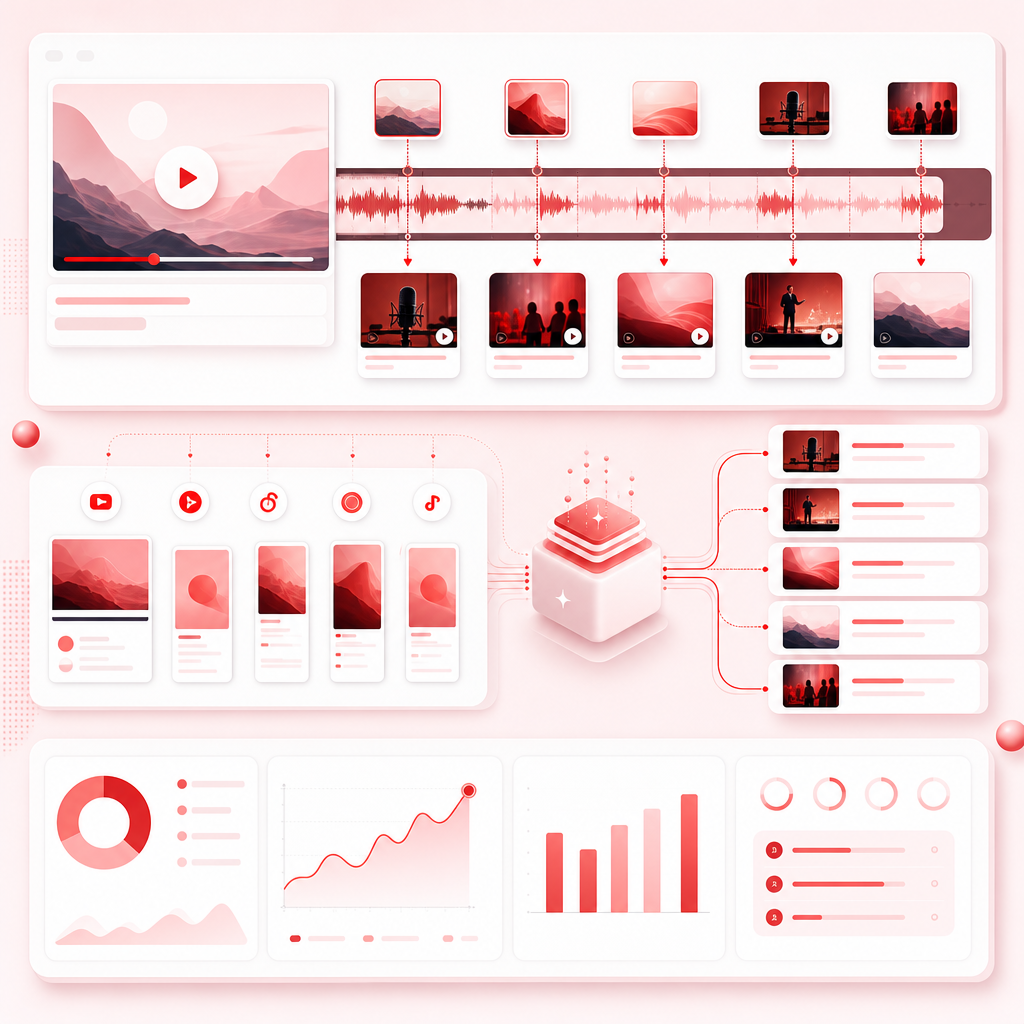
Turn one long video into dozens of ready-to-post clips
Use Vizard Clips to repurpose the content you already have into more shareable content for more platforms.
YouTube videos
YouTube long-form videos → Shorts.
Podcasts
Podcasts → short video promos and highlights.
Interviews and panels
Interviews and panels → topic-driven clip content.
Webinars and livestreams
Webinars and livestreams → bite-sized recaps.

How Vizard Clips works
1) Start with one long-form video
Bring in a YouTube video, podcast episode video, interview recording, webinar, or livestream upload.
2) Let AI identify the moments worth clipping
Instead of manually scrolling, generate clips from the moments that create engagement.
3) Produce short, platform-ready clips
Turn your long video into multiple shareable clips designed for short-form consumption.
4) Post consistently—without recording again
One long video becomes many shorts, Reels, and TikToks so you can keep your channels active with less production time.
Repurpose your audio into short-form video
Creators often ask how to do Podcast To Video without turning it into a full production project. With Vizard Clips, you can repurpose podcast content into clip-driven posts.
Clip formats
Short quote-style moments, topic-focused highlights, “best take” segments, and discoverable, snackable clips for social feeds.
Best use cases
Promote new podcast episodes, drive listens with strong insights, keep your audience engaged, and build a multi-platform pipeline from one recorded conversation.
Pair GapTube.ai with Vizard Clips
Coming up with video ideas is only half the battle. Once you publish, the next question is how to turn one upload into enough short-form content to grow consistently.
Use GapTube.ai to find what to make: discover trending content opportunities, identify content gaps in your niche, get actionable video ideas in 70+ languages, automate research using real-time global trend scanning, and streamline YouTube planning with daily insights.
- GapTube.ai: Find the winning topic(s).
- Create long-form video: Record once.
- Vizard Clips: Extract many shorts/Reels/TikToks.
- Post consistently: Get more reach from every upload.
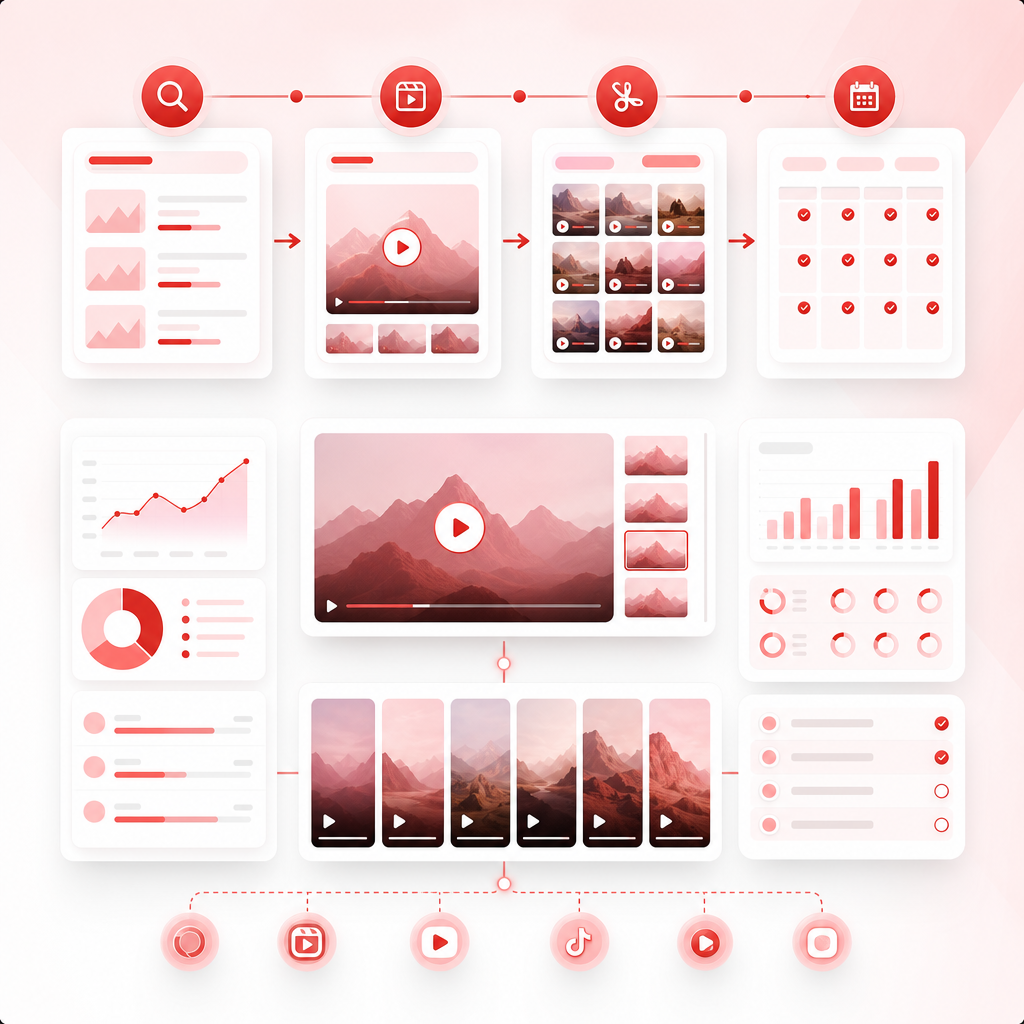
Conversion-focused benefits
Increase output without increasing recording time.
Improve consistency across Shorts/Reels/TikTok/LinkedIn.
Reuse what you already produced for higher ROI per video.
Expand reach by putting your best moments in front of new audiences.
Best practices to repurpose video
AI can clip fast—but you’ll still get better performance with a few guardrails.
Start with your strongest long-form content
Choose videos with clear takeaways, strong moments of insight, and engaging sections.
Keep clips message-led
Ask whether the clip answers a question, teaches something, reveals a clear takeaway, or makes someone want to comment or save it.
Match platform behavior
Short-form audiences want fast value delivery, quick hooks, and digestible segments.
Post in batches
Once one long-form video is converted, publish multiple clips within a short window to build momentum.
Frequently Asked Questions
Is Vizard Clips for YouTube Shorts only?
Can I use Vizard Clips for podcast to video?
Does repurposing replace my long-form uploads?
What’s the main advantage of AI video repurposing?
Ready to turn one long video into dozens of ready-to-post clips?
Start repurposing with Vizard Clips and keep your channels growing with short-form content—without starting from scratch. Want better topics too? GapTube.ai can help you discover trending content opportunities and content gaps in your niche.