
AI Clip Generator for YouTube Shorts & Reels
If you’re a short-form video creator, the hard part isn’t just editing—it’s consistently publishing. Vizard Clips turns long-form videos into multiple short, shareable clips for YouTube Shorts, TikTok, Instagram Reels, and LinkedIn.
Why repurposing wins
Most creators fall into traps that make consistent publishing harder than it needs to be.
Inconsistent publishing
Producing new ideas and new footage is time-consuming, so publishing becomes sporadic.
Underperforming shorts
Shorts can underperform when moments are not extracted strategically, with weak hooks or missing context.
Wasted long-form content
Great long-form content gets wasted instead of being reused where short attention spans live.

Why short-form creators need a one-to-many workflow
Short-form platforms reward volume and relevance. But volume doesn’t have to mean nonstop recording.
This is the difference between “I’ll post later when I have time” and “I already have a pipeline for daily or weekly clips.”
What Vizard Clips does
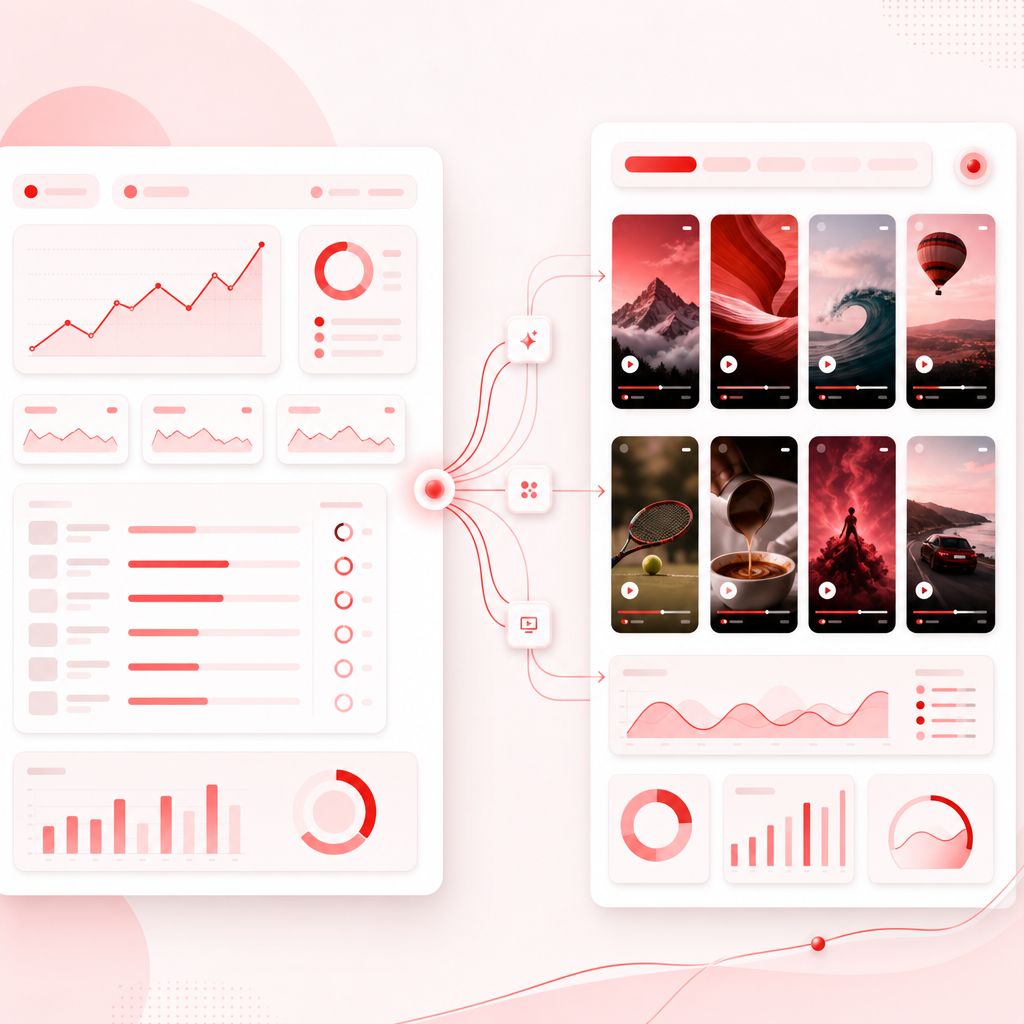
Vizard Clips helps you repurpose podcasts, interviews, webinars, livestreams, and long YouTube videos into shorts-ready clips and bite-sized content you can post quickly.
How Vizard Clips works
Here’s a practical workflow you can follow immediately.
1) Start with your long-form content
Choose a video you’ve already made or that’s scheduled to go live: a webinar, livestream replay, podcast episode, or YouTube long-form upload.
2) Let Vizard Clips extract key moments
Vizard Clips identifies the most clip-worthy sections so you can focus on publishing instead of hunting timestamps.
3) Generate shorts you can post faster
Turn those moments into short-form clip formats suitable for YouTube Shorts, TikTok, Instagram Reels, and LinkedIn.
4) Batch your output for consistency
Publish the long-form piece, then drop multiple clips over the following days or weeks.

What short-form creators use this for
For YouTube creators
- Turn each long video into Shorts that highlight your strongest insights.
- Build Shorts that reinforce your long-form theme.
- Multiply evergreen content from older videos.
For podcast and interview creators
- Clip the best quotes, stories, and turning points.
- Share moments while the episode is still gaining traction.
- Keep audiences engaged even if they missed the full episode.
For webinar and course creators
- Convert teaching sections into digestible clips.
- Create a content trail that supports your full funnel.
- Showcase multiple takeaways from a single session.
For livestream creators
- Publish best moments after the live ends.
- Reuse Q&A segments and reactions.
- Keep momentum without re-recording.
AI clip generator vs. manual editing
Manual repurposing is possible—but it’s usually too slow for consistent output.
Creators lose time to:
- Watching the full video repeatedly.
- Searching for standout moments.
- Editing and formatting multiple clips.
- Re-checking and refining.
Vizard Clips reduces the grind by:
- Creating shorts faster.
- Helping you extract value more consistently.
- Letting you focus on distribution and improvement.
Where these clips perform best
Your clip should match the platform’s watch behavior.
YouTube Shorts
Use clips to reinforce search and browse discovery. Pair shorts with topic alignment from your long video.
TikTok + Instagram Reels
Lean into punchy, quick payoffs. Keep hooks strong so viewers don’t swipe away immediately.
Extract thought leadership moments such as frameworks, opinions, and lessons. Use clips to stay consistently on the radar.
Vizard Clips helps you repurpose across all of these so you don’t need a separate process for every platform.
Pair Vizard Clips with GapTube.ai
You already have the repurpose engine. The missing piece for many creators is what to post in the first place. That’s where GapTube.ai, the YT Research Tool, comes in.
GapTube.ai helps you:
- discover trending content opportunities worldwide.
- Identify content gaps in your niche.
- Generate actionable video ideas in 70+ languages.
- Stay ahead with daily insights for what to create next.
Result: you’re not only publishing more—you’re publishing with better topic selection.
“Image to Video” and the future-friendly workflow
While Vizard Clips is focused on turning long videos into clips, many creators are also exploring broader apps and automation pipelines.
Use image-to-video for supporting layers
Use image-to-video for intro cards, thumbnail motion, or hook variations.
Use Vizard Clips for extracted moments
Use Vizard Clips for high-performing extracted moments from real long-form content.
This combination helps you maintain authenticity from your original recording while speeding up production with automation.
What to post after a long video
Hook-first
The strongest takeaway in 15–30 seconds.
Framework
A step-by-step moment or key concept.
Story/Proof
A result, example, or story beat.
Common mistake
What you see most creators getting wrong.
CTA moment
A clear “here’s what to do next” segment.
Then continue adding more clips if the long-form video starts gaining traction. You can also review your videos to learn what actually works.
Frequently Asked Questions
Is Vizard Clips for YouTube Shorts only?
Do I need to record new footage for every short?
Will the clips sound like me?
What if I’m starting from scratch?
How does this compare to other AI video generator tools?
Ready to turn one video into dozens of clips?
If you want a steady supply of ready-to-post short-form content—without burning out—Vizard Clips is built for that exact job. Use GapTube.ai to discover what to create, use Vizard Clips to multiply what you’ve created, and repeat the cycle for consistent short-form growth.
Start Your Workflow