
Vizard Clips — AI YouTube Shorts from Long Videos
If you’re a YouTube Shorts creator, you already know the hardest part isn’t recording—it’s turning long-form content into fast, consistent Shorts. Vizard Clips multiplies your output by converting one long video into multiple short, shareable clips for YouTube Shorts, TikTok, Instagram Reels, and LinkedIn.
Simple positioning: “Turn one long video into dozens of ready-to-post clips.”
Why Shorts Creators Get Stuck After Posting the Long Video
Most creators publish a great long-form video… then lose momentum.
You find “good moments,” but cutting clips manually takes too long.
You keep delaying Shorts until you have time, and the opportunity passes.
You repeat the same formats because it’s easier than extracting new angles.
Your best content stays buried in a long upload.
Vizard Clips fixes this by acting like an AI Clip Generator that helps you publish bite-sized content automatically.
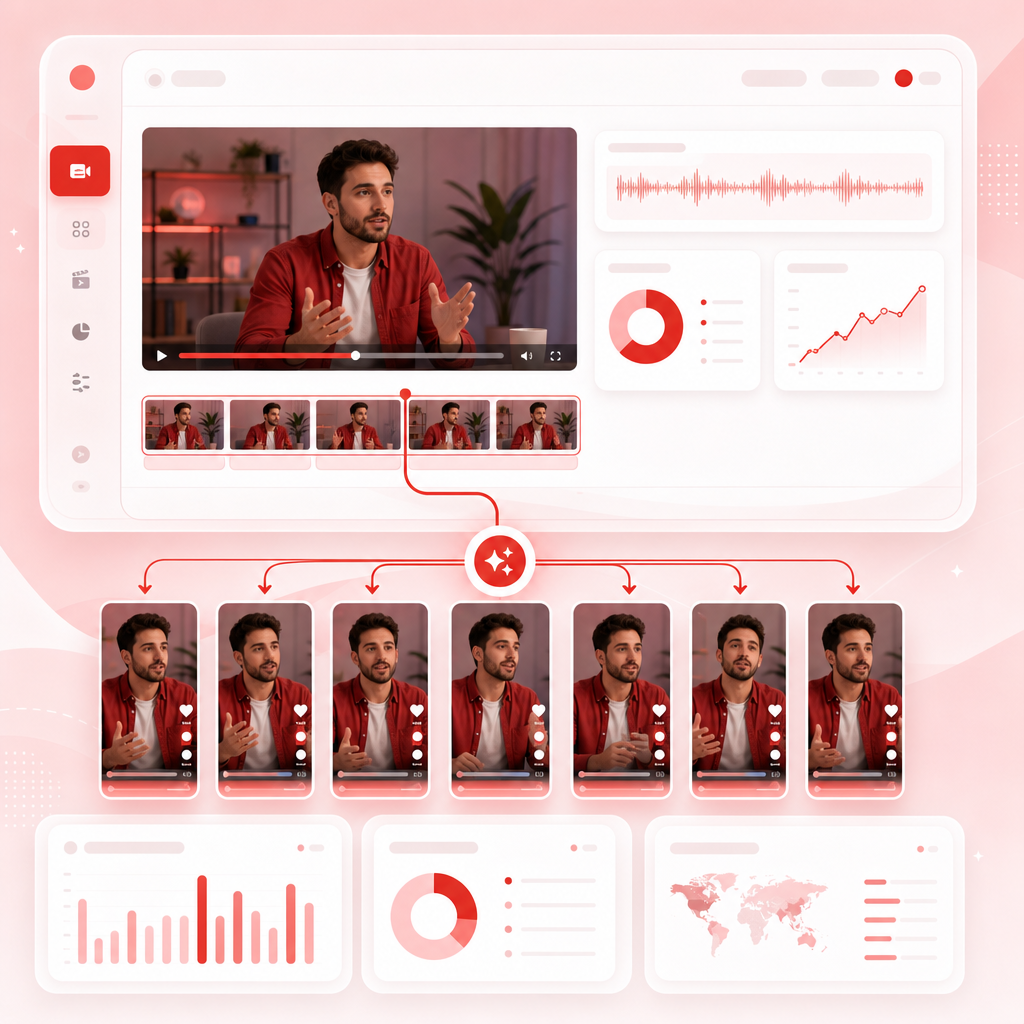
What Is Vizard Clips?
Vizard Clips is a short-form repurposing tool designed for creators who want speed and consistency.
Think of it as: Once the long video is done, Vizard Clips makes the Shorts happen.
Start Making Shorts Faster With AI Clip Generation
When you repurpose content efficiently, you can stop “starting over” every time you want new Shorts.
Upload or connect your long-form video
Get auto-extracted clip options from the most valuable moments
Export clips sized for Shorts and other platforms
Post consistently—without spending hours editing
That’s the real benefit for Shorts creators: more output, less friction.

Video Transcript Generator + Clip Extraction
A big reason repurposing takes so long is that creators must find what to clip. Vizard Clips uses a Video Transcript Generator approach so it can detect and extract meaningful segments more efficiently.
Cleaner, clearer clip picks from your long-form video.
More “watchable” moments instead of random cuts.
A faster path from long video to publishable Shorts.
Key Features Built for Repurposers
Here’s what you should expect from a Shorts-multiplying workflow like Vizard Clips.
Long-Form to Shorts Conversion
Turn one upload into multiple clips designed for short attention spans.
Clip Extraction from Meaningful Moments
Get highlights that keep the story moving—so your Shorts don’t feel empty or unfinished.
Fast Editing + Publish-Ready Output
Spend less time on timelines and more time improving your channel.
Multi-Platform Repurposing
Create Shorts-style clips for YouTube Shorts, TikTok, Instagram Reels, and LinkedIn.
Who Vizard Clips Is Perfect For
Vizard Clips works especially well if you create content with strong “moments.”
If your content has strong “moments,” it has Shorts potential—and Vizard Clips helps you extract that value faster.
How to Repurpose a YouTube Video Into Shorts in Minutes
Use this simple workflow to convert effort into more output—without bloating your editing schedule.
Choose your best long video
Pick the upload with the strongest engagement or biggest retention signals.
Let Vizard Clips generate short clips
Use AI to extract standout segments from the video content.
Review and select your best options
Keep the clips that have clear takeaways and strong hooks.
Export for Shorts and post
Publish immediately while your long video is still getting momentum.
Why This Matters: Consistency Beats One-Off Virality
For Shorts creators, growth usually comes from repeating what works.
Vizard Clips helps you scale that process.

Pair Vizard Clips With GapTube.ai
Coming up with video ideas is only half the battle.
YouTube keyword tool GapTube.ai helps you discover trending content opportunities, identify content gaps in your niche, get actionable video ideas in 70+ languages, and automate research with real-time worldwide trend scanning.
Best workflow
That’s how creators move from “one video” to an engine.
Frequently Asked Questions
Is Vizard Clips only for YouTube Shorts?
Do I need to create scripts before using Vizard Clips?
Will Vizard Clips replace my editing completely?
What’s the difference between a Shorts tool and an AI Clip Generator?
How fast can I start making Shorts?
Turn one long video into dozens of ready-to-post clips
Stop treating every long-form upload like a one-and-done effort. Use Vizard Clips—and pair it with GapTube.ai to find the topics that give your Shorts a higher chance to perform.
Start Repurposing Today