
YouTube Content Strategy for Beginners (AI Search)
A content strategy solves all three. It helps you:
- Pick content opportunities (not random topics)
- Choose an angle people actually want to watch
- Build a clear structure that supports retention
- Package the video with a hook + title + thumbnail direction
- Produce faster with an actionable outline
SEO Page Setup
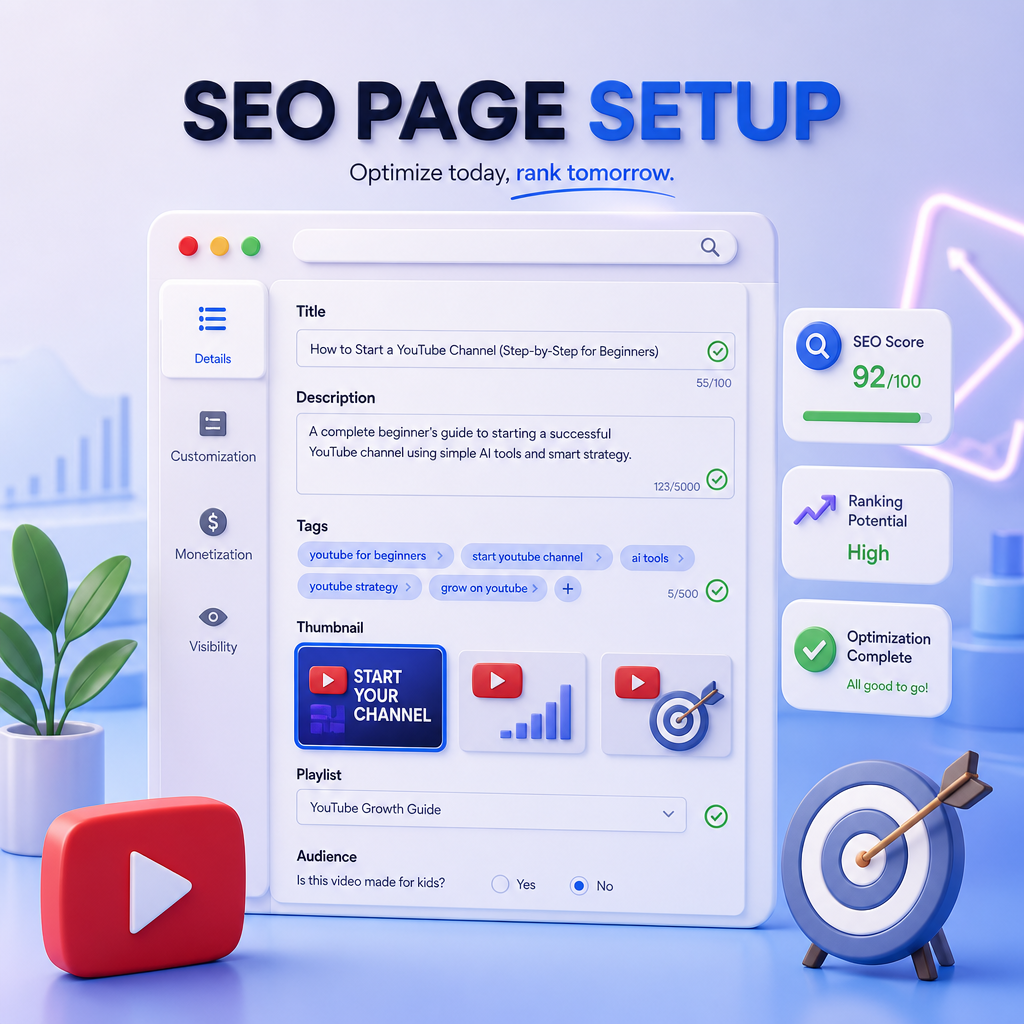
Table of Contents
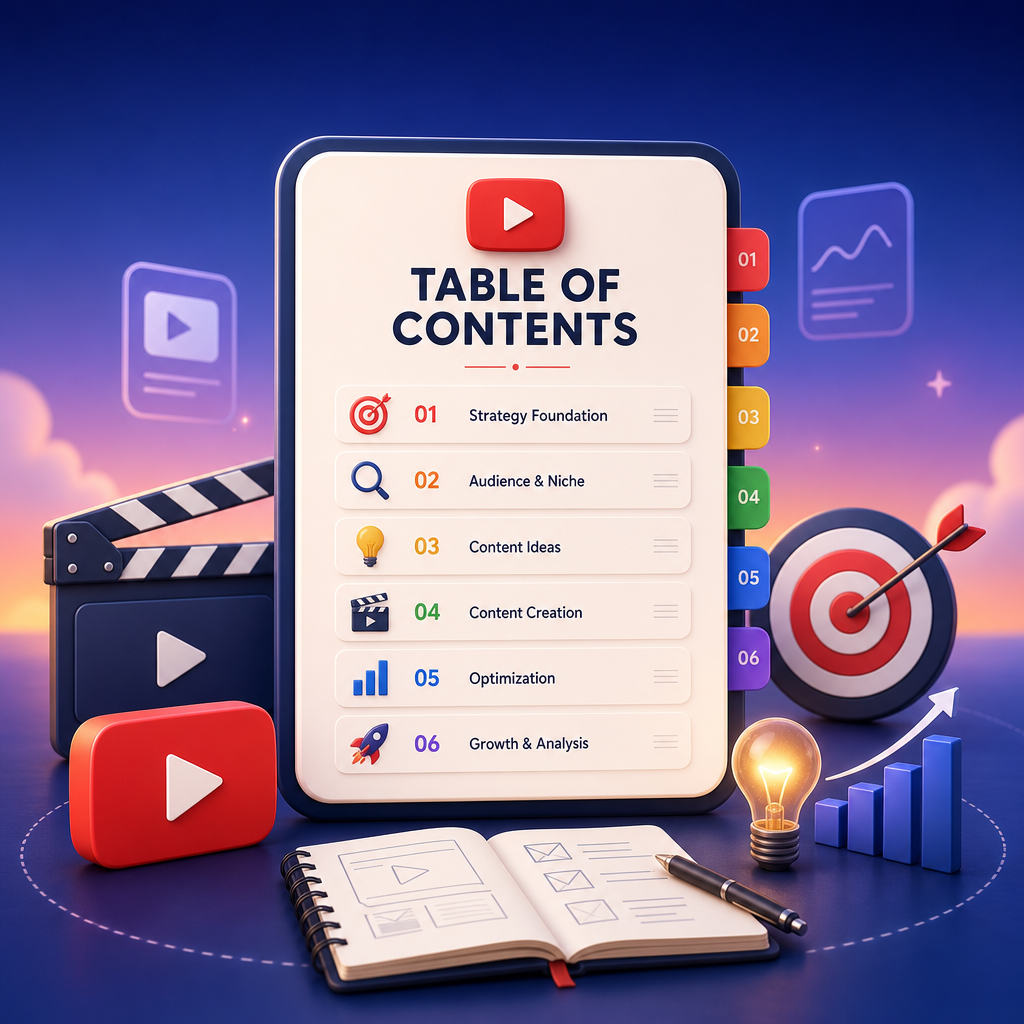
- Why Beginners Need a Content Strategy (Not Just Ideas)
- Quick Primer: How the YouTube Algorithm Actually Thinks
- SEO & AI Search for YouTube: Get Found Before You’re Famous
- The Beginner-Friendly Content Strategy Framework (Gap → Angle → Plan)
- How to Choose a Strong Video Angle (That Earns Clicks)
- How to Structure a Video That Retains Viewers
- Hooks, Titles, and Thumbnail Direction That Convert
- Turn Your Plan Into Production (Outline → Shot List)
- Using GapTube.ai + GapCoach: The Fastest Workflow From Trend to Upload
- Common Beginner Mistakes (And How to Fix Them)
- FAQs
- Next Step: Turn Ideas Into Video Plans in Minutes
1) Why Beginners Need a Content Strategy (Not Just Ideas)

Most beginner creators don’t have an “ideas problem.” They have a conversion problem:
- Clicks problem: Your video gets ignored in search and recommendations.
- Retention problem: Viewers click, then leave early.
- Consistency problem: You never quite know what to make next (or how to make it).
That’s exactly what this guide (and GapCoach) is built to do.
2) Quick Primer: How the YouTube Algorithm Actually Thinks
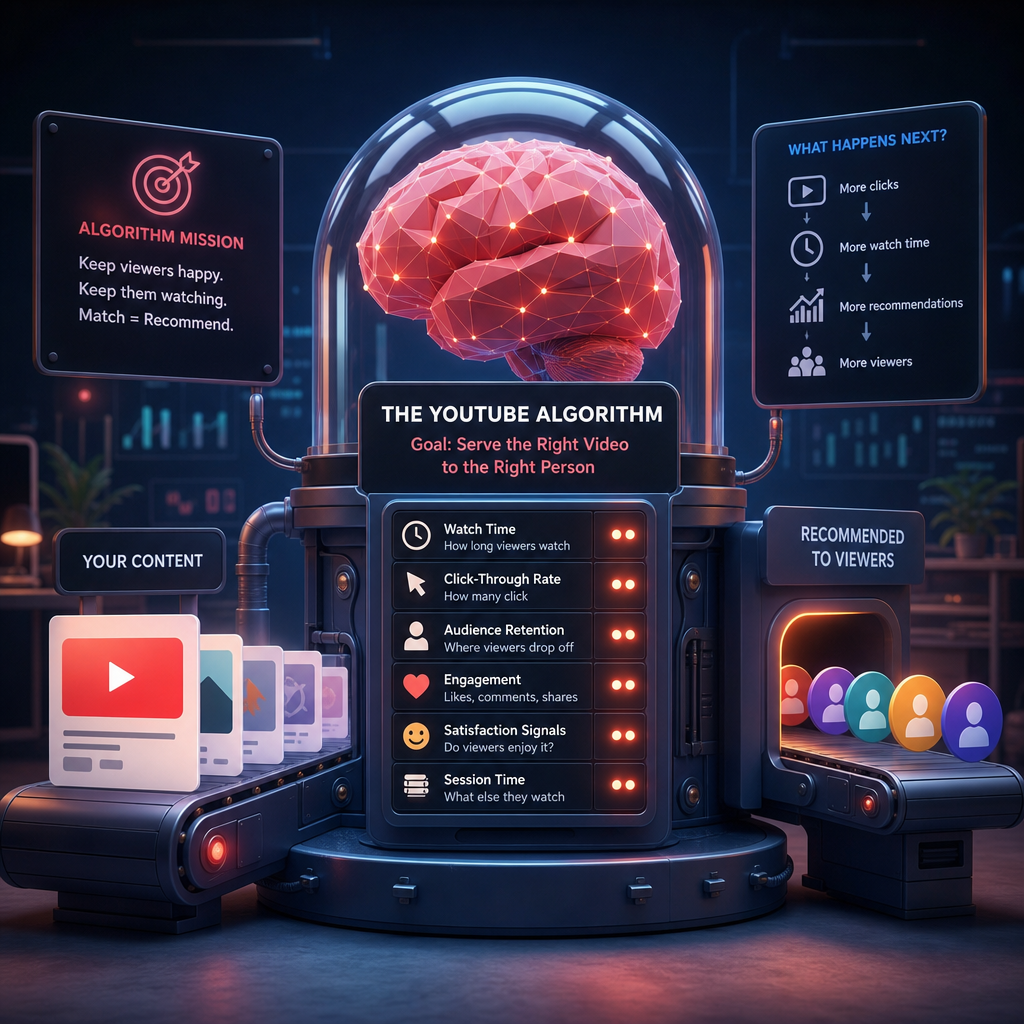
The YouTube algorithm doesn’t “reward effort.” It rewards signals that your video satisfies viewers.
For beginners, focus on three core outcomes:
- CTR (Click-through rate): Are you earning clicks from thumbnails/titles?
- Watch time + retention: Do people stay and watch?
- Session impact: Does the video encourage additional viewing (suggestions, playlists, returning viewers)?
Translation:
A great strategy targets *both* discovery and satisfaction:
- SEO & AI search for being found
- YouTube algorithm signals for being clicked and retained
3) SEO & AI Search for YouTube: Get Found Before You’re Famous
YouTube discovery includes search, but it also overlaps with how people look things up via recommendations and AI-style queries.
To win in SEO & AI search, build videos around:
- Clear search intent (what the viewer is trying to do/learn)
- Tight topic relevance (you’re not rambling into the wrong video)
- Keyword language that matches real queries
- Repeatable series formats (so viewers know what to expect)
Beginner rule of thumb:
If someone asked a simple question, could your video answer it completely—early—and guide them to the next step?
4) The Beginner-Friendly Content Strategy Framework (Gap → Angle → Plan)
Here’s the simplest repeatable loop you can use every week:
Step A: Find a “Content Gap” (What’s missing in your niche?)
Look for opportunities where:
- There are many videos on the topic, but not the *specific version* your audience needs
- Existing videos are too broad, outdated, or unclear
- Viewers ask for subtopics in comments, forums, or search suggestions
Step B: Choose a Specific Angle (What will make yours different?)
Your angle should answer:
- Who is this for?
- What problem does it solve?
- What method/template will viewers get?
- Why should they click *your* take?
Step C: Build the Video Plan (So you can produce fast)
Your plan should include:
- Hook idea (first 5–15 seconds)
- Section-by-section outline
- Title + thumbnail direction
- CTA (what viewers should do after finishing)
Step D: Produce with a repeatable structure
Create enough structure to reduce decision fatigue:
- One clear promise
- Scannable sections
- A logical progression
- A strong ending
5) How to Choose a Strong Video Angle (That Earns Clicks)
Angles turn generic topics into specific reasons to click.
Use this beginner-friendly angle checklist:
Angle checklist
- Specific audience: Beginners, intermediate, creators, marketers, etc.
- Clear outcome: “By the end, you’ll be able to…”
- Unique constraint: budget, beginner-friendly, 2025 updates, tools-free, etc.
- Concrete example: show a real channel, real workflow, real template
- Measurable improvement: CTR, retention, keyword targeting, consistency
Angle examples (for YouTube creators)
Instead of: “YouTube algorithm tips”
Try:
- “YouTube Algorithm for Beginners: 7 Rules That Improve Retention”
- “How to Build Videos That Get Recommended (Beginner-Friendly Framework)”
- “Fix Low CTR: Title + Thumbnail Patterns That Work in Any Niche”
6) How to Structure a Video That Retains Viewers
Retention is built with structure, not vibes.
A simple high-retention structure (Beginner-friendly)
Use this format for most videos:
- Hook (0:00–0:15): Prove value fast
- Promise (0:15–0:30): What they’ll learn and why it matters
- Context (brief): What’s broken / why most fail
- Main steps (core value): 3–6 sections with clear headings
- Example / walkthrough: show it in action
- Common mistakes: what to avoid (and quick fixes)
- Recap + next step: summarize and direct to another video/action
Retention tip:
After each section, ask: *“Would a viewer know what to expect next?”* If not, tighten transitions. Lifetime free access
7) Hooks, Titles, and Thumbnail Direction That Convert
You can’t out-produce a weak click package. Plan this before you shoot.
Hook formulas beginners can copy
Pick one:
- Myth → reality: “Most people think X. Here’s what actually works…”
- Pain-point fix: “If your videos get views but don’t retain, do this…”
- Before/after: “I changed ONE part of my videos and retention jumped…”
- Tool/process reveal: “Here’s my exact workflow to go from trend → upload…”
Title direction (what works for beginners)
Aim for clarity + curiosity:
- Include the benefit
- Add a target audience
- Specify a format (“framework”, “template”, “checklist”, “step-by-step”)
Example title patterns:
- “YouTube Content Strategy for Beginners: [Outcome]”
- “Turn Trending Ideas Into Uploads: [Framework Name]”
- “[N] Hooks That Improve Clicks (Beginner Edition)”
Thumbnail direction (simple rules)
- One main visual idea
- 2–4 words max (large font)
- High-contrast background
- Match the video promise (don’t over-mislead)
8) Turn Your Plan Into Production (Outline → Shot List)
Once your outline exists, production gets easy.
Turn your outline into a “ready-to-produce” workflow
For each section, decide:
- What will I show? (screen recording, B-roll, talking head)
- What will I say? (one-sentence narration goal)
- Where is the example?
- What’s the transition?
- What’s the payoff? (why this matters)
Beginner productivity win:
Use templates for recurring video types:
- “Audit videos”
- “Tutorials”
- “Strategy walkthroughs”
- “Top mistakes + fixes”
- “Keyword-to-video planning”
9) Using GapTube.ai + GapCoach: The Fastest Workflow From Trend to Upload
Here’s the workflow GapTube.ai + GapCoach were designed for:
GapTube.ai (research + gaps)
GapTube.ai scans real-time trends worldwide, finds content gaps in your niche, and generates actionable video ideas (in 70+ languages). It helps you discover what to make next without guessing.
GapCoach (turn ideas into a production plan)
GapCoach helps you take a trending idea or gap and convert it into:
- A strong angle
- A retention-friendly video structure
- A better hook
- Title/thumbnail direction
- An actionable outline so you can go from “idea” → “upload” faster
Simple positioning:
GapCoach — Your AI YouTube strategy coach that turns content opportunities into video plans creators can actually make. Why Choose Us?
10) Common Beginner Mistakes (And How to Fix Them)
Mistake 1: “I’ll improve retention later.”
Fix: Build retention into the outline (hooks, section pacing, examples).
Mistake 2: Making videos around broad topics.
Fix: Narrow with an angle (audience + outcome + method).
Mistake 3: Writing the script without planning the click package.
Fix: Decide hook + title direction + thumbnail promise first.
Mistake 4: Random uploading with no repeatable system.
Fix: Use the Gap → Angle → Plan loop every week.
11) FAQs
Q: Do I need perfect keywords for YouTube SEO & AI search?
No. But you do need search intent and clear topic relevance. Use gaps and titles that match what viewers are trying to solve.
Q: Can beginners use this even without editing skills?
Yes. This strategy focuses on idea selection, structure, hooks, and planning—you can build better videos even with simple production. videos
Q: What if I’m in a small niche?
Small niches often have clearer content gaps. Focus on underserved subtopics and beginner-friendly outcomes.
12) Next Step: Turn Ideas Into Video Plans in Minutes
If you want to grow faster as a beginner, stop starting from scratch.
Use GapTube.ai to discover content gaps and trending opportunities.
Then use GapCoach to transform them into ready-to-produce video plans—angles, hooks, structure, title/thumbnail direction, and outlines.
GapCoach — Turn Ideas Into Videos
Your AI YouTube strategy coach that bridges the gap between “what to make” and “how to upload.”
Ready to get started?
Take the next step and explore how this solution can help you move faster.
GAPTUBEVIP