
My Videos — Learn What Actually Works (Without Guessing)
If you’re an active YouTube creator, you don’t need more “tips.” You need answers from *your own* channel data—so you can confidently repeat what works and stop wasting uploads on what doesn’t.
This guide shows you how to analyze your YouTube videos to find the patterns driving:
- More YouTube views
- Higher CTR (clicks from impressions)
- Better retention
- Faster subscriber growth
And if you want the process to be faster than spreadsheets and manual chart-hunting, GapTube.ai turns your performance history into actionable research you can use for your next uploads.
Table of Contents

- Why “YouTube Analytics” Isn’t One Report (It’s Many)
- What Actually Drives Views, Clicks, Retention & Growth
- How to Read Your Own YouTube Analytics (Like a Researcher)
- How to Use “All YouTube Reports” to Find Winning Patterns
- Benchmarks: How to Check Analytics of Other Channels (Without Copying)
- The Simple Workflow: From Past Performance → Next Video Plan
- Use GapTube.ai to Turn Video Data Into Content Decisions
- FAQs
1) Why YouTube Analytics Isn’t One Report (It’s Many)
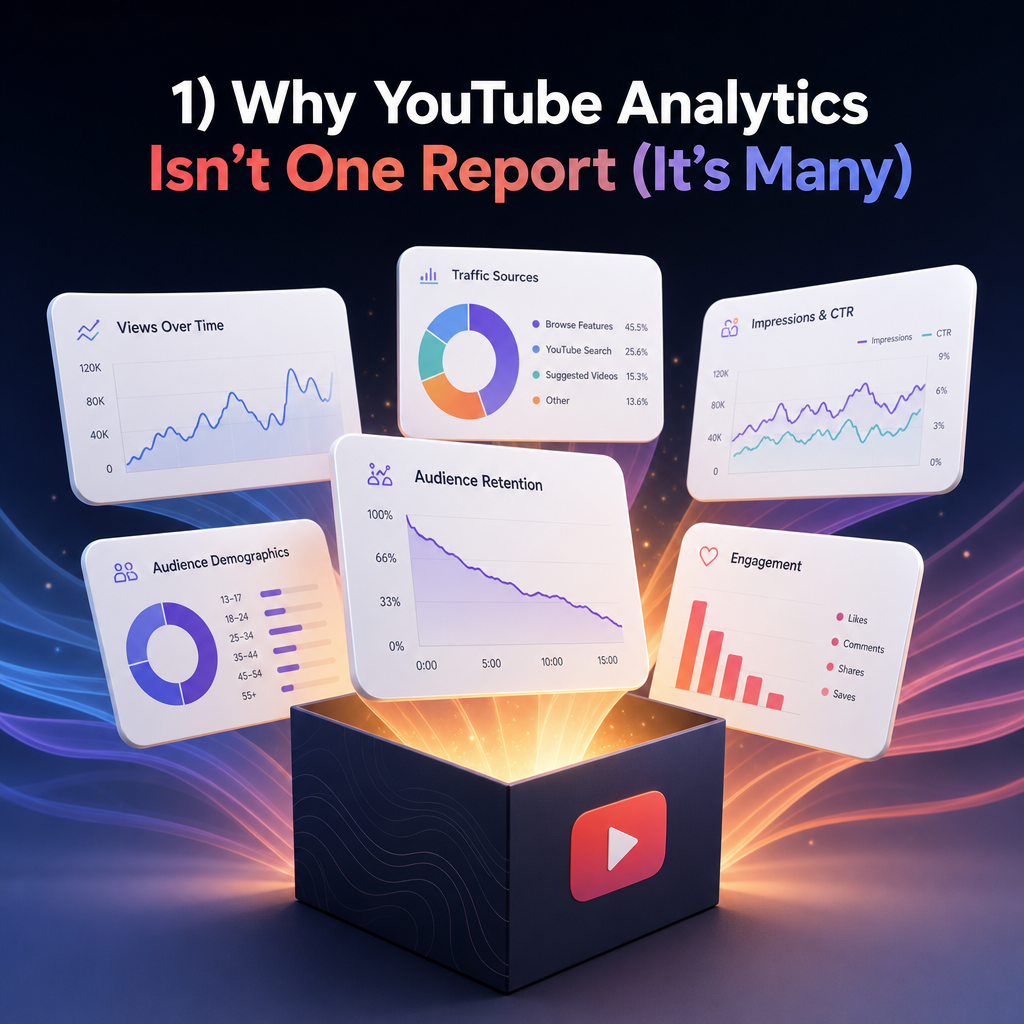
Creators often say, “I check analytics,” but then they only look at one number (usually views) and move on. Why Choose Us?
In reality, YouTube performance comes from *multiple interacting signals*, such as:
- how often you’re shown (impressions)
- how often viewers click (CTR)
- how long people watch (retention / average view duration)
- whether viewers subscribe and return (subscriber growth, returning viewers signals)
That’s why successful creators use all YouTube reports strategically—turning scattered metrics into clear conclusions.
2) What Actually Drives Views, Clicks, Retention & Growth
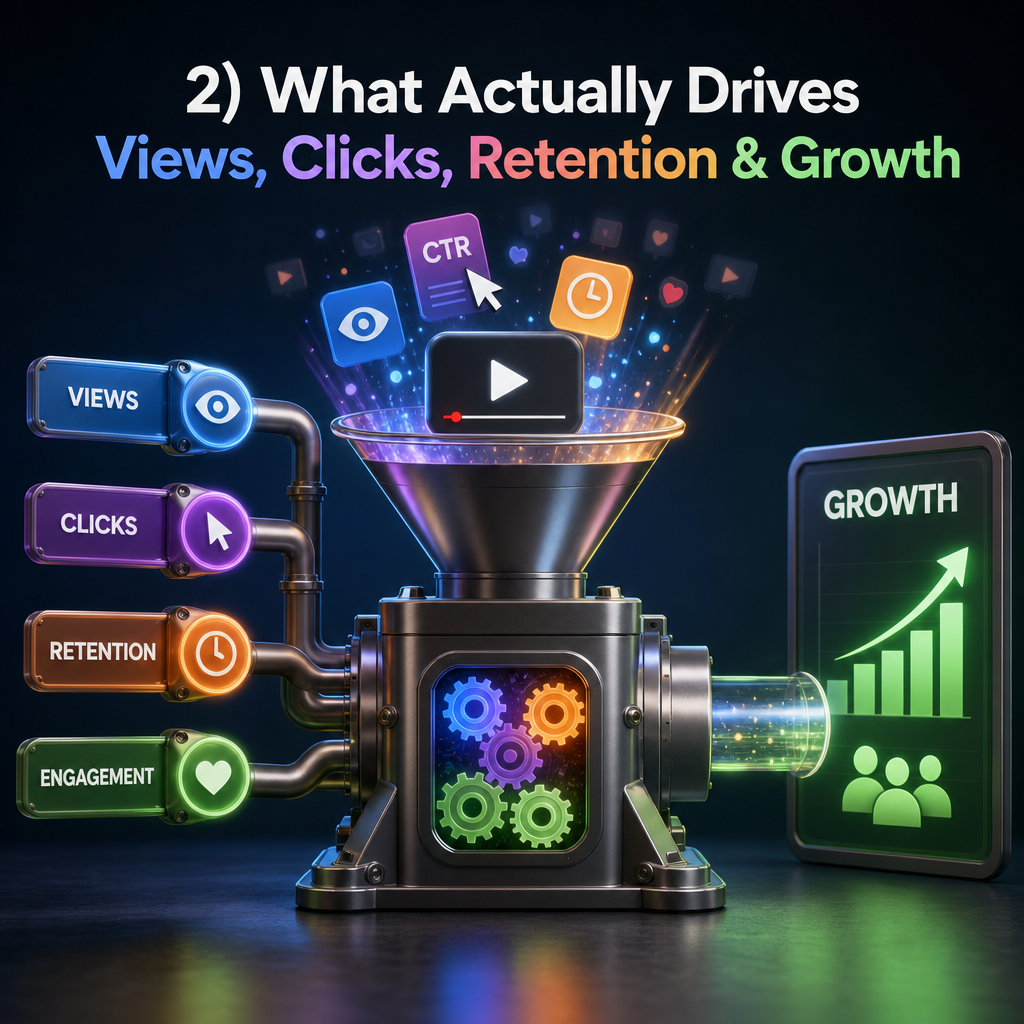
Here’s the truth: views rarely come from one thing. Most growth comes from improving one link in the chain, repeatedly.
A) Views start with CTR + how YouTube distributes your video
If your video earns more impressions *and* gets good CTR, YouTube tests it with larger audiences.
What to look for:
- CTR by traffic source
- thumbnail/title combinations that outperform
- which formats get picked up more often
B) Retention determines whether YouTube keeps pushing
Even with high CTR, retention problems limit distribution.
What to look for:
- audience retention curves (where viewers drop)
- average view duration trends
- sections that spike watch time
C) Subscriber growth comes from “viewer intent” and satisfaction
People subscribe when the content matches what they expected—and delivers value quickly.
What to look for:
- subscriber conversion patterns
- viewer behavior after watching (if your videos create repeat interest)
3) How to Read Your Own YouTube Analytics (Like a Researcher)

To stop guessing, you need to turn your analytics into a repeatable research process. gapcoach
Step 1: Choose your “winners” and your “almost-winners”
Pick videos in three groups:
- Strong winners: good CTR + strong retention + solid growth
- Almost-winners: decent CTR but weak retention (or vice versa)
- Underperformers: low CTR and/or poor watch time
This helps you identify what to change next:
- title/thumbnail first (if CTR is the issue)
- structure/first 30 seconds first (if retention is the issue)
- content alignment first (if subscribers don’t rise)
Step 2: Map performance to what you changed (topic, format, style)
Your goal isn’t “understand numbers.” Your goal is:
- find which topics drive consistent engagement
- identify titles and thumbnails that earn clicks
- recognize formats your audience rewards with watch time
Step 3: Look for repeatable patterns, not one-off luck
A single viral video can skew your perception. Your research should answer:
- “What patterns show up across my best videos?”
- “What patterns repeat in my worst videos?”
- “What’s changing between them?”
4) How to Use “All YouTube Reports” to Find Winning Patterns
YouTube gives you multiple analytics reports—don’t treat them as separate tasks. Use them as one system.
Key report types to use for content decisions
Performance by video
- Identify your true top performers (not just highest views once)
Traffic sources
- Understand what actually brings viewers
- Double down on the sources that correlate with retention + growth
Audience retention
- Find where people drop
- Improve the segments that determine whether a video succeeds
Engagement and behavior signals
- Use subscriber growth patterns to validate content-market fit
(Optional benchmark) Compare with similar channels
- Learn how others structure titles/thumbnails and distribution, then apply it to *your* niche and audience
The goal isn’t to copy other channels. It’s to understand what YouTube rewards in your niche—then use your own results to refine your approach.
5) Benchmarks: How to Check Analytics of Other Channels (Without Copying)
Looking at other channels can speed up your learning, especially when you’re trying to understand:
- what formats are trending in your niche
- what titles/thumbnails get clicks
- what video topics attract retention-friendly audiences
Best practice:
- Use competitor research as hypotheses
- Use your own YouTube video data to confirm what works for *your* channel
This is where tools and “YouTube stats” dashboards help—but your final strategy should always be driven by your own performance. Lifetime free access
6) The Simple Workflow: From Past Performance → Next Video Plan
Stop guessing what to post next. Use a loop:
The Winning Loop (repeat every upload)
- Analyze your past videos
Find what improved CTR, retention, and subscriber growth.
- Identify your “content patterns”
Topic themes, formats, title styles, thumbnail angles, and keyword intent.
- Find content gaps
Look for topics you haven’t covered (or haven’t covered well) that your audience already responds to.
- Plan the next upload using evidence
Build your title/thumbnail around what earned clicks before.
- Use research to guide production
Structure the first 30–60 seconds based on retention patterns you’ve seen.
- Measure outcomes and adjust
Iterate like a growth team, not a random uploader.
7) Use GapTube.ai to Turn Video Data Into Content Decisions
Manual analysis can take hours—and even then, it’s easy to miss patterns across your history. Signup
GapTube.ai — YT Research Tool helps creators master strategy by turning performance into actionable next steps.
What GapTube.ai does for active creators
- Scans real-time trends worldwide
- Identifies content gaps in your niche
- Suggests actionable video ideas you can build immediately
- Helps you stay ahead in over 70 languages
- Automates research so you can focus on creation, not spreadsheets
If your goal is: “My Videos — Learn What Actually Works”, GapTube.ai supports that by helping you:
- understand what’s already working (so you can repeat it)
- find new opportunities that match your audience’s intent
- move from performance review → next video plan faster
CTA: Ready to Stop Guessing What to Post Next?
If you’re tired of “try this thumbnail color” advice and want a real system, start here:
Get your next video strategy using evidence from your channel—and trending opportunities from GapTube.ai.
Try GapTube.ai now and turn your past YouTube videos into your next growth engine.
FAQs
1) Can I learn what drives views using only my own YouTube videos?
Yes. Your own channel data often contains the most relevant clues for your audience—especially when you compare titles, thumbnails, topics, and retention across multiple uploads.
2) What should I check first: CTR or retention?
In most cases:
- Check CTR to confirm your thumbnails/titles earn clicks.
- Check retention to confirm the video satisfies viewer expectations after the click.
The best videos usually win on both.
3) What are “All YouTube reports,” and how do I use them?
“All YouTube reports” refers to using multiple report types together—performance by video, traffic sources, audience retention, and engagement signals—so your decisions connect clicks → watch time → growth.
4) Should I analyze other channels too?
Yes, as benchmarks. Use competitor insights to create hypotheses, then verify with your own analytics—so you don’t copy what works for someone else but fails on your channel.
5) How does GapTube.ai help with “How To Get More YouTube Views”?
GapTube.ai helps you combine:
- research into what’s trending and where content gaps exist
- strategy suggestions to improve topic choices and keyword intent
- a faster workflow so you can plan and publish more consistently—with better chances of CTR and retention success.
Next Steps (Quick Start)
- Review your top 5 videos: what do they share in topic + title style + thumbnail angle?
- Review your bottom 5 videos: what pattern explains low CTR and/or weak retention?
- Pick one improvement for your next upload (title/thumbnail or retention structure).
- Use GapTube.ai to turn trends + gaps into a confident content plan.
Stop guessing. Start learning from your videos.
Ready to get started?
Take the next step and explore how this solution can help you move faster.
GAPTUBEVIP