
My Videos — Learn What Actually Works
If you’re a creator with inconsistent performance, you already know the feeling:
One video clicks fast and gets traction. The next one flops—despite “doing everything right.” Your confidence drops, your ideas stall, and you start guessing what to post next.
Stop guessing. Use your own video data to find winning patterns, double down on what your audience already loves, and turn past performance into better future videos.
(thumbnail + title CTR)
(audience stickiness)
(how viewers discover and engage)
Quick Table of Contents
- Why your YouTube performance feels random
- The analytics that matter most for inconsistent creators
- A step-by-step pattern-finding framework
- Optimizing your thumbnail and title CTR (what to look for)
- Retention and watch time: the “real” conversion metrics
- Traffic sources and how to engineer your next upload
- Benchmarking: what you can learn from other channels
- YouTube templates that turn insights into repeatable output
- Creator Tips to help you act on data (not drown in it)
- FAQ
1) Why Your YouTube Performance Feels Random
When creators see inconsistent results, they often blame one of these:
- “My topic wasn’t good.”
- “The thumbnail didn’t work.”
- “The algorithm hates me.”
- “I posted at the wrong time.”
Your videos are competing in different “micromarkets”
One upload may get strong initial clicks, another may earn impressions but fail to convert clicks into watch time. Then YouTube distributes differently based on early signals.
Your data isn’t being translated into decisions.
Most creators check analytics… but don’t systematically answer:
- Which specific elements correlate with better performance?
- What should you repeat in your next video?
- What should you stop doing?
My Videos is built to turn your analytics into actionable patterns you can reuse.

2) The Analytics That Matter Most (For Creators Who Can’t Stop Guessing)
Not every number helps you improve your next upload. For inconsistent creators, the best analytics are the ones that explain what happened and why—especially:
A) Click signals: impressions and CTR
To improve performance, you need to understand:
- Were you shown to people (impressions)?
- Did people click (impression CTR)?
If impressions are low: your discovery system isn’t finding you enough. If CTR is low: your thumbnail/title aren’t matching the viewer’s intent.
B) Audience retention
Average view duration + retention curves. Focus on:
- Average view duration (overall stickiness)
- Where retention drops (moment of disengagement)
- Relative retention vs your video’s length
C) Watch engagement
Look at:
- Traffic sources (Browse features, Suggested videos, Search, etc.)
- How viewers come in and what they do next
- Whether your audience is “returning” to watch more
D) Growth signals
Momentum, not just totals. Total views can mislead you when the video has:
- different release ages
- different audience saturation
- different distribution windows
3) The Step-by-Step Pattern-Finding Framework (Use Your Own Videos)
Here’s the workflow My Videos — Learn What Actually Works helps you follow—without overthinking.
Cluster your videos by performance
Group past uploads into buckets like:
- winners (clearly above your baseline)
- average performers
- low performers
Compare CTR-driving elements
For each video, look at:
- thumbnail style (contrast, clarity, framing)
- title angle (curiosity, benefit, specificity)
- wording patterns (numbers, “how to,” outcomes, comparisons)
Compare retention behavior
Don’t just ask “Did it get views?” Ask:
- Where did viewers drop?
- What moments likely created the strongest retention?
- What segments repeat across winners?
Identify the “why” through traffic source patterns
Winning videos often share:
- similar discovery paths
- similar viewer intent alignment
- similar audience types
Turn patterns into next-video decisions
Finally, use your insights to choose:
- topic direction
- title strategy
- thumbnail style
- structure/format
- keyword focus
4) Optimizing Your Thumbnail and Title CTR (CTR Is Your Starting Line)
A lot of creators treat CTR like luck. It’s not.
What good thumbnail/title CTR usually means
Higher CTR typically indicates that your packaging matches viewer intent:
- the promise in your title aligns with what’s delivered in the first seconds
- the thumbnail clearly communicates the “reason to click”
- the audience understands the value within a glance
What to check in your own data
When optimizing your thumbnail and title CTR, compare winners vs flops on:
Thumbnail clarity
- Can someone understand the thumbnail on a mobile screen?
- Is the subject obvious?
- Is there one dominant focal point?
Title specificity
- Are you using vague titles that could mean anything?
- Are your winners more specific about outcomes or “what you’ll learn”?
Consistent “promise”
Your top performers usually share a repeated promise:
- “You’ll learn X”
- “I tested X so you don’t have to”
- “Here’s the mistake that kills X”
- “From beginner to result in Y”
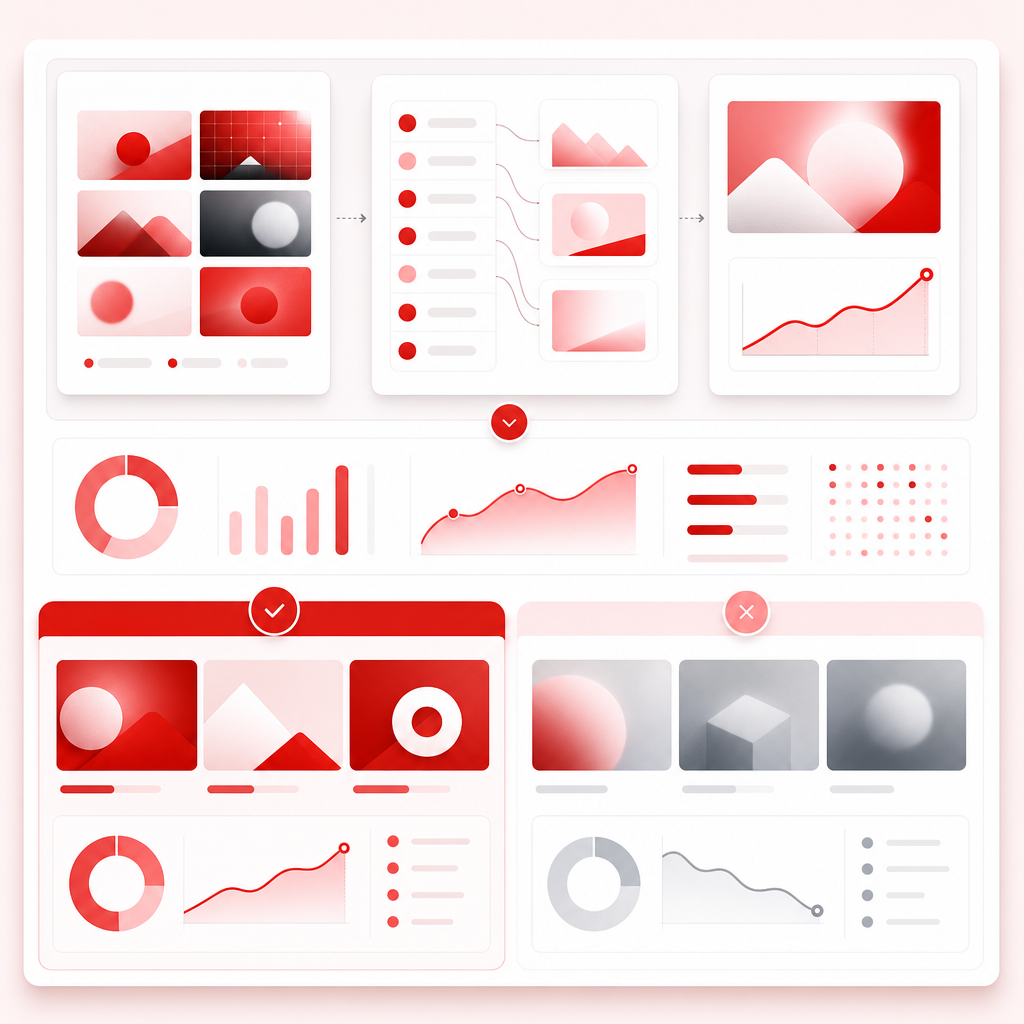
GapTube.ai’s My Videos approach helps you detect these packaging patterns so you’re not reinventing the wheel each upload.
5) Retention and Watch Time: The Metrics Behind Real Growth
If CTR is the door, retention is what keeps the viewer inside.
Common retention problems in inconsistent channels
- The hook doesn’t deliver what the title promised
- The first 15–30 seconds are slow or unclear
- The video wanders without clear structure
- The topic is exciting but not paced for the audience’s expectations
What winners tend to do (pattern-wise)
- Fast clarity (viewer knows what they’re getting)
- Structured payoff (subsections or milestones)
- Stronger alignment between intro + mid-video beats
- Better pacing after dips
Practical retention check
Use your top videos to reverse-engineer:
- What did you say/tease in the beginning?
- How fast did you hit the main point?
- Where did you “earn” the next minute of watch time?
My Videos helps you connect those dots to future video planning.

6) Traffic Sources: How Viewers Found Your Best Videos
Inconsistent performance often comes from inconsistent discovery paths.
Traffic source pattern clues
- Search-driven success: your topic + keyword alignment is strong; titles/thumbnails still matter, but intent match is everything.
- Browse/Suggested success: packaging + early retention are the main drivers.
- External spikes: don’t assume it means the content is inherently “better”—it might be distribution context.
What to do with this information
When you see a winner coming from one primary source, the next video should match:
- viewer intent
- format expectations
- and packaging that aligns with that source
This is how you engineer repeatable distribution—rather than hoping for it.
7) Benchmarking: What You Can Learn from Other Channels (Without Getting Misled)
You *can* learn from other creators—but be careful about what you compare.
Important reality: analytics aren’t always comparable
Public metrics (like views) don’t reveal:
- how long the video has been live
- whether it’s still in a distribution ramp-up
- how retention and CTR changed over time
Also, some creators report “under-reported” views or differences in public vs analytic reporting—usually because of how YouTube updates, aggregates, or segments reporting, and because videos can behave differently in feeds over time.
So the best benchmark is: your own baseline.
Then use other channels as inspiration for packaging and structure, not as a one-to-one performance measurement tool.
GapTube.ai focuses on what matters for your channel: your video signals, your patterns, your actionable next steps.
8) YouTube Templates (Turn Insights Into Repeatable Output)
Once you identify patterns, you need a system to apply them quickly.
Template 1: CTR Packaging Template
Use the winners’ patterns to generate consistent packaging:
- Thumbnail: [dominant subject] + [one-word/short promise] + [high-contrast layout]
- Title formula: “How to [achieve outcome] without [common mistake]” OR “[Specific result] in [time/frame]”
Template 2: Hook + Promise Template
Structure your first 30 seconds like your top videos:
- Hook statement (problem/curiosity)
- Proof/credibility (quick signal)
- Clear promise (what they’ll learn)
- Roadmap (what’s coming next)
Template 3: Retention Beat Map Template
Before uploading, plan your video beats:
- Beat 1: payoff within first minute
- Beat 2: second “why it matters” moment
- Beat 3: example/demo
- Beat 4: summary + next step
Template 4: Keyword-to-Video Intent Template
When you optimize titles and thumbnails, align them with the keyword intent behind Search:
- Topic: [core keyword theme]
- Title promise: [outcome]
- Thumbnail angle: [why the viewer should care]
- Description + chapters: reinforce intent
My Videos doesn’t just point at problems—it helps you convert results into a repeatable production approach.
9) Creator Tips: What to Do When Your Channel Feels Inconsistent
Here are Creator Tips that consistently help creators break the “guessing loop”:
- Track improvements in decisions, not hope — Don’t ask “did the video work?” Ask “did I apply the winning pattern?”
- Optimize one variable at a time — If you change topic + thumbnail + format + pacing all at once, you won’t know what helped.
- Treat CTR and retention as a system — A high-CTR video with weak retention can still stall. Aim for both.
- Write titles for intent, not cleverness — Your best titles usually match what a viewer is trying to solve.
- Use your winners as style guides — Don’t “reinvent your channel” every upload. Standardize what works.
10) Ready to Learn What Actually Works on Your Channel?
If you’re tired of inconsistent performance, you don’t need more random ideas. You need pattern recognition—based on your own YouTube history.
With GapTube.ai (My Videos), you can:
- analyze what drove clicks, retention, and growth
- uncover patterns in thumbnail + title CTR
- identify video format and structure that performs best
- turn insights into YouTube templates you can reuse
- plan future uploads with confidence instead of guesswork
Don’t miss out!
Frequently Asked Questions
? How do I know which analytics matter most for my channel?
Start with the chain: impressions → CTR → retention → traffic source behavior. If you don’t have CTR or retention, views alone won’t explain the problem.
? What if my public view counts don’t match what I see in analytics?
Differences can happen due to how YouTube reports and updates figures over time. For decision-making, prioritize Studio analytics signals and compare your videos internally, not external screenshots.
? Can I use My Videos if I’m a small channel?
Yes. In fact, it often helps most. Small channels benefit from learning faster—your best patterns are clearer when you compare your own winners and flops consistently.
? Will this replace my content ideas?
It won’t replace your creativity—it gives you a system to choose better ideas and packaging based on what your audience already responds to.
Stop guessing what to post next.
Use My Videos — Learn What Actually Works by GapTube.ai - YT Research Tool to find the winning patterns in your own channel—and repeat what drives clicks, retention, and growth.