
GapCoach Video Plans for Beauty & Fashion YouTube
Beauty, fashion, and lifestyle creators don’t usually lack ideas—they lack a clear, production-ready path from “trend” to “upload.”
GapCoach (Your AI YouTube strategy coach) helps you take content opportunities from GapTube.ai and transform them into click-worthy hooks, strong angles, and actionable outlines—so you can produce faster and grow consistently.
More views without guessing
Build hooks and structure that earn watch time.
Better retention
Not just better topics—retention-friendly outlines.
Repeatable seasonal workflow
A strategy-to-outline workflow you can repeat every week.
Who This Is For (and Why It Works)
GapCoach is built for lifestyle-focused creators who want to turn:
You have trends
Trends that are actually working on YouTube.
You have seasons
Seasonal moments that match audience behavior.
You have interests
Audience interests (not random ideas).
…into strong video concepts + production-ready plans.
Perfect for creators who publish in:
- GRWM / “get ready with me”
- Outfit try-ons / styling
- Beauty routines & product discovery
- Lifestyle vlogs and trend edits
- Seasonal “what I’d wear / what I’d buy” series
The Real Problem: Ideas Don’t Automatically Become Videos
Most creators don’t struggle with “what to post.” They struggle with:
Choosing the right angle (so the video feels made for your audience, not copied)
Writing a hook that earns watch time (without being vague or clickbait-y)
Structuring the video for retention (so it doesn’t lose viewers mid-way)
Turning strategy into production (so you’re not stuck planning forever)
GapCoach bridges the gap—from idea → concept → hook → outline → upload-ready plan.
The GapCoach Framework: Your Trend-to-Upload System
Here’s how GapCoach turns YouTube opportunities into videos you can actually make.
Step 1: Find the Content Opportunity (from GapTube.ai)
GapTube.ai scans real-time trends worldwide and helps you spot content gaps in your niche—in over 70 languages.
You’ll use this to:
- discover trending video angles
- see what audiences are already engaging with
- identify openings where your style fits
Keywords you’ll recognize in the workflow:
- Browse All Videos
- L2’s Fashion: Video Report
- YouTube Niche Workbook
Step 2: Pick a “Creator-Fit” Angle (not just a topic)
A trend alone isn’t a strategy.
GapCoach helps you choose an angle that matches:
- your aesthetic and storytelling style
- your viewers’ intent (entertainment vs. education vs. inspiration)
- the specific reason people will click and stay
Example angle options (Beauty/Fashion/Lifestyle):
- I tested it so you don’t have to
- 3 outfits, 1 theme (wearable for real life)
- What actually worked for my skin type
- Cost breakdown + best dupes
- Seasonal styling for busy schedules
Step 3: Nail the Hook (so viewers don’t scroll)
Most videos lose attention because the first 5–15 seconds are unclear.
GapCoach generates hook direction based on your angle—so your intro delivers:
- a clear promise
- a “why now”
- and immediate context
Hook goals:
- viewers instantly know what they’ll get
- curiosity is earned (not forced)
- the video feels worth finishing
Step 4: Structure for Retention (simple, repeatable format)
GapCoach helps you build an outline that supports watch time, including:
- a strong opening
- fast value delivery early
- clear transitions between segments
- “keep watching” moments (without fluff)
- a close that drives next action (subscribe, comment, next video)
You’ll end up with a production-friendly flow—not just talking points.
Step 5: Title & Thumbnail Direction (what to communicate visually)
You don’t need a “perfect” title. You need a title that matches the viewer’s intent.
GapCoach gives title/thumbnail direction so your thumbnail clearly supports:
- the payoff
- the topic angle
- and your creator identity
The outcome: more clarity per click.
Step 6: Turn It Into a Ready-to-Produce Outline (minutes, not hours)
GapCoach converts your strategy into an actionable plan:
- scene-by-scene or segment-by-segment structure
- what to film in what order
- where to place key moments (demo, before/after, try-on, results, tips)
- and what to say so the video lands
This is where most creators save the most time—because it removes the “blank page” problem.
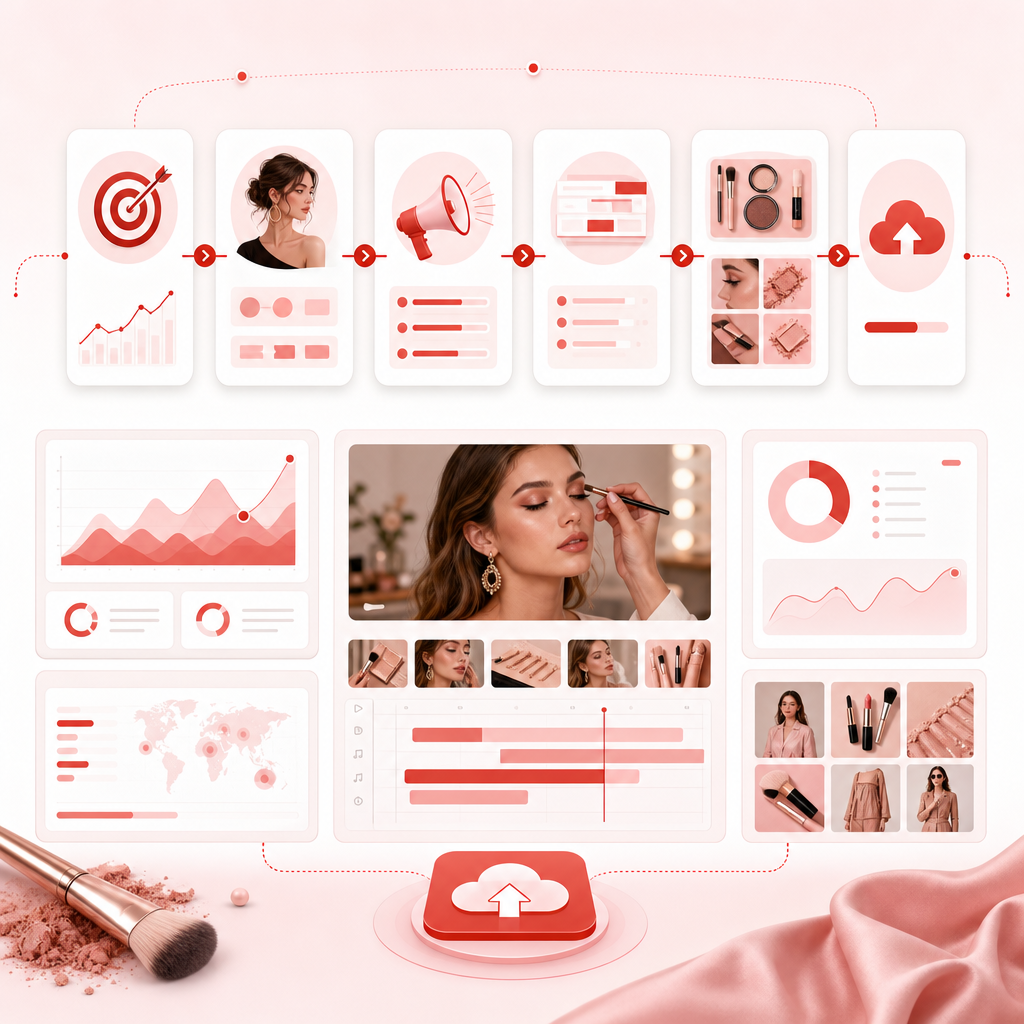
What GapCoach Produces for You (Video Plan Deliverables)
When you move from idea to plan with GapCoach, you’ll get guidance to build:
A chosen angle
Tailored to beauty/fashion/lifestyle audiences.
Hook direction
First seconds that earn attention.
A retention-friendly structure
A simple, repeatable format.
Title + thumbnail direction
What to communicate visually.
An outline you can film from
Production-ready flow.
This is how you go from “I should make a video” to “I know exactly what to say and shoot.”
How “YouTube Niche Workbook / Reports / Browsing” Fits In
To make planning easy, GapCoach works best when you pair it with GapTube.ai research.
Here’s the practical connection:
- Browse All Videos → explore competing formats, angles, and recurring themes
- L2’s Fashion: Video Report → understand trend patterns and audience momentum
- YouTube Niche Workbook → organize your research into video-ready planning steps
Together, you get a research-to-production workflow that’s built for creators—not marketers.
If you want to discover what’s already working, start with the browsing flow—and then use GapCoach to turn those opportunities into videos you can actually produce.

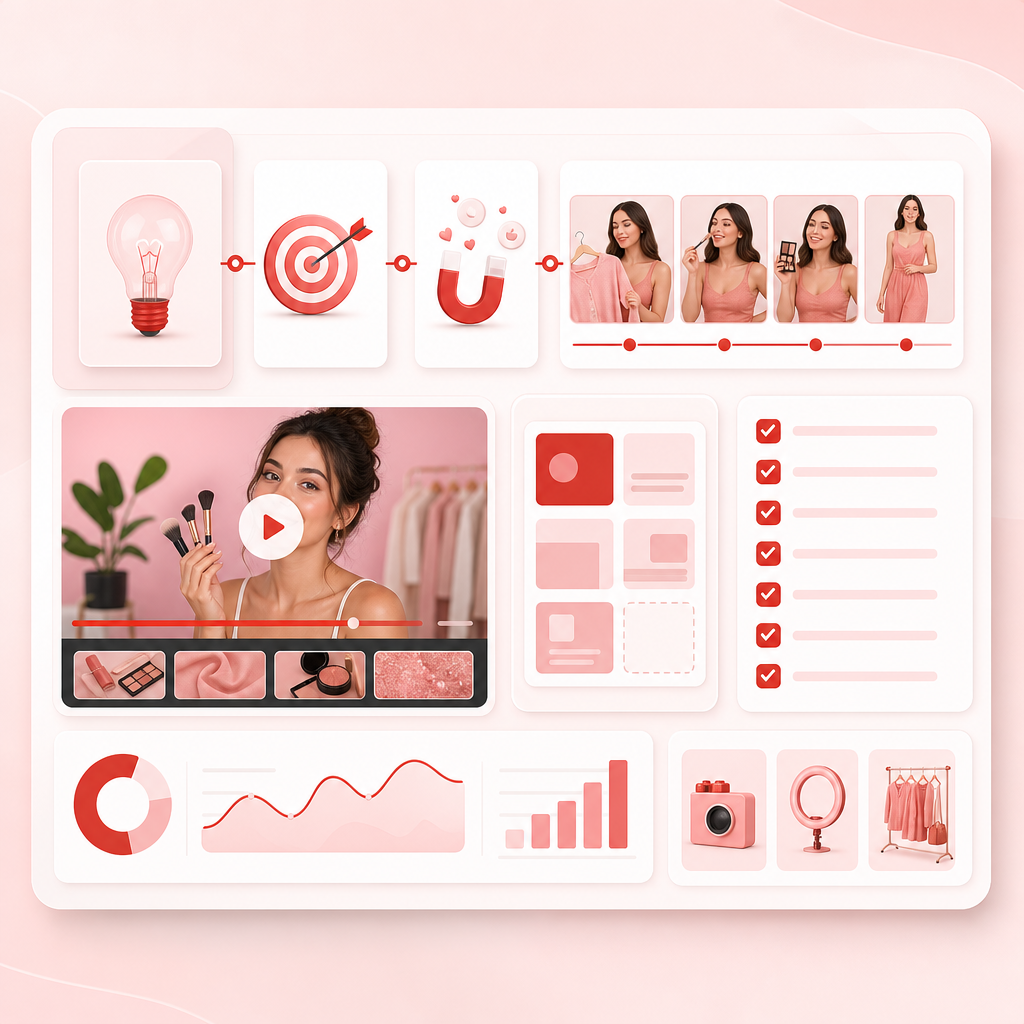
Example: Idea → GapCoach Video Plan (Mini Template)
If your starting idea is:
“Spring outfit try-ons but affordable”
GapCoach would help you convert it into a clear video plan like:
- Angle: Realistic spring looks under a budget (with dupes)
- Hook: “I’m trying spring outfits under $___—here’s what actually looks good on camera”
- Structure: 1) quick intro + promise 2) try-on segment 1 (fit + vibe + styling tip) 3) try-on segment 2 4) styling tip recap 5) best buys + what to skip
- Thumbnail direction: main outfit + “under $___” / “affordable spring try-on”
- Production checklist: items list, shot list (full-body, close-ups, fit details)
This is the “bridge” GapCoach provides—so your plan is clear enough to film immediately.
If you want to see more on what actually works, use the workflow and then apply the GapCoach process.
Pillar Use Cases: What to Make This Week (Beauty, Fashion, Lifestyle)
Use GapCoach anytime you want a stronger plan for content like:
1) Trend + Your Twist
- styling spin
- product testing approach
- “what I’d wear” reality check
- budget-friendly alternative lens
2) Seasonal Series (where consistency wins)
- spring/summer capsule planning
- back-to-school looks
- fall transitions
- holiday party prep
GapCoach helps you plan each upload so the series stays coherent.
3) Audience-Intent Videos (higher conversion)
- best for oily skin
- outfits for short frames
- what to wear when you hate shopping
- how to get this look on a deadline
4) Content Gap Videos (where growth accelerates)
Content gaps are opportunities where viewers want something, but creators aren’t delivering it clearly.
GapTube.ai helps you find those gaps—GapCoach helps you build the video to fill them.
Why Creators Choose GapCoach
Because it doesn’t stop at inspiration.
GapCoach helps you:
- reduce planning time
- stop guessing what will click
- structure videos for retention
- turn research into an upload-ready outline
Most creators can find ideas.
Fewer can turn them into videos people finish watching.
GapCoach helps you do that.
If you want to learn the process behind GapCoach, use the workflow to move from idea to upload-ready plan.
Ready to Turn Trends Into Video Plans?
Get a repeatable workflow starting with GapTube.ai insights and using GapCoach to turn them into production-ready plans.
Then use GapCoach to transform those opportunities into videos you can actually produce.
Frequently Asked Questions
Is GapCoach only for fashion creators?
No—GapCoach is ideal for beauty, fashion, and lifestyle creators who want to turn trends and audience interests into video plans that are ready to film.
What makes GapCoach different from “content ideas” lists?
Lists give ideas. GapCoach gives you the execution plan: angle selection, hook direction, structured outline, and title/thumbnail direction—so you can move from idea → upload faster.
Do I need to use GapTube.ai first?
GapCoach works best with GapTube.ai research (to find opportunities and content gaps). If you already have ideas, GapCoach can still help turn them into a clear plan.
How long does it take to get a plan?
GapCoach is designed for speed—think minutes to go from opportunity/idea to a production-ready video outline.