
Vizard Clips to Repurpose Video Podcasts into Shorts
You record the episode. Your audience watches the long-form. But growth doesn’t stop there.
Discovery + fast watch-through.
Hook-first content that travels.
Engagement + shareability.
Thought leadership snippets that build authority.
Vizard Clips — Multiply Your Content Output
You record the episode. Your audience watches the long-form. But growth doesn’t stop there.
Vizard Clips turns one long-form video into dozens of ready-to-post clips—so your video podcast can drive ongoing discovery on YouTube Shorts, TikTok, Instagram Reels, and LinkedIn.
Whether you’re recording interviews, webinars, livestreams, or podcast episodes, Vizard Clips helps you extract more value from every upload—faster.
Built for the moment after you hit “publish”
Vizard Clips turns your best segments into short-form clips designed for discovery.
A content pipeline, not a one-time post
Your long-form video becomes a library of short-form assets.
Built for Video Podcasters (Creators Who Repurpose)
If you’re a podcast creator who records on video, you already know the grind:
- You spend hours recording and producing a single episode.
- You post once… and then it’s months before you publish again.
- Your best moments are buried—never reaching new viewers.
- Creating Shorts manually (clips + captions + hooks) kills momentum.
Vizard Clips is built for the exact moment after you hit “publish.”
The Problem: Long-Form Isn’t Enough for Growth
Long-form videos are great—but algorithms reward frequency and recency.
Without clip repurposing, you lose chances to:
- Attract new viewers via short-form discovery
- Build momentum with consistent posting
- Turn podcast guests into new audience reach
- Capture “key moment” viewers who don’t watch the full episode
The result? Your video podcast performs once, then fades.
The Solution: Turn One Long Video into Dozens of Clips
Vizard Clips helps you multiply your content output from every video you create.
It identifies key moments and converts them into multiple short, shareable clips—so each episode becomes a content pipeline, not a one-time post.
Simple positioning: “Turn one long video into dozens of ready-to-post clips.”
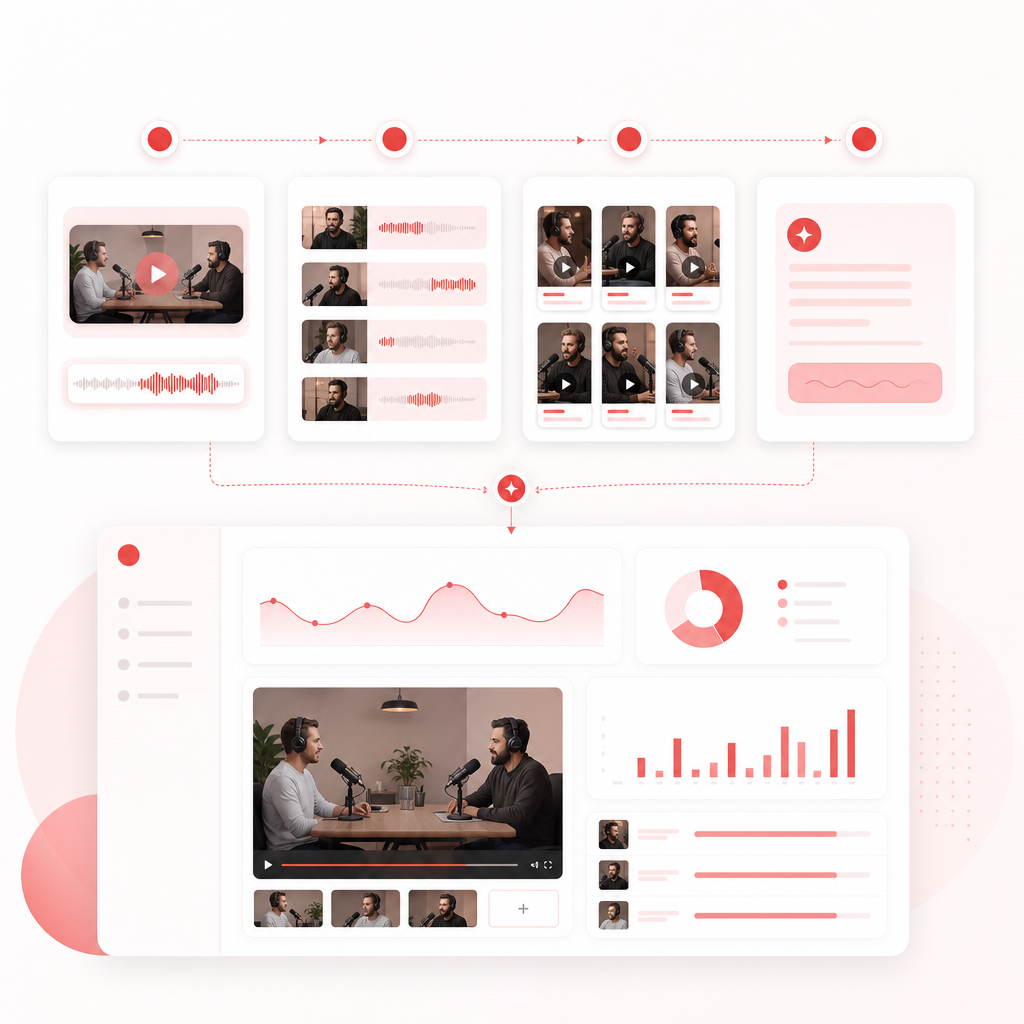
How Vizard Clips Works (Step-by-Step)
- Start with your long-form content
Your podcast episode, interview, webinar, or livestream. - Extract key moments automatically
Vizard Clips helps spot the parts viewers will actually click. - Generate clips ready for short-form publishing
Each clip becomes a post you can schedule and share across platforms. - Use AI Script Writer to finalize the hook
Create compelling short-form text that matches the moment—so your clip earns views, not just impressions.
Turn one long-form recording into a repeatable clip workflow.
What You Get: Clips Designed for Discovery
Vizard Clips focuses on content that performs on short-form—snappy, engaging, and easy to understand fast.
Typical outputs include
- Short clips pulled from your episode’s best segments
- Ready-to-post captions (so it works with sound-off viewing)
- Platform-friendly hooks and post text
- A repeatable clip workflow for every new episode
Your long-form video becomes a library of short-form assets
Post more often without doubling your editing time.
Browser Extension Supports Chrome & Edge
To make repurposing faster, Vizard Clips includes a Browser Extension (Supports Chrome & Edge) so you can turn content into clips without slowing down your workflow.
Streamline your repurposing flow
- Use it to streamline your repurposing flow—so you spend less time exporting, copying, and formatting
- …and more time publishing.
Faster repurposing without slowing your workflow
Turn content into clips efficiently so your output keeps moving.
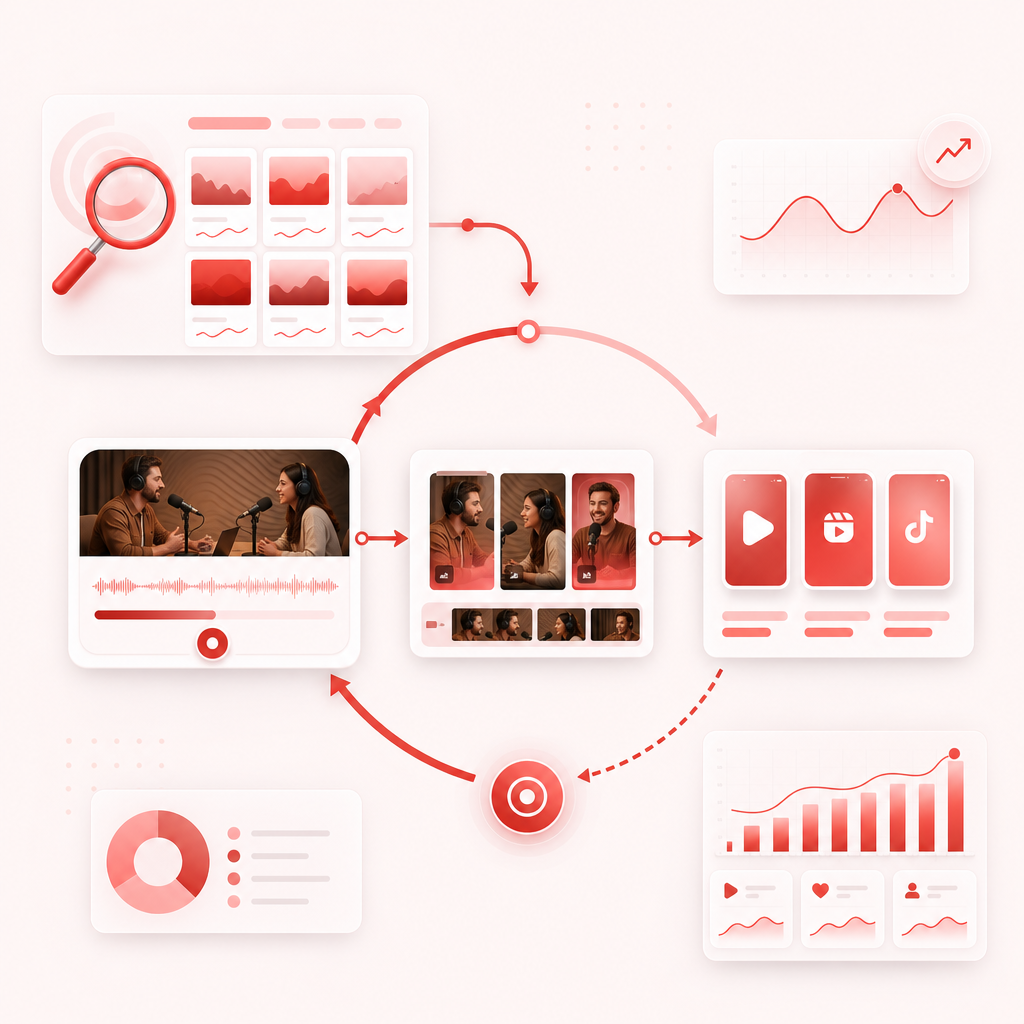
Pair Vizard Clips with GapTube.ai (The Growth Loop)
Ideas and execution both matter.
GapTube.ai - YT Research Tool helps you find what to publish next by scanning real-time trends worldwide.
Vizard Clips helps you extract more value from what you already published by converting key moments into short clips.
- Use discover trending video podcast topics
- Record your episode (long-form)
- Use Vizard Clips to multiply it into Shorts, Reels, and more
- Keep expanding discovery with consistent short-form output
Pair Vizard Clips with GapTube.ai for topic research and clip multiplication.
AI Script Writer: Hooks, Titles, and On-Screen Copy
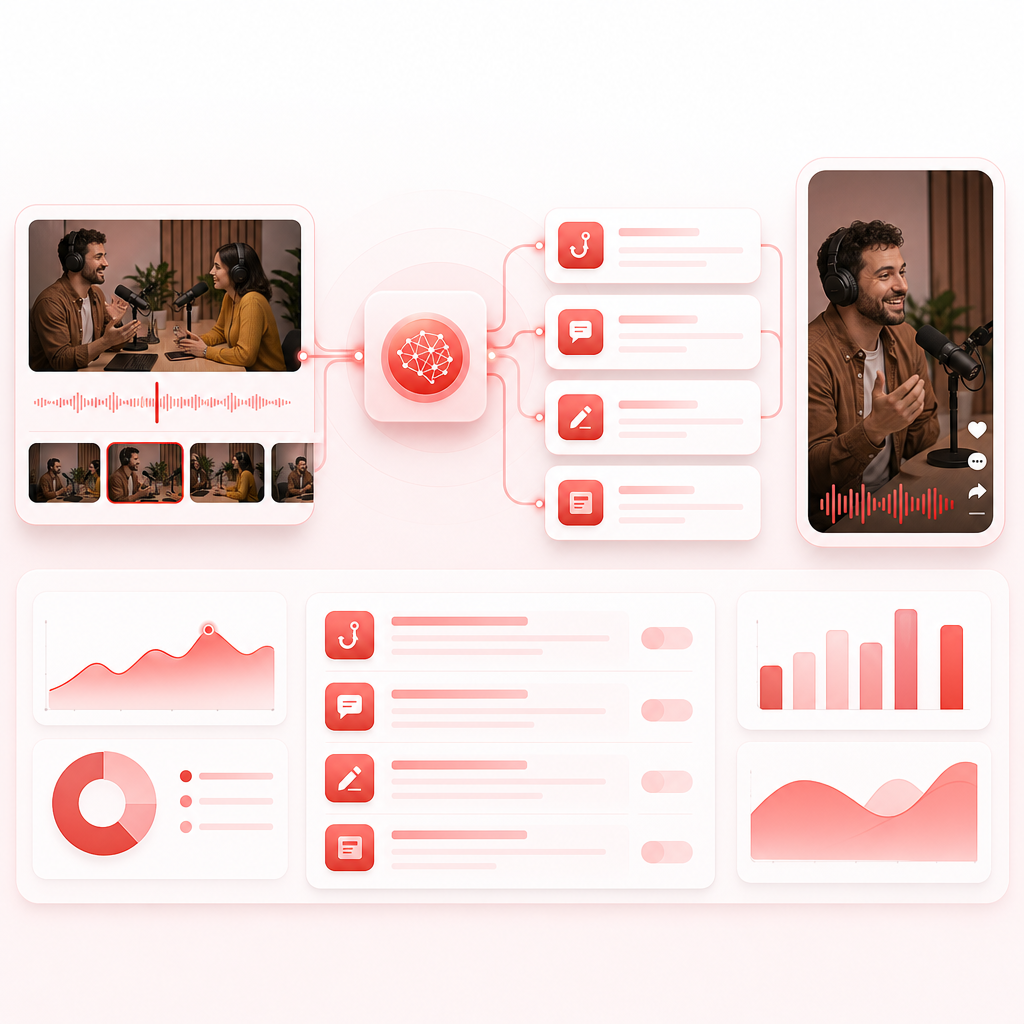
Posting clips isn’t just about cutting video—it’s about getting the click.
That’s where AI Script Writer helps:
- Generate short-form hooks aligned with the key moment
- Create captions and post copy that match the platform style
- Make your clip packaging more consistent (and more clickable)
The goal: every clip has a reason to be watched, not just “some part of the episode.”
Why This Matters for Video Podcasts
Short-form doesn’t replace your podcast—it feeds it.
With Vizard Clips, your episode can
- Reach new audiences who only consume clips
- Increase recognition for your show and guests
- Drive repeat viewers from Shorts back to your long-form library
- Turn “best moments” into ongoing promotional assets
Your content output multiplies. Your discovery does too.
Short-form keeps your long-form library working longer.
Best Platforms for Vizard Clips Repurposing
Vizard Clips is ideal for repurposing your video podcast into:
YouTube Shorts
Discovery + fast watch-through.
TikTok
Hook-first content that travels.
Instagram Reels
Engagement + shareability.
Thought leadership snippets that build authority.
Post more often without doubling your editing time.
Common Use Cases (Exactly for Podcasters)
1) Podcast Interviews → Clip Series
Turn guest moments into multiple posts per episode—so every conversation becomes a multi-day content run.
2) Solo Episodes → Educational Shorts
Extract insights, frameworks, and “aha” moments into bite-sized learning posts.
3) Webinars / Livestreams → Promotion Engine
Your live content can keep working long after the stream ends.
4) YouTube Videos → Podcast-Style Discovery
If your podcast is video-first, short clips can help you recruit new listeners to the full episode.
Frequently Asked Questions
? Is Vizard Clips only for YouTube?
No. Vizard Clips is built to repurpose long-form content for YouTube Shorts, TikTok, Instagram Reels, and LinkedIn.
? Does it work for video podcasts specifically?
Yes. It’s designed for creators recording video podcast episodes who want short clips extracted from the long-form recording.
? What does “Browser Extension Supports Chrome & Edge” mean?
Vizard Clips provides a Browser Extension (Supports Chrome & Edge) to help streamline parts of the repurposing workflow.
? What is AI Script Writer used for?
It helps generate short-form hooks and post text so your clips are more clickable and consistent—without you starting from scratch.
? How do GapTube.ai and Vizard Clips work together?
GapTube.ai helps you discover winning topics and content gaps. Vizard Clips helps you repurpose the episode you create into dozens of short clips for ongoing promotion.
Ready to Multiply Every Episode?
Stop treating each video podcast episode like a one-time post.
Vizard Clips turns long-form content into dozens of ready-to-post clips—so you can grow through short-form discovery while keeping your long-form library strong.
Next step: Pair Vizard Clips with GapTube.ai - YT Research Tool to unlock a full growth loop: “find what to publish → publish → multiply.”