
Vizard Clips — Multiply Your Content Output
If you’re a busy creator, the hardest part of content isn’t just filming—it’s researching, editing, and planning enough posts to stay consistent. Vizard Clips helps you break that bottleneck.
Turn one long video into dozens of ready-to-post clips
Vizard Clips helps you break that bottleneck. It extracts key moments from your long-form videos and turns them into short, shareable clips built for platforms like:
- YouTube Shorts
- TikTok
- Instagram Reels
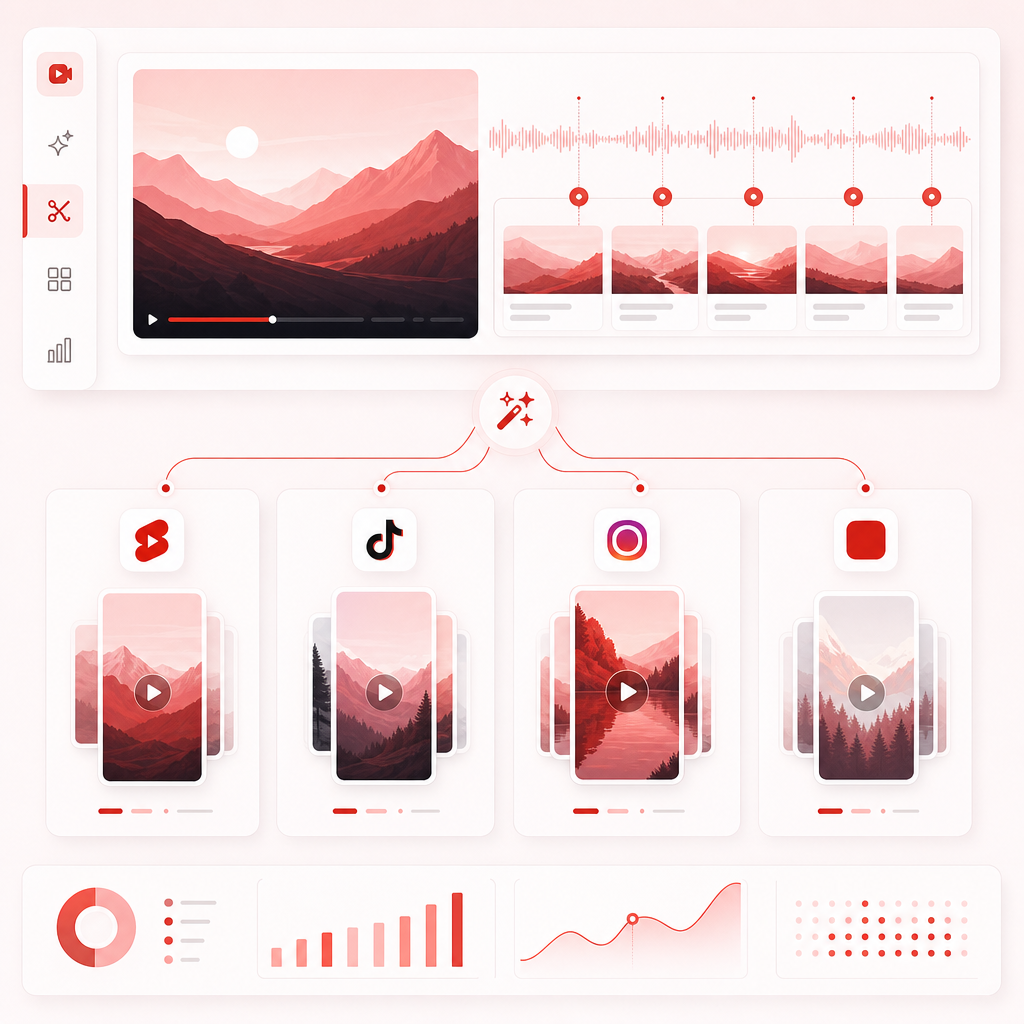
Who this is for (Time-Strapped Creators)
The real problem: long-form is valuable… but under-leveraged
Long-form content creates depth, authority, and watch time. But if all that work turns into only one post, you’re leaving distribution on the table.
Most creators don’t need new ideas—they need faster extraction of highlights, less manual editing, and a simple way to repurpose content into short-form formats consistently.
That’s exactly what Vizard Clips is designed to do.
- Faster extraction of highlights
- Less manual editing
- A simple way to repurpose content into short-form formats
The winning combo: GapTube.ai + Vizard Clips
You can have the best repurposing workflow in the world—but if you’re starting with unclear topics, you’ll still waste time. That’s why pairing with GapTube.ai – YT Research Tool is a shortcut to both:
- better long-form topics
- more short-form output from every upload
- Use GapTube.ai to discover trending topics + content gaps in your niche
- Powered by gaptube.ai, scanning real-time trends worldwide
- Generates actionable video ideas in 70+ languages
- Helps with keyword and topic planning so you spend less time guessing
- Use Vizard Clips to multiply the value of every long-form video
- Convert interviews, podcasts, webinars, livestreams, and YouTube videos into bite-sized clips

How Vizard Clips works (repurpose in a few steps)
While creators may use different sources, the workflow is the same: start with one long video, then extract multiple shorts.
-
Choose your long-form videoUse a video you already recorded and published (or one you’re about to publish), such as: YouTube videos, Podcast episodes, Interviews, Webinars, Livestream recordings.
-
Identify the moments worth clippingVizard Clips focuses on turning key moments into short-form content—so you’re not manually scrubbing timelines for “the good parts.”
-
Generate clips sized for each platformShort-form platforms all reward different viewing experiences. Vizard Clips helps you repurpose with clip-ready formats for places like Shorts, Reels, TikTok, and LinkedIn.
-
Publish faster (and stay consistent)Instead of one upload, you get a stack of ready-to-post clips—so you can maintain frequency while spending less time editing.
Content strategy for time-strapped creators: a repurpose system
Step A: Pick one “content pillar” per week
- One long-form video becomes the source of truth for: Shorts/Reels output
- Clip-based posts on socials
- Opportunity to test hooks and angles
Step B: Create a “clip map”
- Teach: a quick framework or tip
- Prove: a result, story, or case example
- React: your take on a trend or misconception
- Invite: a question, CTA, or “watch the full video” moment
Step C: Publish multiple short-form posts per long video
Explore use cases: what to clip (and where it fits)
Vizard Clips is especially useful when your long-form content contains naturally “clip-worthy” segments. Here are practical explore use cases you can use right away:
1) YouTube creators: turn every upload into Shorts
- Clip your strongest hooks
- Pull out key takeaways
- Extract moments where you answer common questions
- Convert your best segments into follow-up Shorts
2) Training videos: micro-lessons that keep people watching
- “One concept in 30 seconds”
- “Do this, not that” comparisons
- Step-by-step summaries
3) Podcasts & interviews: build a quote-driven short content engine
- Turn standout lines into short “quote + context” clips
- Highlight the most surprising claim
- Use clips to introduce topics for future episodes
4) TV & Movies: commentary clips and “scene reaction” formats
- “3 things this scene gets right/wrong”
- Breakdown clips of themes, characters, or storytelling choices
- “From the episode to the lesson” summaries
5) Webinars & livestreams: make “event content” evergreen
- Convert sections into standalone explanations
- Clip the best Q&A moments
- Turn the most engaging segments into a “mini-series” on socials
Workshop-style section: a simple training video repurposing workflow
Training video → short clips checklist
- A clear “topic” moment (what you’re teaching)
- A step-by-step segment (how-to)
- A transformation claim (what changes after applying it)
- A summary or recap at the end (easy repurpose opportunity)
Suggested short clip formats
- Problem → solution (fastest retention)
- Before → after (great for credibility)
- 3 tips in 30–45 seconds
- Myth → truth (high shareability)
- Checklist (high save rate)
Best practices to make your clips perform (without extra work)
- Start your clip with: the payoff, the key claim, the most useful moment
- invite viewers to watch the full episode
- tease what they’ll learn next
- build a consistent content series
Why Vizard Clips works for creators who are always behind
- watching the full video again
- finding timecodes
- cutting multiple versions
- editing clips individually
- adjusting formatting per platform
Pair your research + repurposing workflow (the “always-on” system)
Here’s a practical weekly rhythm:
- Monday (Research/Planning): Use GapTube.ai to find trending topics and content gaps
- This week (Create): Record one long-form piece (video, podcast, webinar, etc.)
- After publishing (Repurpose): Use Vizard Clips to generate multiple short clips from that long video
- Ongoing (Distribute): Post clips across Shorts/Reels/TikTok/LinkedIn to extend reach
- you create fewer “wrong topic” videos (GapTube helps topic selection)
- you publish more content from each video (Vizard Clips multiplies output)

Get more output from every upload
If you’re a time-strapped creator, consistency shouldn’t require endless editing. Use Vizard Clips to multiply your content output—turn one long video into dozens of ready-to-post clips.
And for better topics before you repurpose, pair it with GapTube.ai – YT Research Tool to discover content gaps, trends, and winning keyword opportunities.
Frequently Asked Questions
Is Vizard Clips only for YouTube? +
What types of long-form content can I repurpose? +
Will this work for training content? +
How does this help with TV & Movies content? +
Do I need to start from scratch each time? +
Ready to multiply your content?
Create one long-form piece today—then let Vizard Clips turn it into a week’s worth of short clips.